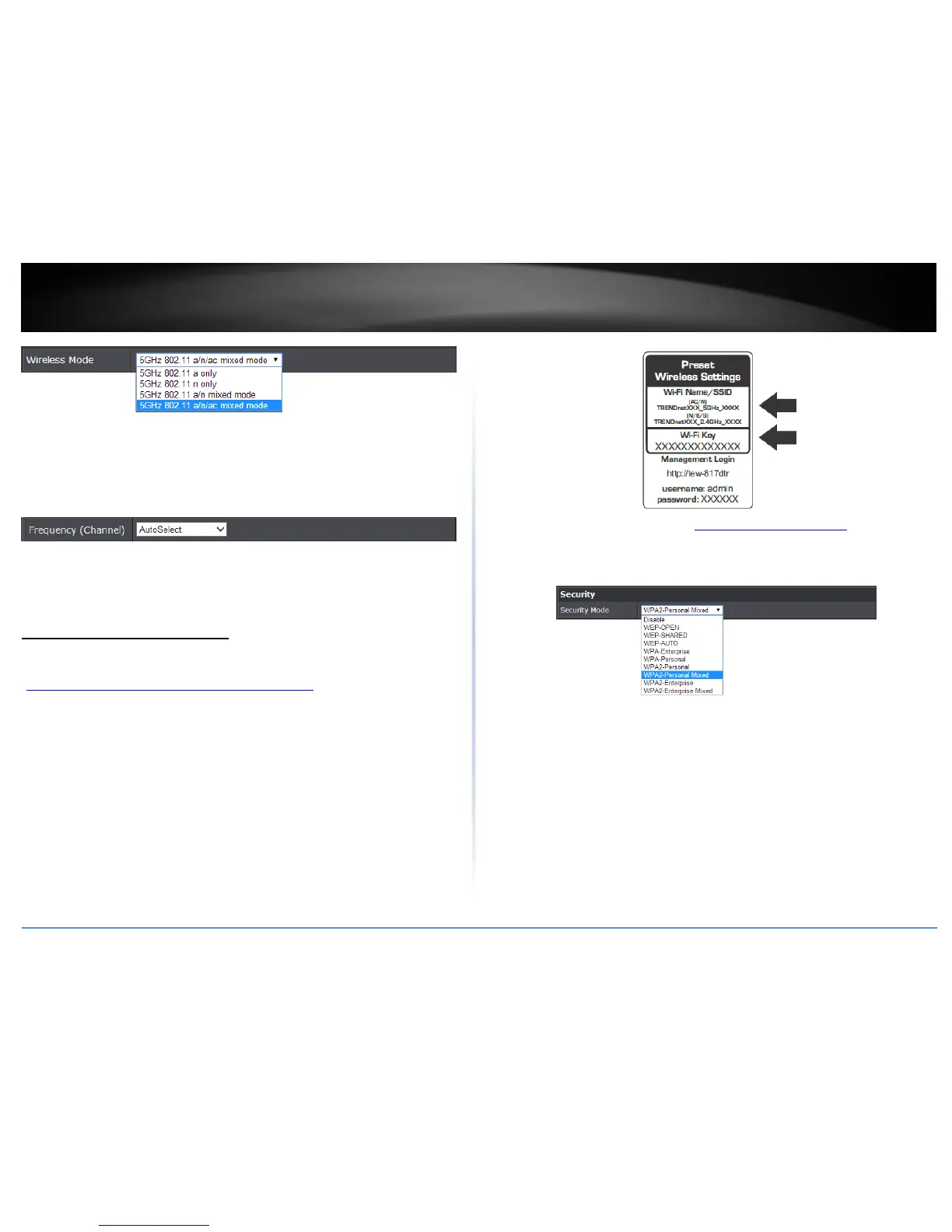
Enable Auto Channel Scan – Check this option to set your router to scan for which
wireless channels to use automatically.
Frequency (Channel) – Selecting the Auto option will set your router to scan for the
appropriate wireless channel to use automatically. Click the drop-down list and
select the desired Channel for wireless communication. The goal is to select the
Channel that is least used by neighboring wireless networks.
Wireless Networking and Security
Secure your wireless network
Basic > Wireless
After you have determined which security type to use for your wireless network (see
“How to choose the security type for your wireless network” on page 9), you can set up
wireless security.
Note: By default, your router is configured with a predefined wireless network name
(SSID) and security key using WPA2-Personal. The predefined wireless network name and
security can be found on the sticker on the side of the router or on the device label at the
bottom of the router.
1. Log into the management page (see “Access your management page” on page 7).
2. Click on Basic, and click on Wireless.
3. Under Security, click on the Security Mode drop-down list to select your wireless
security type.
Selecting WEP:
If selecting WEP (Wired Equivalent Privacy), please review the WEP settings to configure
and click Apply to save the changes.















 To Next Page