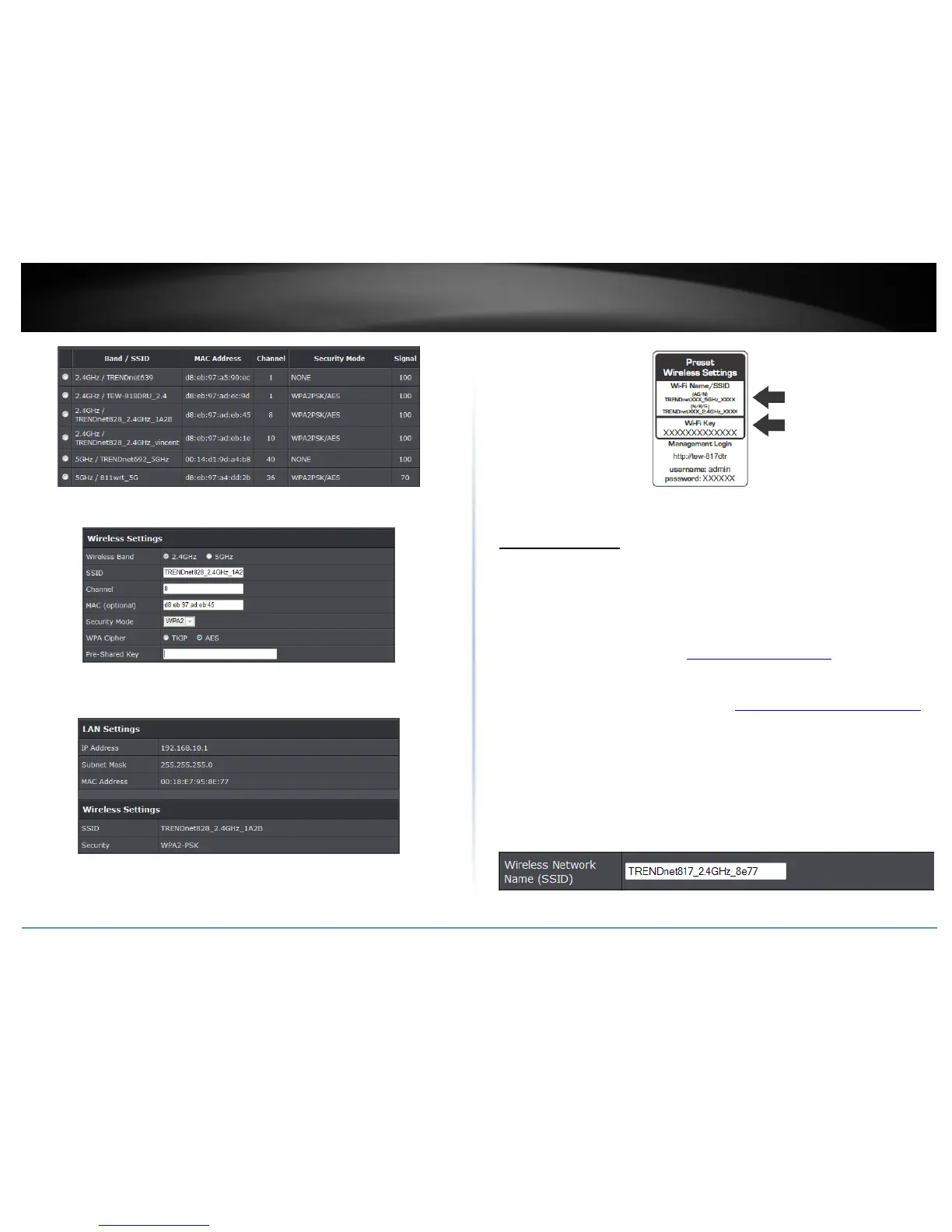
3. Enter the wireless security settings provided by your network admin and click Next.
4. Verify your settings and click Apply. To change your wireless settings, refer to
Wireless Settings in this section.
5. Wirelessly connect your devices using the default settings which can be found in the
wireless sticker on the front of the unit or the device label located in the back of the
unit. You can also plug a device using the Ethernet port of the TEW-817DTR.
Wireless Settings
Basic > Wireless (2.4GHz or 5GHz)
The TEW-817DTR concurrently operates on both 2.4GHz and 5Ghz wireless signals. In
repeater mode you can manage the wireless signal that is not repeating an existing
wireless signal. For instance, if you are repeating a wireless 2.4GHz signal you can
manage the 5GHz wireless signal and vice versa. This section outlines available
management options under basic wireless sub tab for both 2.4GHz and 5GHz wireless
sections. You can refer to the page 58 Secure your wireless network to configure your
wireless security settings.
1. Log into your router management page (see “Access your router management page”
on page 9).
2. Click on Wireless and click on Basic scroll down to Wireless Network Settings (2.4GHz
or 5GHz)
3. To save changes to this section, click Apply when finished.
Wireless Network Name (SSID): Enter the wireless name (SSID) for your wireless
network. This acronym stands for Service Set Identifier and is the name of your
wireless network. It differentiates your wireless network from others around you.
By default, the router’s wireless name is unique to the device. If you choose to
change the SSID, change it to a name that you can easily remember.
Broadcast Network Name (SSID)















 To Next Page