10. Follow the steps through the wizard to complete installation.
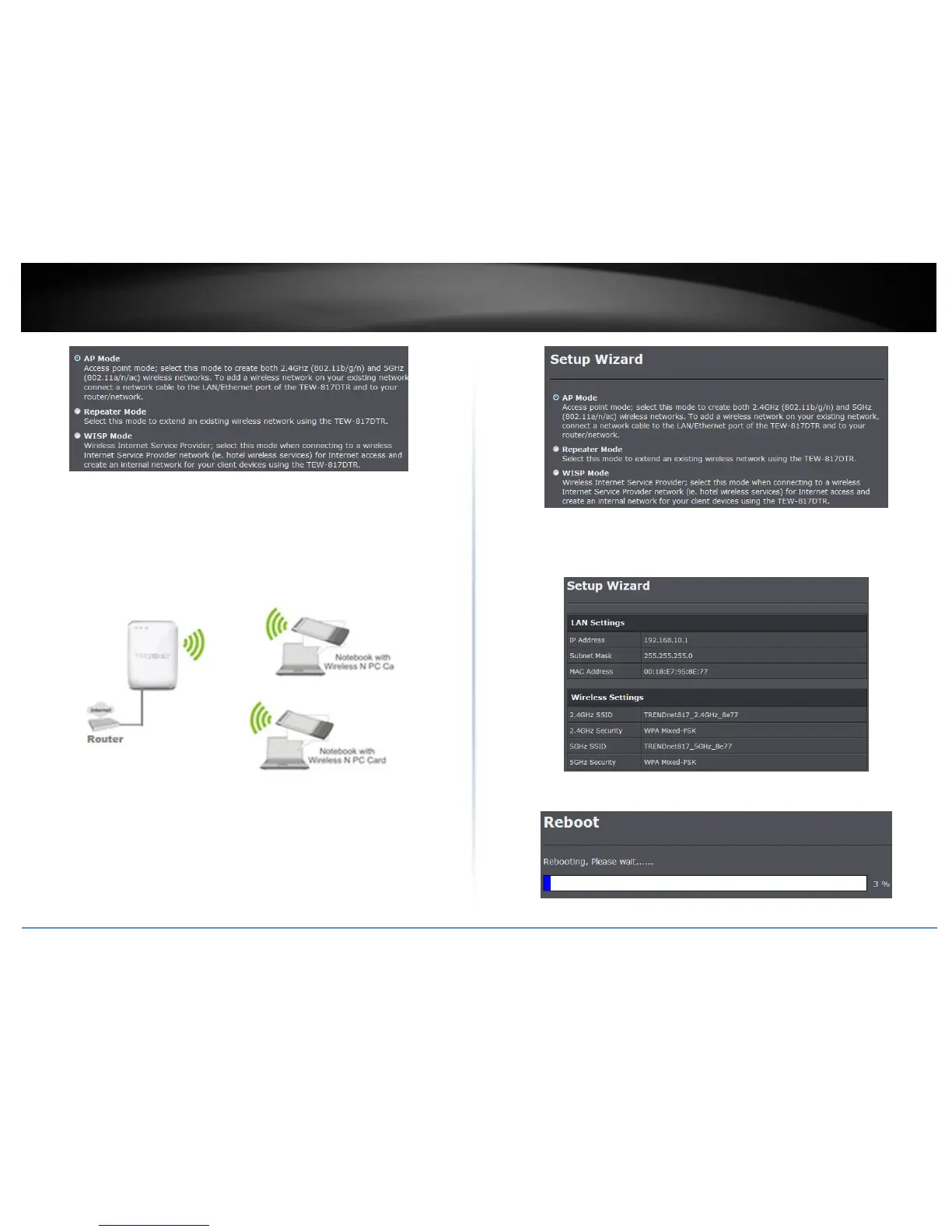
Access Point Mode
In Access Point mode, the TEW-817DTR serves as your wireless access point on your
typical network. This allows you to establish a wireless network in an existing wired only
network or expand an existing wireless network.
Setup Wizard
1. Once logged into the management page click Wizard on the left hand side of the
window.
2. Select AP Mode and click Next.
3. The TEW-817DTR comes preconfigured with wireless encryption. Verify your settings
and click Apply. To change your wireless settings refer to Wireless Settings in the next
section.
4. Wait for the settings to apply.















 To Next Page