192 microseconds. However, using a short preamble is not supported using 802.11b
legacy devices, in some cases cause wireless interoperability issues, and increase
the error rate in some installations. The preamble is the info. sent from the wireless
transmitter to the receiver indicating when data is incoming.
Short Slot: Short Slot Override defines the amount of time a device waits after a
data frame collision before retransmitting the data. Reducing the time from 20
microseconds (standard) to 9 microseconds can potentially increase throughput
however, can also increase the error rate.
Tx Burst: Select this option to enable transmit packet burst.
Pkt_Aggregate: Select this option to enable packet aggregate feature
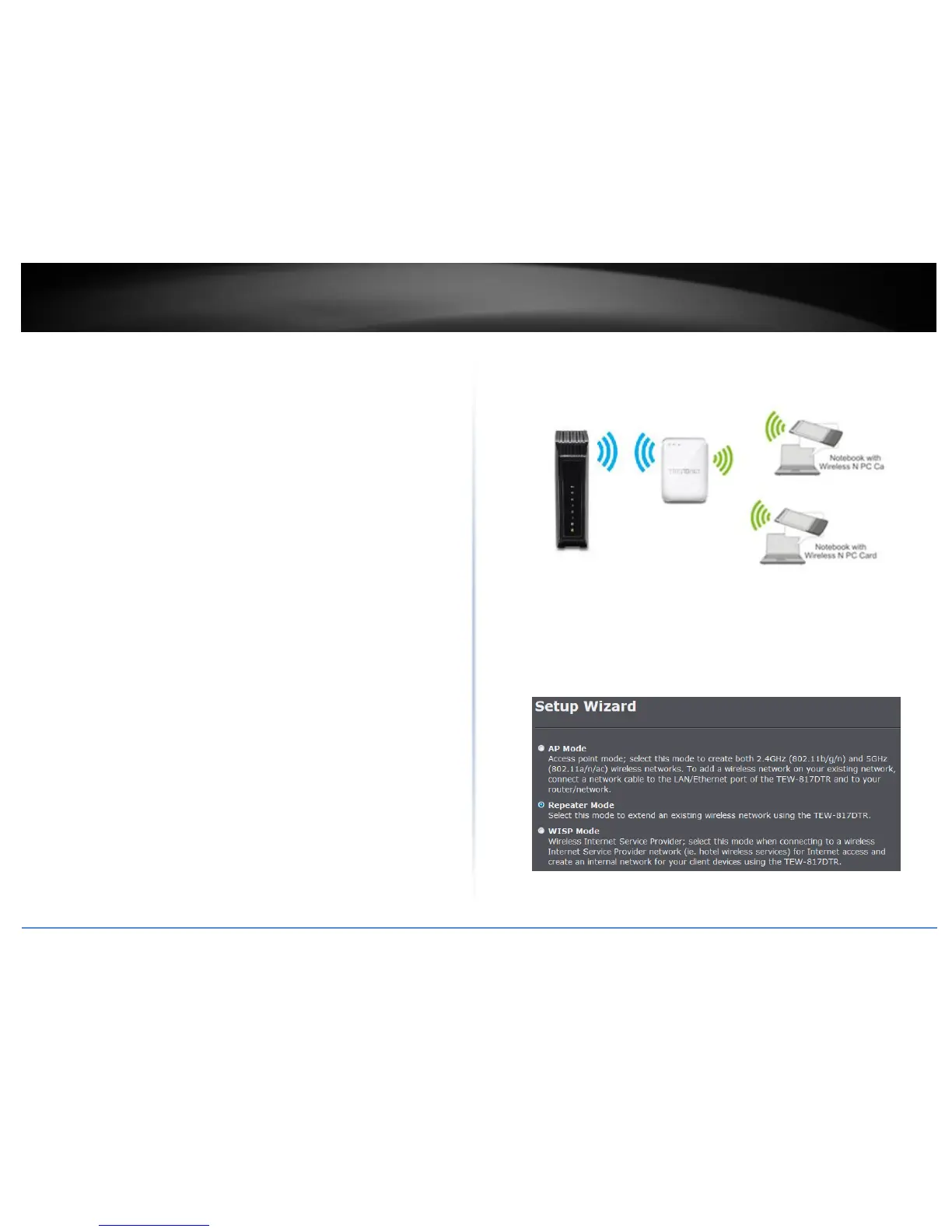
Repeater Mode
In Repeater mode, the TEW-817DTR Is used to extend the wireless signal of an existing
wireless network.
Setup Wizard
1. Once logged into the management page click Wizard on the left hand side of the
window.
2. Select Repeater Mode and click Next.
3. Select the wireless network you would like to extend.















 To Next Page