10
Connect the Aerial to RF In and connect the
Power Supply to the socket. Connect the HDMI
or SCART output to the TV.
InitialPowerUp-PowerOn/O
Whenin“Standby”mode,pressthekeyonthe
remote control to switch on the receiver. Pressing
the key again will put the receiver back in to
“standby”mode.
First Time Installation
On initial power up, the screen below will be
displayed indicating there are no channels stored.
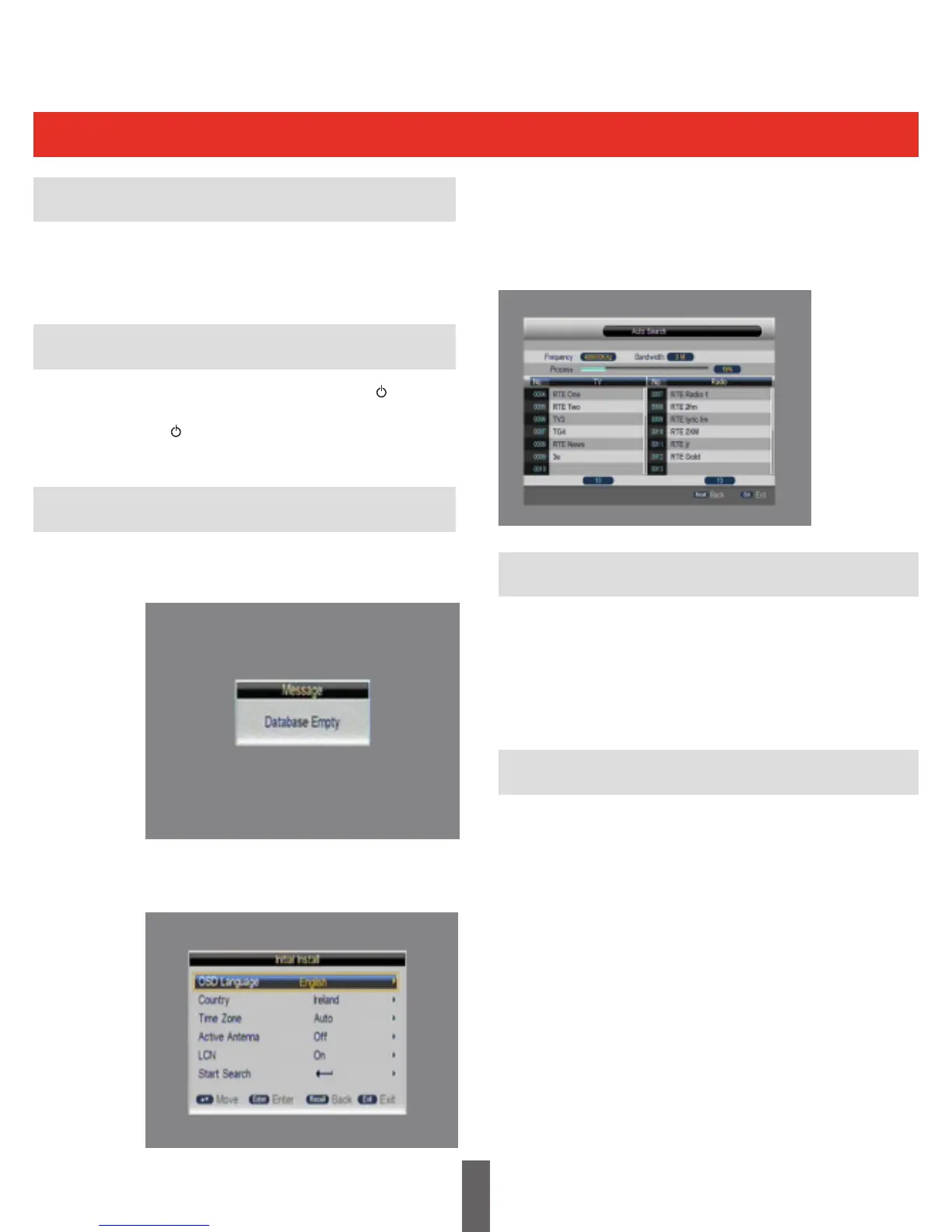
The initial installation screen shows several basic
set-up parameters, as shown below
Watching TV
Getting Started
The user can select the OSD Language, Country,
Time Zone, Active Antenna and LCN from this
menu.
Press“StartSearch”tosearchchannelsas
shown below:
Volume Adjustment and Mute
Press“Vol+/-”toadjustthevolumewhenthe
system is in normal viewing mode; A volume bar
is displayed
Press“Mute”todisablethesound,pressing
“Mute”againwillenablethesound.
Changing Channels
Press“CH+/-”toswitchtothepreviousornext
programme in the channel list.
Alternatively press the number keys to input the
programme number directly.



 To Next Page