12
Electronic Programme Guide
Entering the EPG
Youcanpressthe“EPG”keyontheremote
control to Enter into the EPG page. As shown
below:
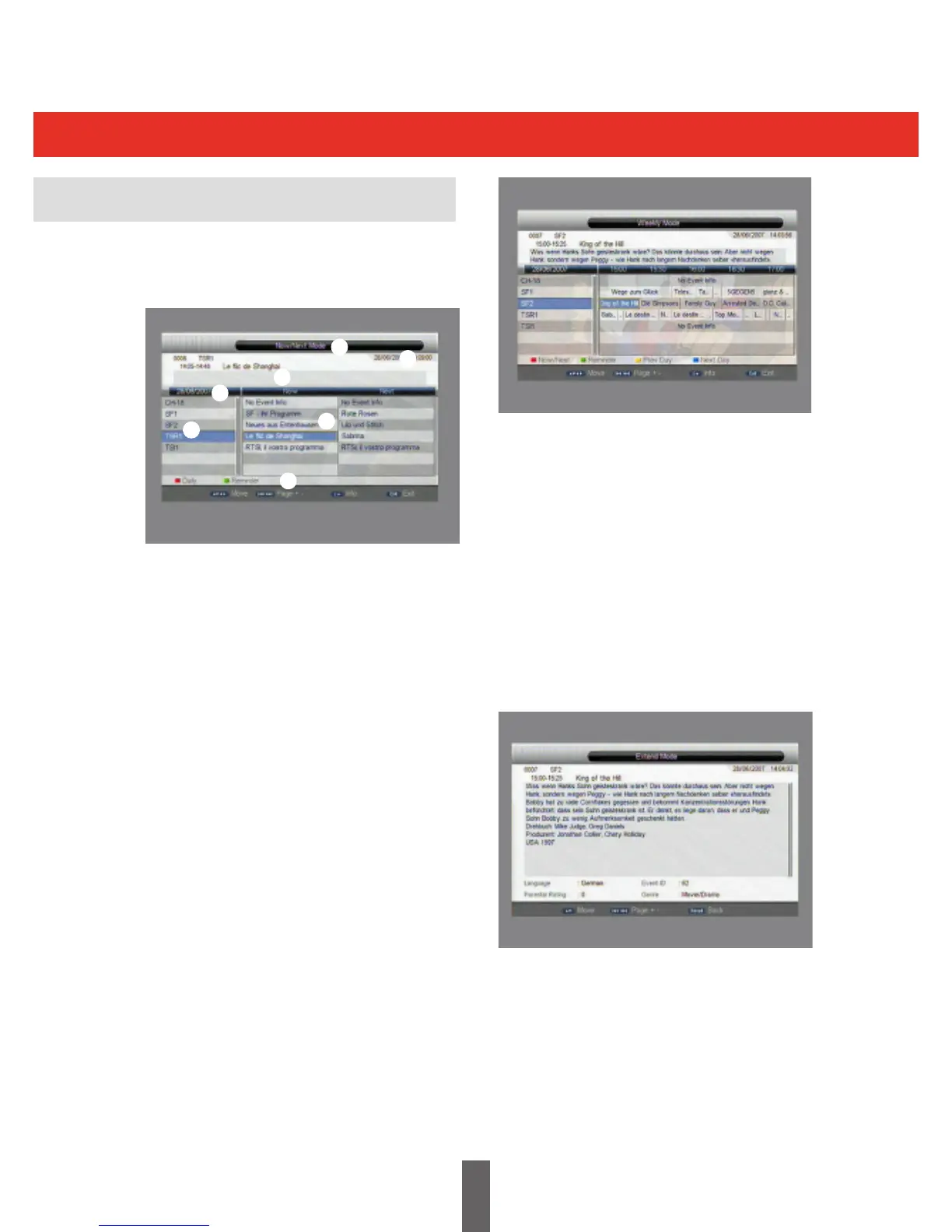
EntertheEPGmenu,“Weekly”mode,(7Day
EPG), is the default setting, this menu has 7
parts:
Tab 1 shows the title
Tab 2 shows the time and date
Tab 3 shows selected date
Tab4 showsprogrammelist,press“UP/
DOWN”toswitchbetween
programmes
Tab 5 shows the time range and
programme information
Tab 6 shows programme information
from Tab 5
Tab 7 shows information for keys
corresponding to the coloured keys
on the remote control
Press“LEFT/RIGHT”toswitchbetween
programmes in the list
Pressthe“RED”keytoenterintoDAILY/NOW/
NEXT/WEEKLY”modewhichdisplaysthe
channelsandprogrammeinformationindierent
time ranges, as shown in the picture.
Pressthe“YELLOW”&“BLUE”keytoswitch
between days in Tab 3
Press“UP/DOWN”keytomoveupwardand
downwardstoswitchbetweenthedierent
programmes in Tab 5
Press“LEFT/RIGHT”keytoviewtheprogramme
informationindierenttimerangesinTab6.
Whenaprogrammeisselected,pressthe“info”
key to select the information corresponding to
the current program, as shown below.
When a programme is selected in Tab 5, press
the green key to set a recording. Pressing green
key again sets a reminder, a third press cancels
any settings, as shown in the diagram overleaf:
4
3
6
5
7
1
2



 To Next Page