15
(2)Pressingthe“PAUSE”(|| ) key will start
thetimeshiftmode.The“TimeShift”iconwill
be shown on the screen when this operation is
available:
(a) In normal viewing mode, when time shift is set
toAutoorPausewithinthePVRCongMenu.
(b) In recording mode.
(3)Pressingthe“<<”keywhenintimeshiftmode,
will fast rewind the programme. This operation
is available :
(a) In normal viewing mode, when time shift is set
toAutoorPausewithinthePVRCong
Menu.
(b) In recording mode.
(4)Intimeshiftmode,whenthe“STOP”keyis
pressed, it will exit time shift mode and return to
playing the live programme. Any recording will
continue to record as normal.
(5) In time shift mode, Fast Forward will catch
up with the live programme, when the time
shift catches up with the live programme, it
automatically exits time shift mode, and returns to
the current program. Any recording being made
will carry on as normal.
There are two kinds of Installation modes:
(1) Auto Search
(2) Manual Search
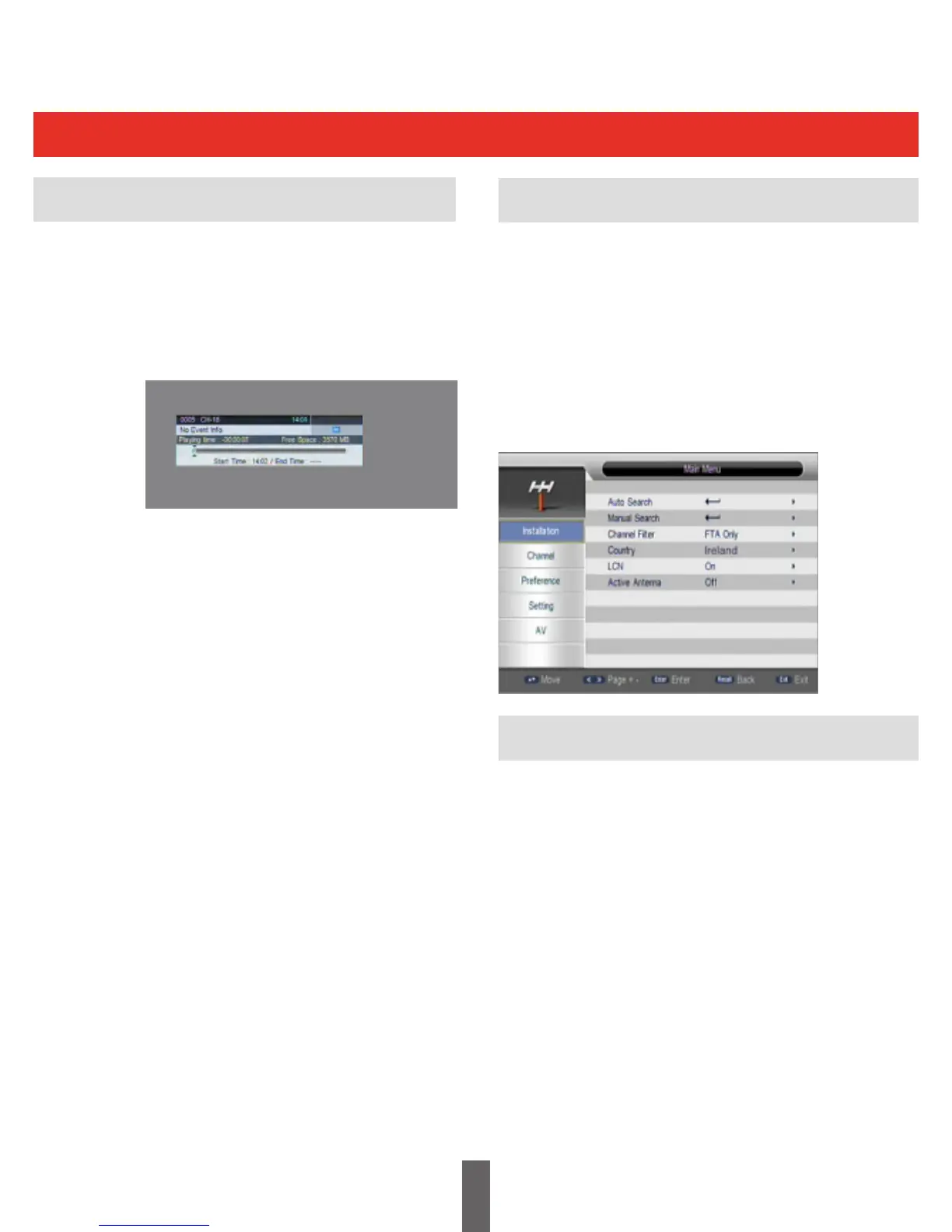
Youselectthe“Installationmenu”fromthe“Main
Menu”.APINNumberisrequired.(defaultPIN
is 0000)
Auto Search is an intelligent and convenient
mode of programs searching. It searches all
frequencies within countries of region.
Countries include Ireland/UK/Germany/Italy/
France/Spain/Holland/Taiwan/China/Norway/
Finland,etc.Select“AutoSearch”,thenpress
the“OK”keytostartthe“AutoSearch”.
Installation
Auto Search
Time Shift Mode is only available when an
external memory device is connected to the
receiver.
(1) In time shift mode, you can pause a live
programme.
Time Shift Mode



 To Next Page