22
The following options can be accessed in the
“SystemSettingsMenu”.ToEnterthismenu
pressMainMenu>Settings,thenpress‘OK’see
below:
If you want to watch a channel at a certain time or
record programmes, reminders can be set in the
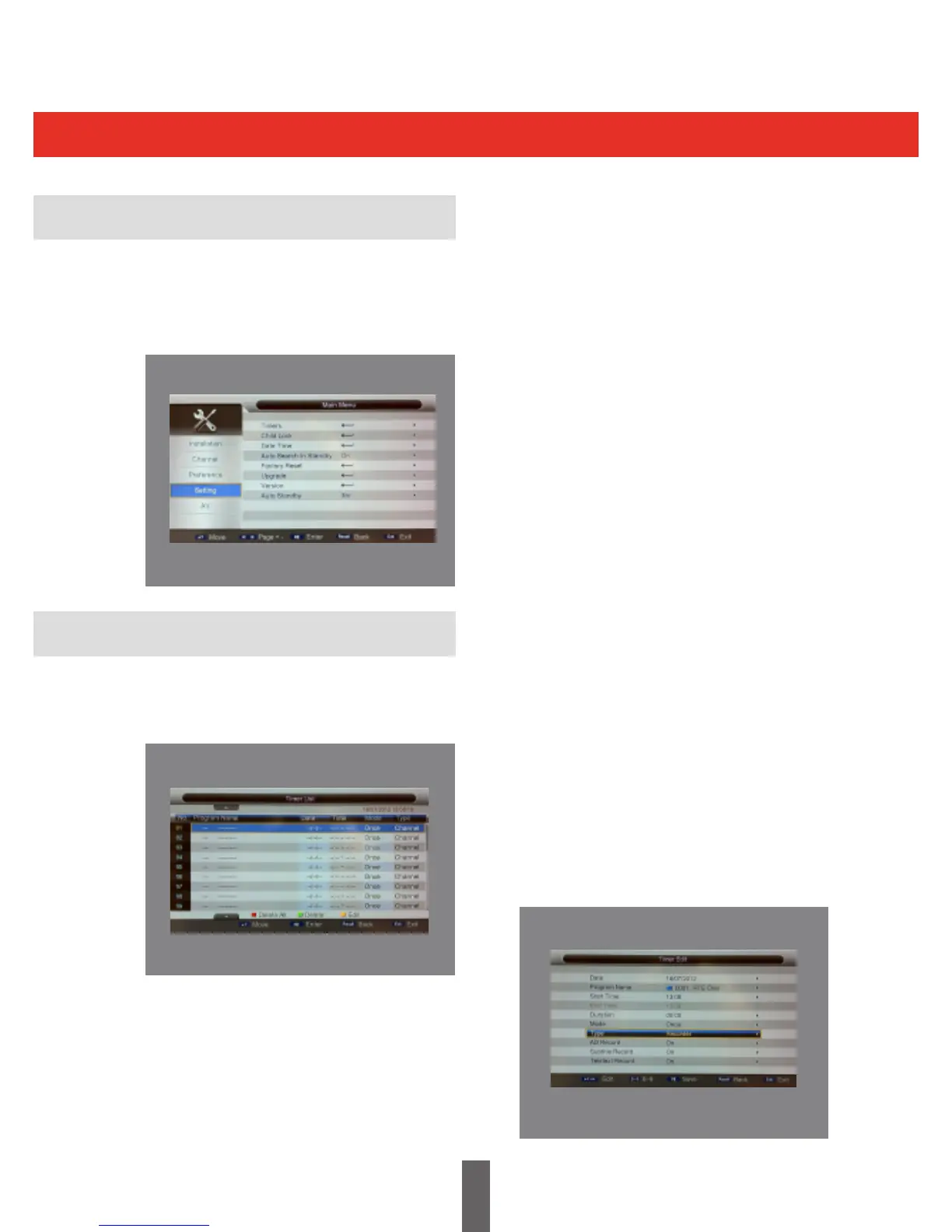
Timers menu, This is shown below in the picture.
• Providesalistwheretimerscanbeadded,
viewed, edited, or deleted
• “TimerMode”shalllistallthetimersthatare
addedviathe“EPG”aswellasthetimers
that are manually added by the user through
the“TimerMenu”
• AMaximumof27timerscanbeset.
System Settings Menu
System Settings Menu
Timers
Press ‘OK’ to enter the ‘Timer Edit’ menu.
In the Timer Edit menu, the system can support
upto10events.Date:Speciesthetimerdate
Programme Name:
Speciesthechannelforwhichthetimerisset
Start Time:
Speciesthestarttimeofthetimer
End Time:
Speciestheendtimeofthetimer
Duration:
Speciesthedurationtimeofthetimer
Mode:
Speciesthefrequencyofthetimer,theduration
can be any of the following:
• Once-timerwillbetriggeredonlyonce.
• Daily -timerwillbetriggereddailyatthe
speciedtime.
• Weekly-timerwillbetriggeredeveryweek
atthespeciedtime.
• Monthly-timerwillbetriggeredevery
Monthatthespeciedtime.
Type:
Speciesthechanneltypeforwhichthetimeris
set. The user can select the channel, Recorder,
On and Standby in this option. If the user selects
Recorder type, you can Enable or Disable the
various options such as AD Record.



 To Next Page