34
Rename
Highlights the previous item in
thesamecolumn.Iftherst
item is reached, it highlights
the last item in the same
column.
Highlights the next item in the
same column. If the last item
isreached,ithighlightstherst
item in the same column.
Highlights the next item in the
same row. If the last item is
reached,ithighlightstherst
item in the same row.
Highlights the last item in the
samerow.Iftherstitemis
reached, it highlights the last
item in the same row.
Change the media to DVB
Changes the characters
between capital and lowercase
Enters a space
Deletes the current character
Conrmsthemodication
to the name and the menu
returns to Recorder manager
Menu.
Key Stroke Action
KEY_YELLOW
KEY_BLUE
KEY_LEFT
KEY_RIGHT
KEY_MEDIA
KEY_RED
KEY_GREEN
KEY_DOWN
KEY_UP
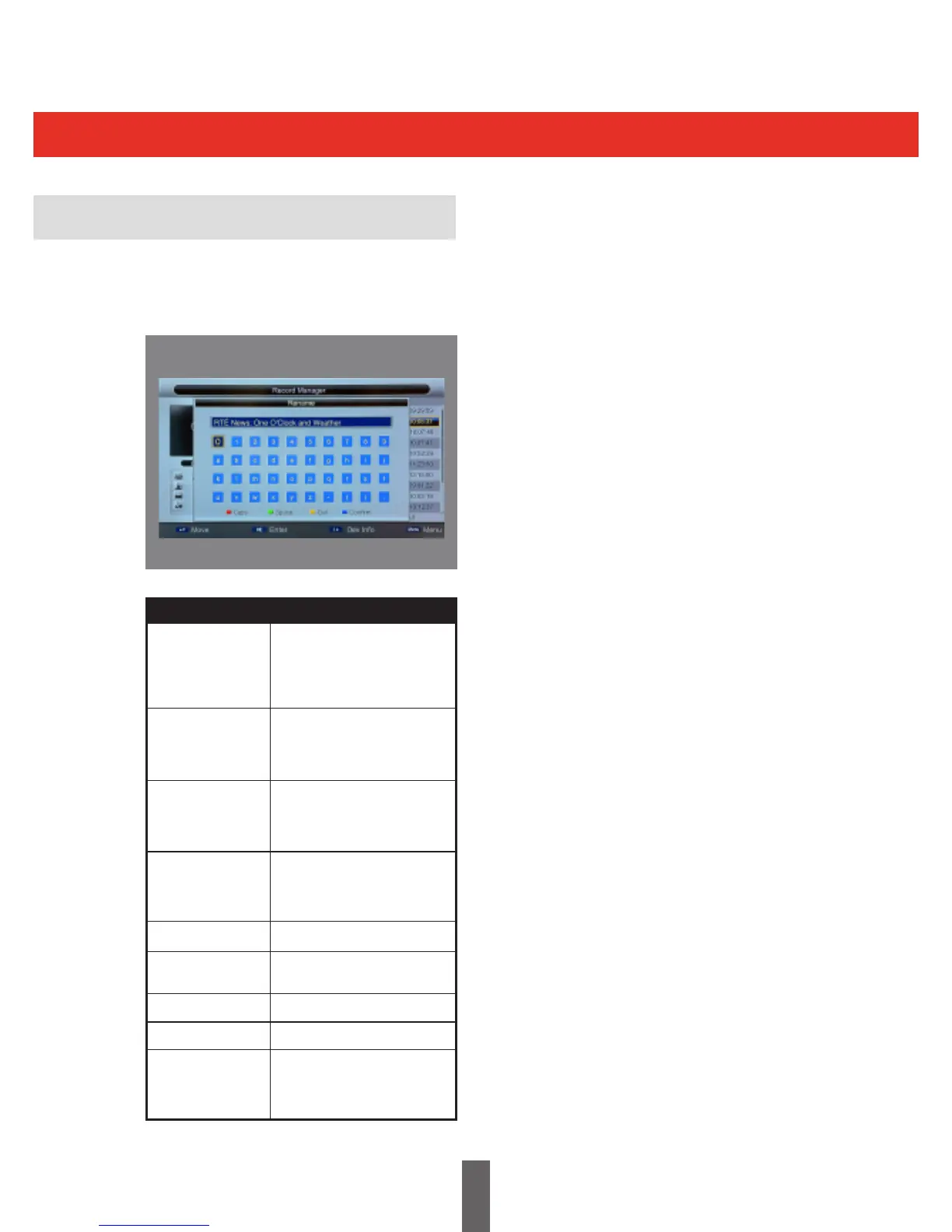
The picture below shows the Rename Menu.
In this menu the user can change the program’s
name to their own preference.



 To Next Page