35
TheDiskManagerMenuislikethelebrowser
menu, the keys work as in the same way but the
functionofthefourcolourkeysaredierent.The
following table shows the functions of the four
coloured keys. The other keys are the same as
thoseinthelebrowsermenus.
The Rename Menu is the same Layout and
functionality as discussed earlier in this manual.
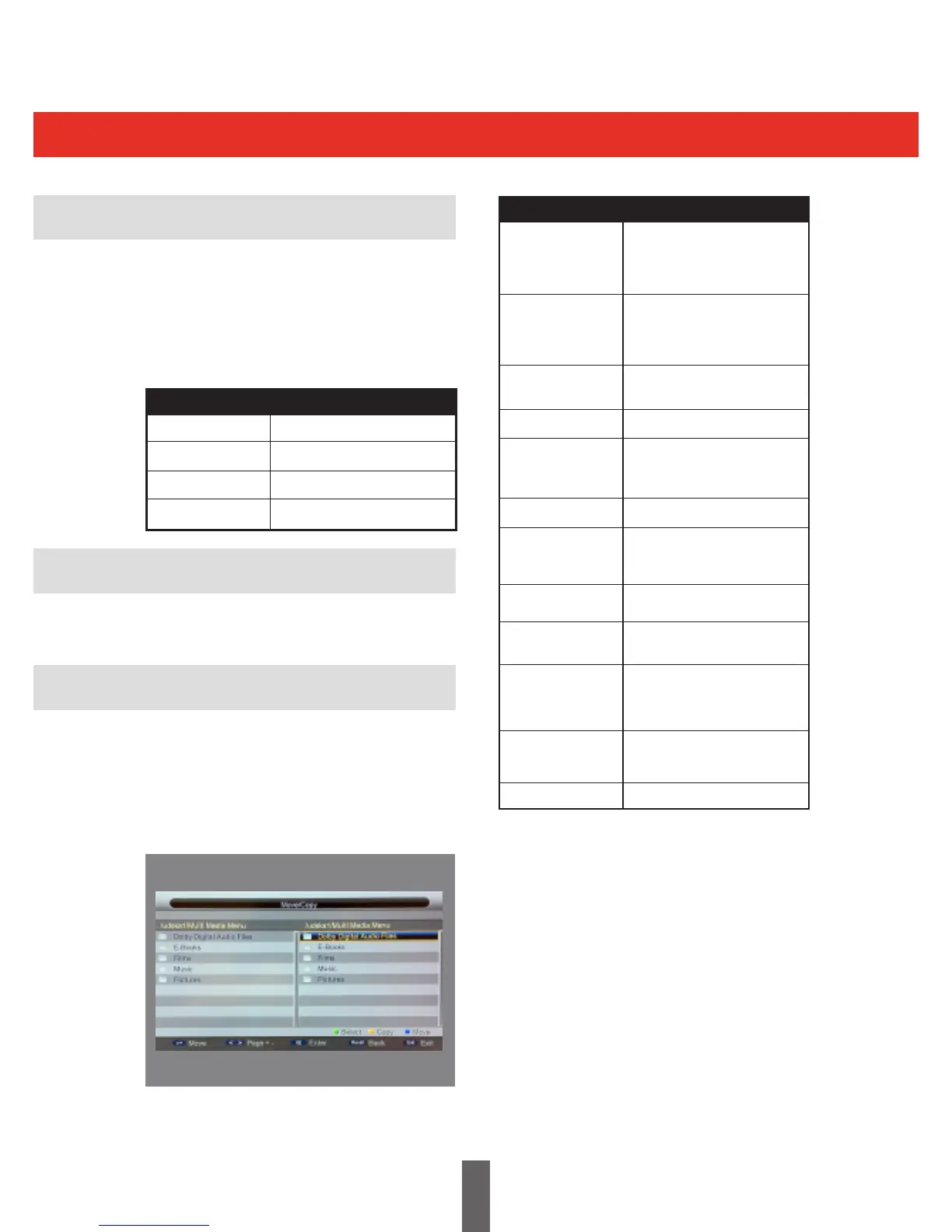
The Menu shown in the picture below is the
Move/copy Menu. In this menu the user can
movelesorfoldersfromonesidetotheother.
It can also copy the content from one side to the
other.
Disk Manager
Disk Manager Browser
Rename
Move / Copy
Show move/copy menu.
Show rename menu.
Delete the selected item.
Deletes all items.
Key Stroke Action
KEY_YELLOW
KEY_BLUE
KEY_GREEN
KEY_RED
Highlights the previous item in
thelelist.Iftherstitemis
reached, it highlights the last
iteminlelist.
Highlights the next item in
thelelist.Ifthelastitem
is reached, it highlights the
rstitem.
Changetheselectedlefrom
one side to the other side.
The same as KEY_LEFT.
If the selected item is a folder,
press KEY_OK to
enter the folder.
Return to parent folder.
Selects the highlighted item
ready to move to the other
side.
Copy the content of the
selected item to the other side
Move the selected item to the
other side
Inthelelist,pressing
KEY_EXITreturnsfromthele
listtothemedialterselection
mode.
Thelebrowsermenu
disappears and the main menu
is shown, OR, vice-versa.
Enters / Exits Media menu
Key Stroke Action
KEY_LEFT
KEY_RIGHT
KEY_OK
KEY_RECALL
KEY_GREEN
KEY_YELLOW
KEY_MENU
KEY_MEDIA
KEY_EXIT
KEY_BLUE
KEY_DOWN
KEY_UP



 To Next Page