42
Appendix
Troubleshooting
The following conditions in the table below do not always indicate a problem. Please perform the checks
described below before calling for service. If the problem cannot be corrected by the use of this manual,
remove the mains plug from the power socket and contact the Helpline on 00 44 1443 778910 to obtain
service or advice (Normal operator charges apply).
Alternatively you can email us at: stbsupport@triax.co.uk.
In the unlikely event of this equipment requiring repair during the guarantee period, you will need to
provide proof of purchase to your point of sale. Please keep your purchase invoice or receipt in a safe
place.
WARNING
Under no circumstances should you try and repair this product yourself. This will invalidate the
guarantee. Do not open the unit as there is risk of electric shock.
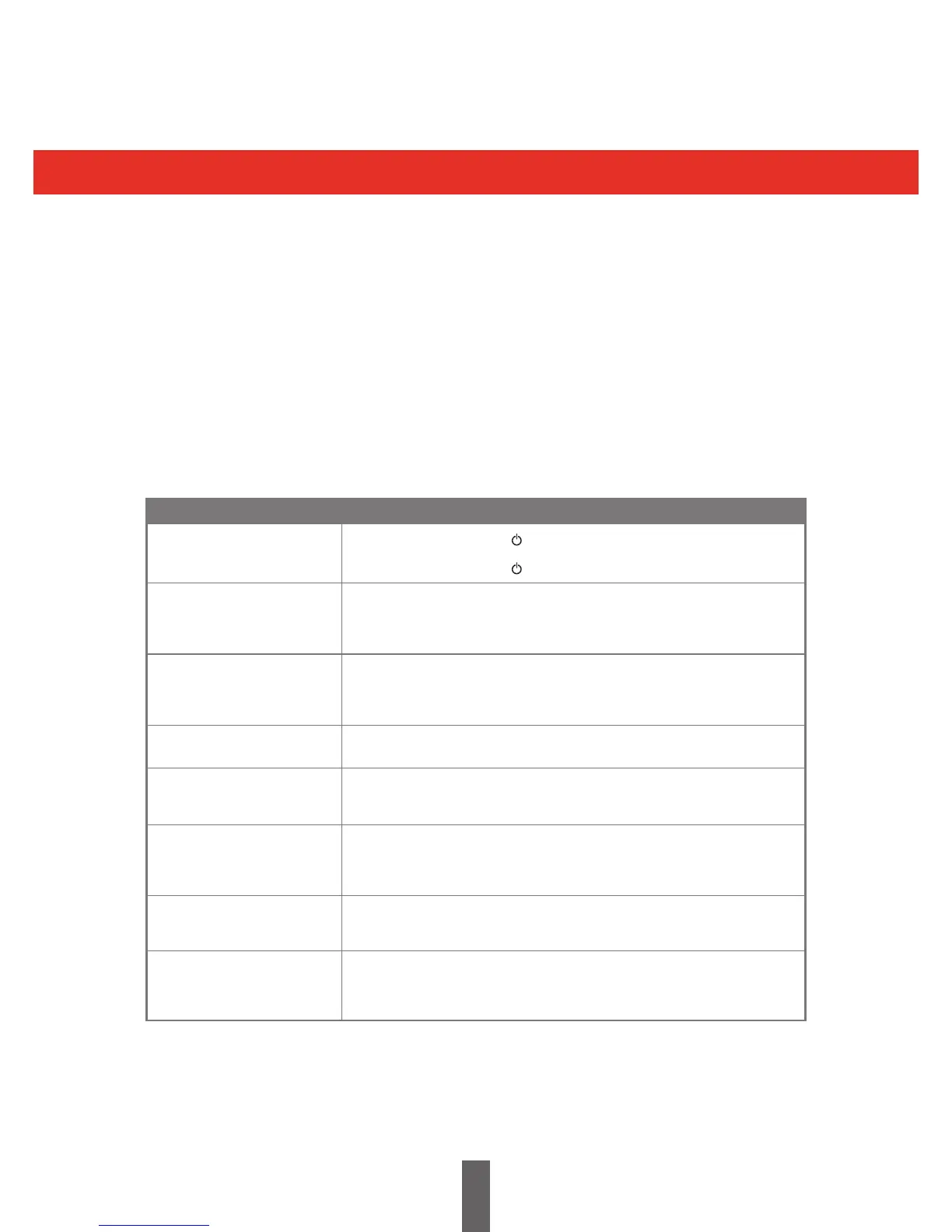
No power
The receiver cannot
be operated
Remote control unit does
not operate
Picture format incorrect
Power is suddenly
turned o
No picture
No sound
Freezing / Blocking
• Checkifyoupressedontheremotecontrolunit
• IstheACpowerpluginsertedandswitchedon?
• Checkifyoupressedonthereceiver
• Turnoreceiveratmainssupply,leavefortwominutesandswitchbackon
• Arebatteriesinsertedwithpolarity(+,-)aligned?
• Arebatterieswornout?(Replacewithnewbatteries.)
• Areyouusingitunderstrongoruorescentlighting?
• Isauorescentlightilluminatingtheremotecontrolsensor?
• Refertopage25.
• Isautostandbyactivated?(Page24)
• Areconnectionstoexternalequipmentcorrect?(Page9)
• Istheinputsignaltypeselectedcorrectlyafterconnection?(Page9)
• Isthecorrectoutputsourceselected?(Page26)
• Istheantennaconnectedproperly?(Page9)
• Isthevolumetoolow?
• Checkifyoupressedmuteontheremotecontrolunit.
• CheckSCARTleadisinsertedcorrectlyifused.
• Checkreceptioninformation.
• Refertopage9toperformtheFirstTimeInstallation.
Problem Possible Solution



 To Next Page