37
Software Upgrade
USB Upgrade
The receiver software can be upgraded. The
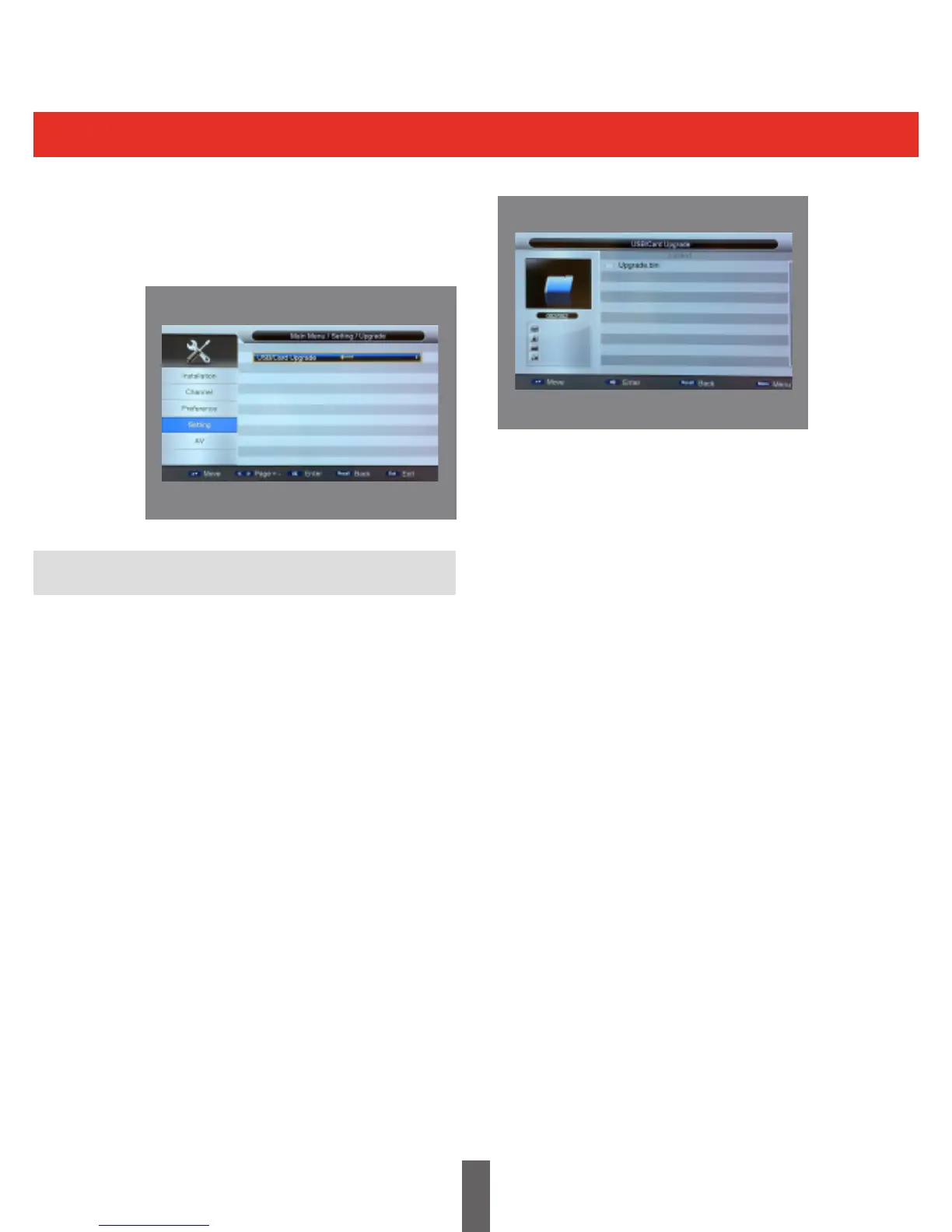
software upgrade menu can be accessed through
Menu>Settings>Upgrade.Thisisshownbelow:
The USB upgrade is a fast and convenient way
to upgrade the system software, You simply
copytheupgradeleontoaUSBmemorystick,
and plug the USB device into the system USB
interface. You can then upgrade the software as
follows:
• BeforeaUSBupgrade,youmustprepare
theupgradele.Thelenameisusuallya
*.bin (not case sensitive), Otherwise the
system can not enter the upgrade mode.
• ThesizeoftheUSBupgradelemustbe
less than or equal to 4M bytes, if not it may
result in a failure to upgrade.
• USBupgrade:
- Enter the USB upgrade menu
press(menu->setting->upgrade->
USB upgrade)
Enter the USB directory list page, as
shown below:
Selecttheupgradeleandpressthe“OK”key
to start the upgrade. Enter the upgrade page to
show information and prompt the user on the
upgrade process:
• ThewholeUSBupgradeprocesswilltake
a couple of minutes.
• DONOTswitchothepowerduringthe
upgrade process.
• Whentheupgradehasnished,thesystem
will automatically restart with the new
rmware.



 To Next Page