11
Basic Functions
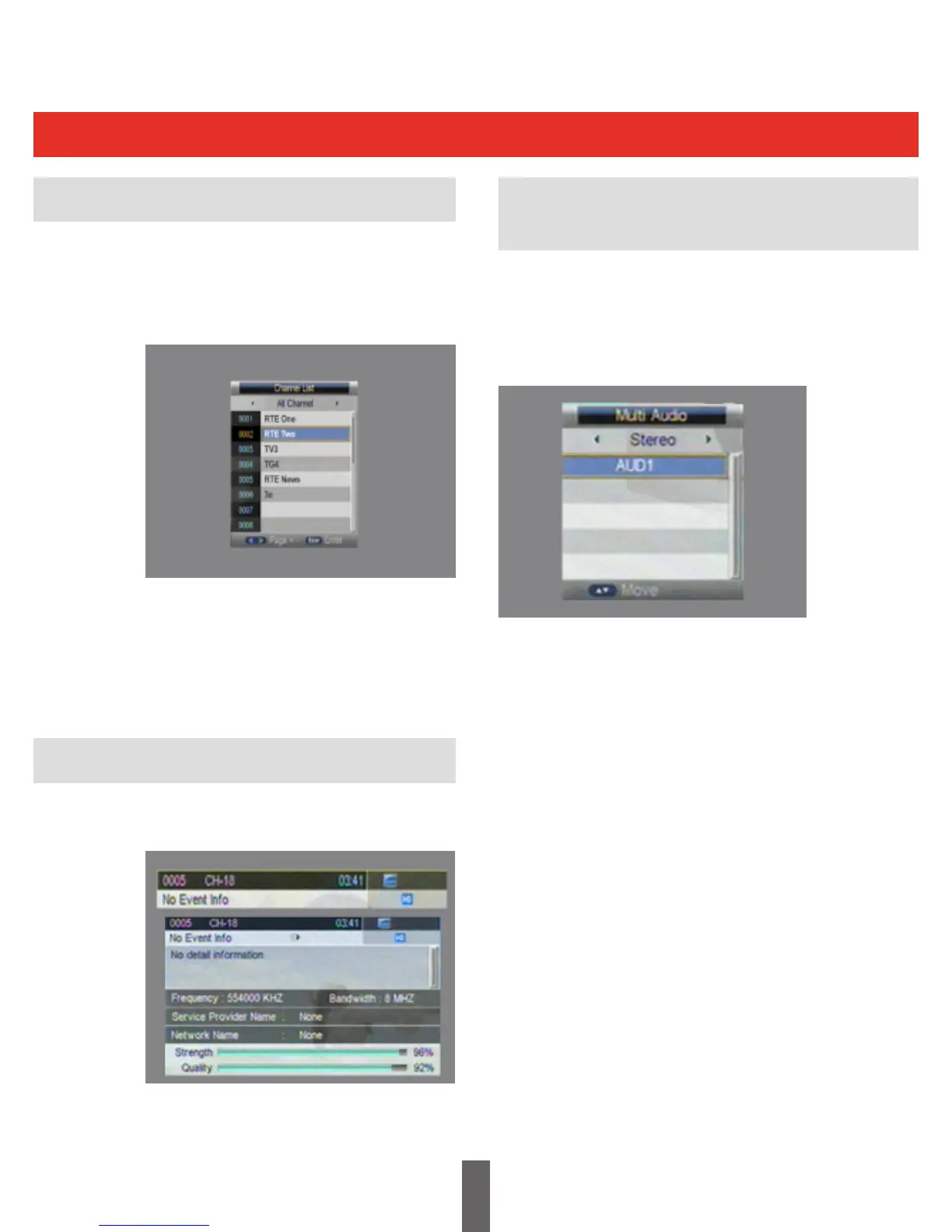
Press“OK”todisplaytheQuickChannel
ProgrammeList.Press“LEFT/RIGHT”toselect
thechannelcategories.Press“UP/DOWN”to
select the desired programme.
QuickChannel
Press“OK”toselectchannel.Ifthereare
favourite channels set up, press ‘OK’ then the
‘Left/Right’ key to select the required ‘FAV’ list.
Press“UP/DOWN”toselecttherequired
channels,Press“OK”toconrmtheselection.
Pressthe“info”keytwicetoshowinformationon
the current programme.
Pressthe“EXIT”keytoreturntotheprevious
selected channel.
Pressthe“AUDIO”keytoswitchtheaudio
language of the current programme and switch
between
stereo left channel right channel
Press LEFT/RIGHT to switch between
stereo left channel right channel
Press UP/DOWN to switch the audio language.
Press“OK”toconrmtheselectionandreturnto
normal play mode.
Programme Information
Audio Language Key and
L/R Channel Key



 To Next Page