32
Photo Playback
Rotates the image 0 degrees.
Rotates the image 180
degrees.
Rotates the image 270
degrees.
Rotates the image 90 degrees.
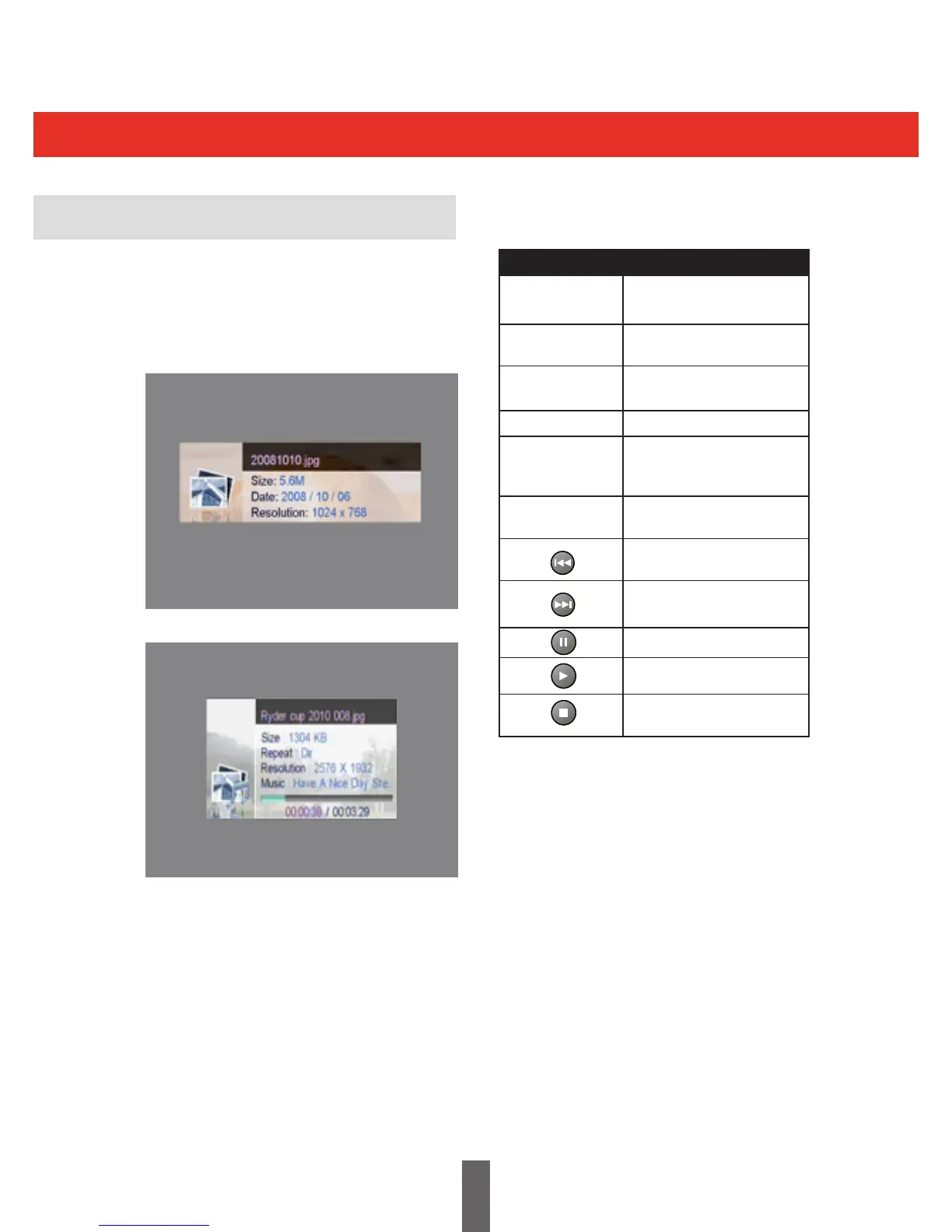
Displays information on the
photograph, (see images
above).
Exits the displayed image and
returns to the Photo menu.
Displays the previous image
in the List.
Displays the next image in
the List.
Pauses the slide show.
Plays the slide show.
Stops the slide show and
returns to the Photo menu
Key Stroke Action
KEY_LEFT
KEY_INFO
KEY_RECALL
KEY_RIGHT
KEY_DOWN
KEY_UP
When an image is displayed in full screen then
the following keys are active:
The Photo Playback Menu shown below shows
the menu available while photographs are being
shown. The images below show the playback
menu for displaying a single photograph and
setting up a slide show.



 To Next Page