31
Key Stroke
Key Stroke
Action
Action
KEY_MENU
KEY_EXIT
KEY_MENU
KEY_MEDIA
KEY_OK
KEY_RECALL
KEY_MEDIA
KEY_RIGHT
KEY_FR
KEY_LEFT
Fast reverses the music. The
FR icon is shown and the
speed, (1x 2x, 4x, 8x, 16x, 32x)
shall be displayed.
File browser menu disappears
and shows the main menu or
main menu disappears and
showsthelebrowseragain.
Change the source to DVB
Photo File Browser
The keys in this menu are shown in the table
below the image.
Highlights the previous item in
lelist.Ifitpassesthe
rstitem,ithighlightsthelast
iteminlelist.
Highlights the next item in the
lelist.Ifitpassesthe
lastitem,ithighlightstherst
item.
Pressing this key moves from
the current list to the parent
folder.
If the highlighted item is a
folder, pressing KEY_OK enters
thefolder.Ifitisalethen
pressing the key will show the
selected photo.
Inthelelist,pressingKEY_
EXITreturnsfromthelelistto
themedialterselectionmode.
Thelebrowsermenu
disappears and the main menu
is shown, OR, vice-versa.
Enters / Exits Media menu
This menu contains the Photos that are stored in
thestoragedevice.Supportedleformatsare
JPG, TIF, PNG, GIF and BMP.
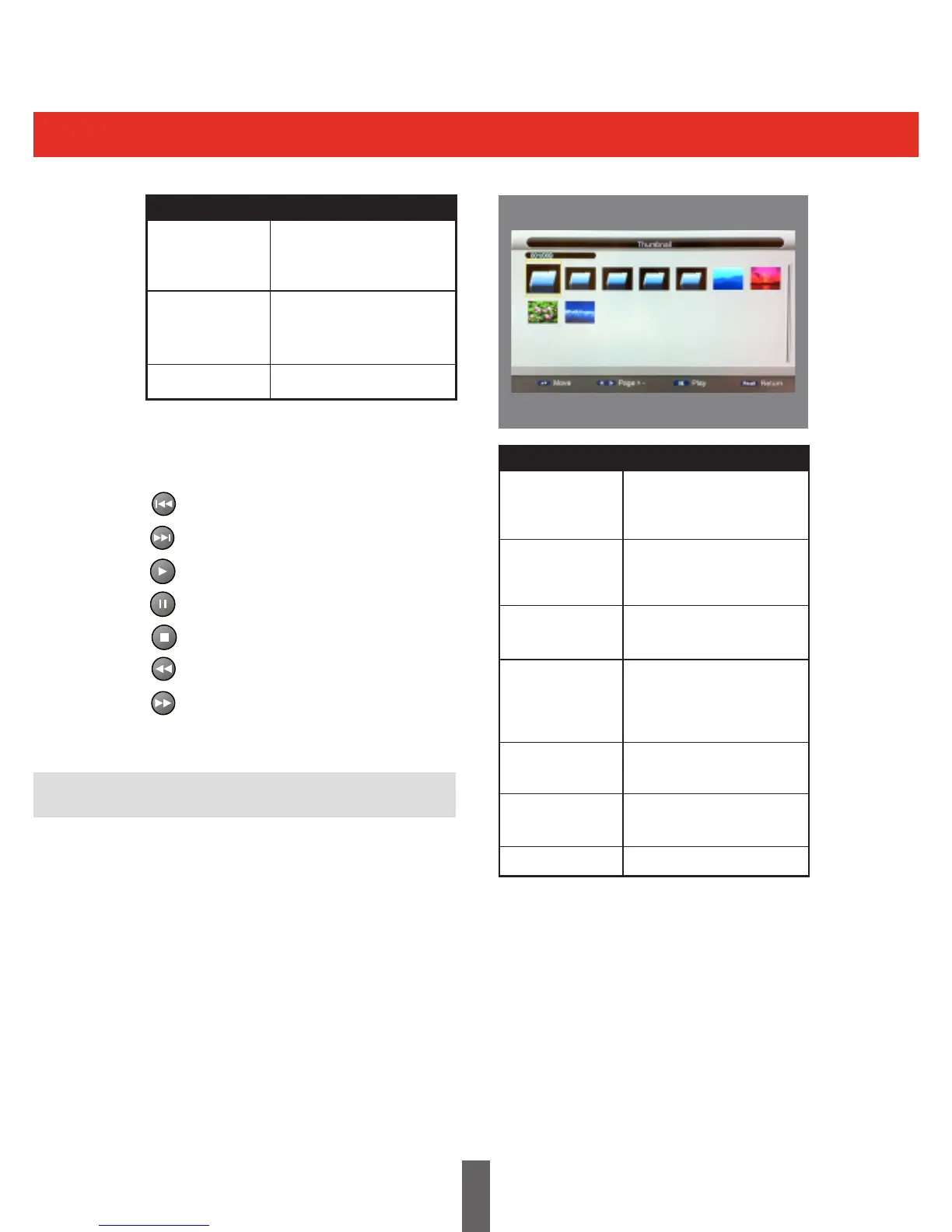
The following menu layout shows the Photo
menu.
When a music track is playing, the following icons
are displayed:
Stops the current track and plays the
previous track in the list.
Stops the current track and plays the
next track in the list.
Play
Pause
Stop
Fast Reverse, (1x, 2x, 4x, 8x, 16x, 32x).
Fast Forward, (1x, 2x, 4x, 8x, 16x, 32x).



 To Next Page