30
Music
Key Stroke Action
KEY_LEFT
KEY_RIGHT
KEY_RECALL
KEY_EXIT
KEY_MENU
KEY_MEDIA
KEY_OK
KEY_DOWN
KEY_UP
Highlights the previous Item in the
lelist.Ifitpassestherstitem,it
highlightsthelastiteminthelelist.
HighlightsthenextIteminthele
list. If it passes the last item, it
highlightstherstiteminthelelist.
Ifthehighlightedlehasaparent
folder, it returns from the current list
to the parent folder.
Ifthehighlightedleandthecurrent
highlighted item is a folder, it can be
entered into the folder.
Ifthehighlightedleisinale
list, pressing KEY_RECALL returns
fromthelelisttothelterselection
mode.
Inthelelist,pressingKEY_EXIT
returnsfromthelelisttothemedia
lterselectionmode.
Thelebrowsermenudisappears
and the main menu is shown, OR,
vice-versa.
Enters / Exits Media menu
If the highlighted item is a folder,
pressing KEY_OK enters the folder.
Ifitisalethenpressingthekeywill
play the selected video.
Ifthehighlightedleismusicand
the music is playing, pressing this
key stops this track and plays the
previous track.
Ifthehighlightedleismusicand
the music is playing, pressing this
key will stop this track and plays the
next track.
If the music is paused, FF, FB or
stopped, it will start playing the track
and show play icon. The name of the
current track will be displayed.
If the music is playing, pressing this
key will pause the music and the
pause icon is displayed.
Stops the music
Fast forwards the music. The FF icon
is shown and the speed, (1x 2x, 4x,
8x, 16x, 32x) shall be displayed.
This menu allows the user to select and play a
track from a list of music stored in the storage
device.
The following formats are supported WMA, WAV,
DTS, RA and MP3.
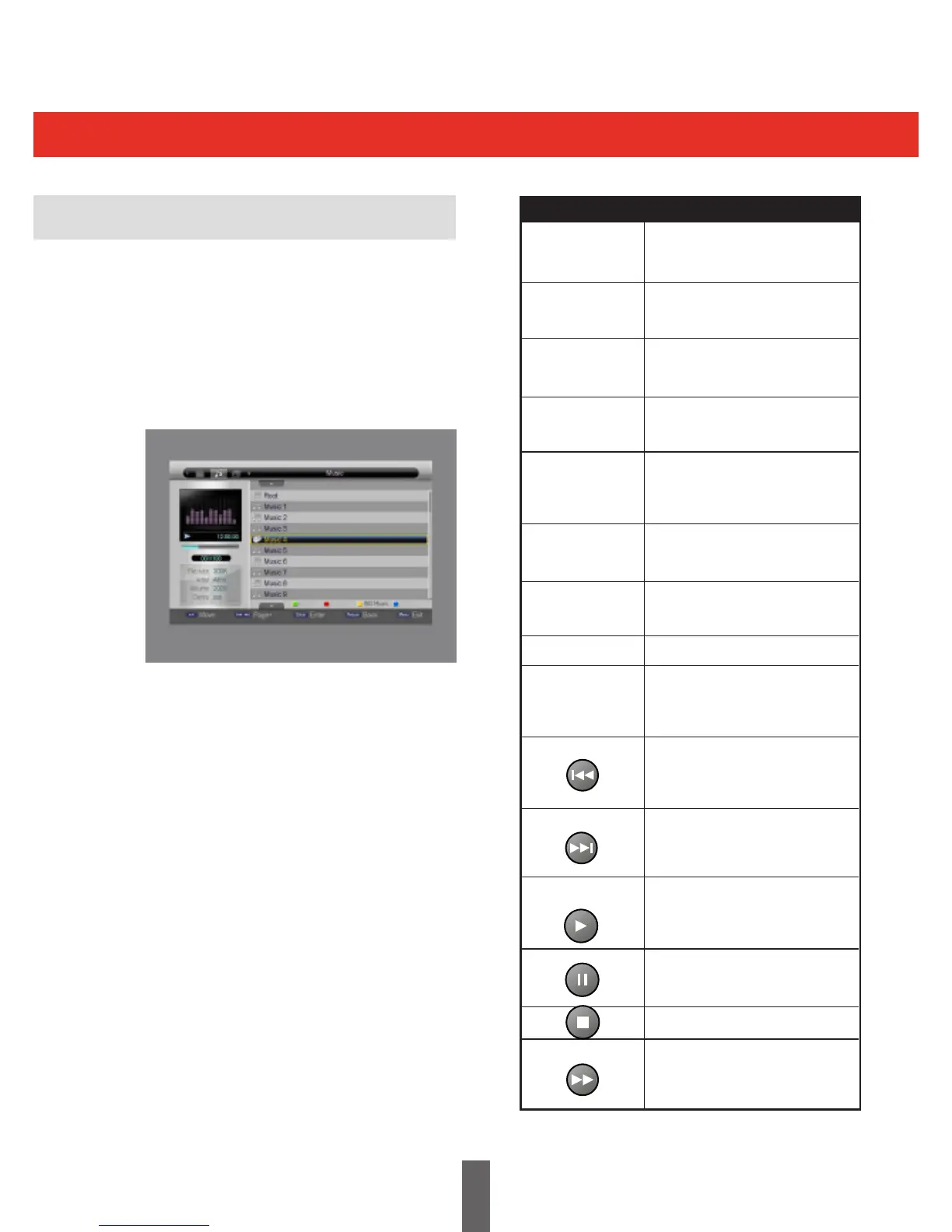
The following table shows the Music menu.
The following points explain the Music menu
above.
(1) Thelelististhelistoffoldersandmusic.
(2) OntheleftofthelelistshowstheFolder
informationandles,forexampleiflter
selection is in music mode, it shows the
equaliser, progress, play state, total time
andlesizeoftheselectedtrack.
(3) It is background music, so when music is
playing, the user can change directory or
makechangesinthelterlisttoselectother
modes such as movie, photo, e-book etc.
The keys used in this menu are shown below.



 To Next Page