36
E-Book Browser
E-Book Menu
Key Stroke Action
KEY_UP
KEY_NUM
KEY_OK
KEY_RECALL
KEY_MEDIA
KEY_EXIT
KEY_MENU
KEY_DOWN
Move to previous page, if it is
alreadytherstpage,itwill
not move.
Move to next page, if it is
already the last page, it will
not move.
User can input number key to
select the required page.
When a page number has been
entered, then pressing this key
will go to the corresponding
page.
Returntolebrowsermenuof
e-book.
Inthelelist,pressingKEY_
EXITreturnsfromthelelistto
themedialterselectionmode.
Thelebrowsermenu
disappears and the main menu
is shown, OR, vice-versa.
Enters / Exits Media menu
Thee-bookmenuislikethelebrowsermenu,
thekeysworkasinthelebrowsermenu.The
four coloured keys have no function. Other keys
arethesameasthekeysintheotherlebrowser
menus. For instance, KEY_UP/KEY_DOWN can
movetheselectedleandKEY_OKplaysthe
selected e-book etc.
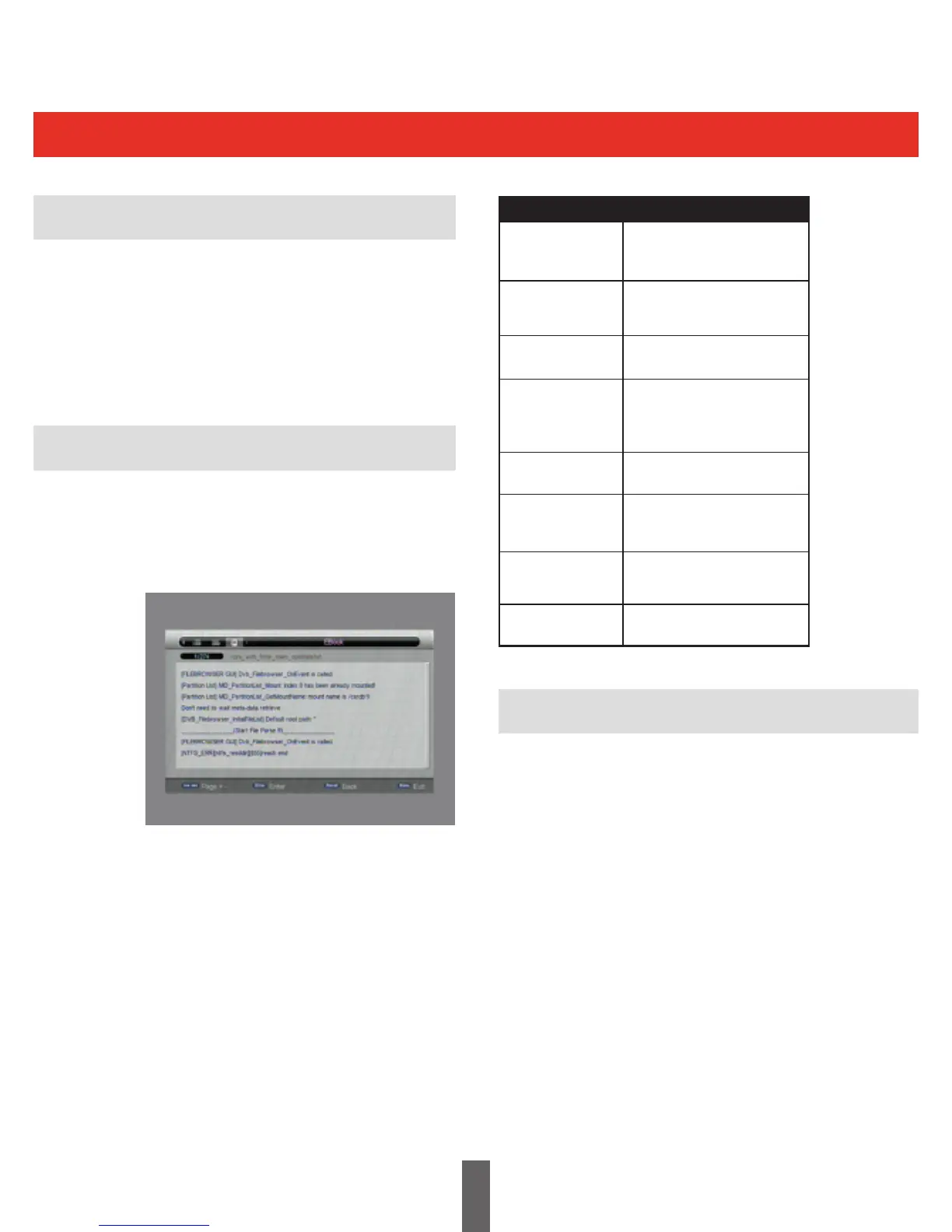
The picture below shows the E-Book Menu. In
thismenutheusercanreadtextles,themenu
alsoshowsthenameofthecurrentle,thetotal
number of pages and the current page.
ISO
Allowslesofthistypetobeselected.



 To Next Page