17
Channel management features include channel
deleting, marking, moving, locking, renaming and
grouping.
The channel management screen is illustrated
below:
The channel manager page includes channel
deleting, moving, locking and renaming of
channels. You can Enter the page as shown
below,byusingthe“MENU>channel>channel
manager on the remote control.
If there are no channels saved a channel not
available will be displayed, and it will not Enter
into the channel organiser page.
Channel Management
Channel Manager
The channel organiser menu includes: Delete
Channel, Skip Channel, Lock Channel and
Channel Rename.
Pressthe“UP/DOWN”keytochoosethe
channel, then press the 4-colour keys on the
remote control. Press the RED key to Set and
Cancel Channel Lock. The GREEN key to Set or
Cancel Delete Channel. The YELLOW key to Set
or Cancel Skip Channel. The BLUE key to Set or
Cancel Rename Channel; After setting, A typical
screen is shown below.
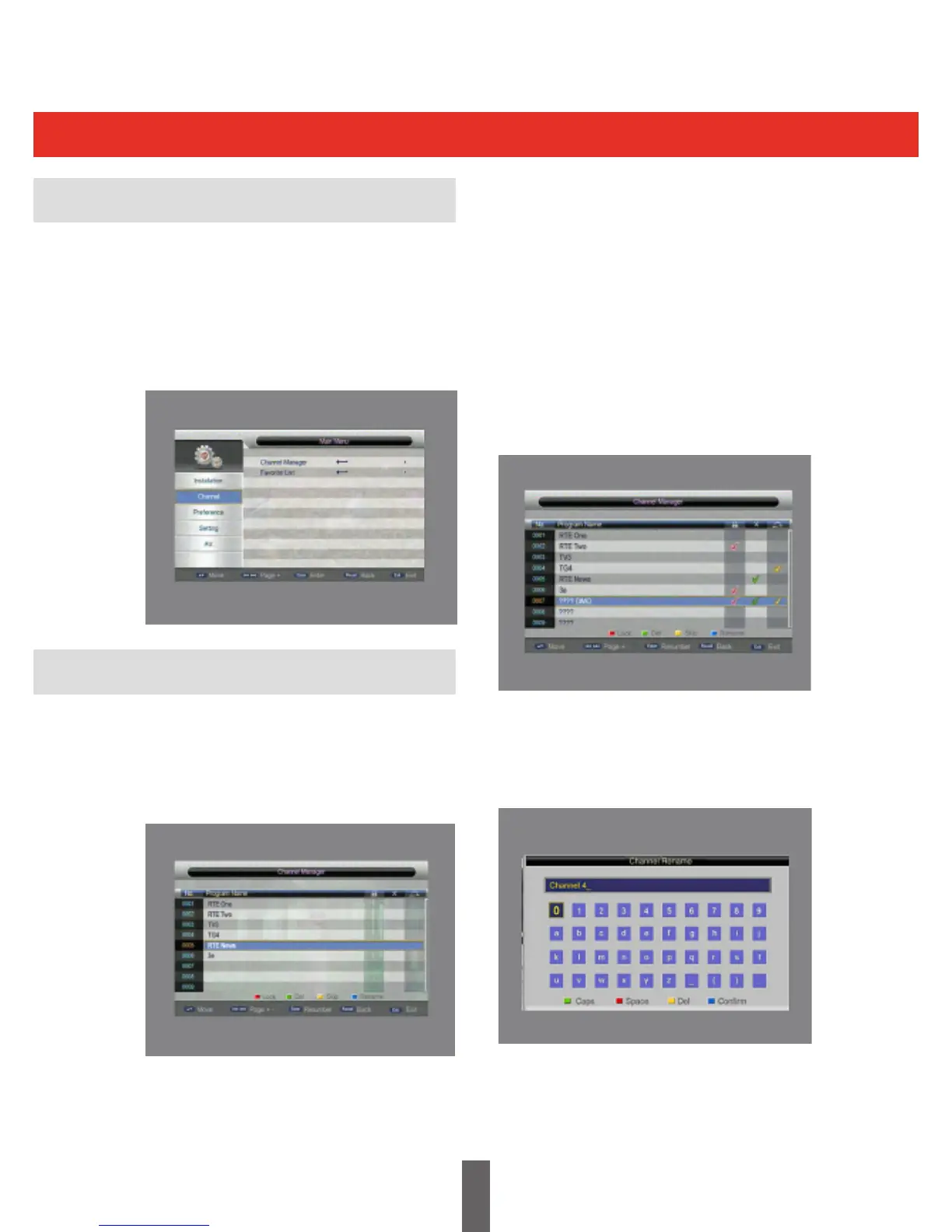
Torenameachannel,pressthe“UP/DOWN”key
to choose the channel to be renamed. Press the
BLUE key to OK the channel rename page. This
is shown below:
Press the BLUE key again to exit the channel
rename page.



 To Next Page