18
To Set or Cancel Lock Program, the system
will prompt you to input your password (default
“0000”).
To Delete a programme, select the required
channel and press the ‘Green’ key. When you exit
the menu the system will show a dialogue box
“DeleteSelectedChannels?”,pressthe‘LEFT/
RIGHT’keysandselect“YES”toconrmdelete
ofthechosenchannel,orselect“NO”toCancel.
Pressthe“EXIT”keytoexittheChannelManager
menu and save the edited results.
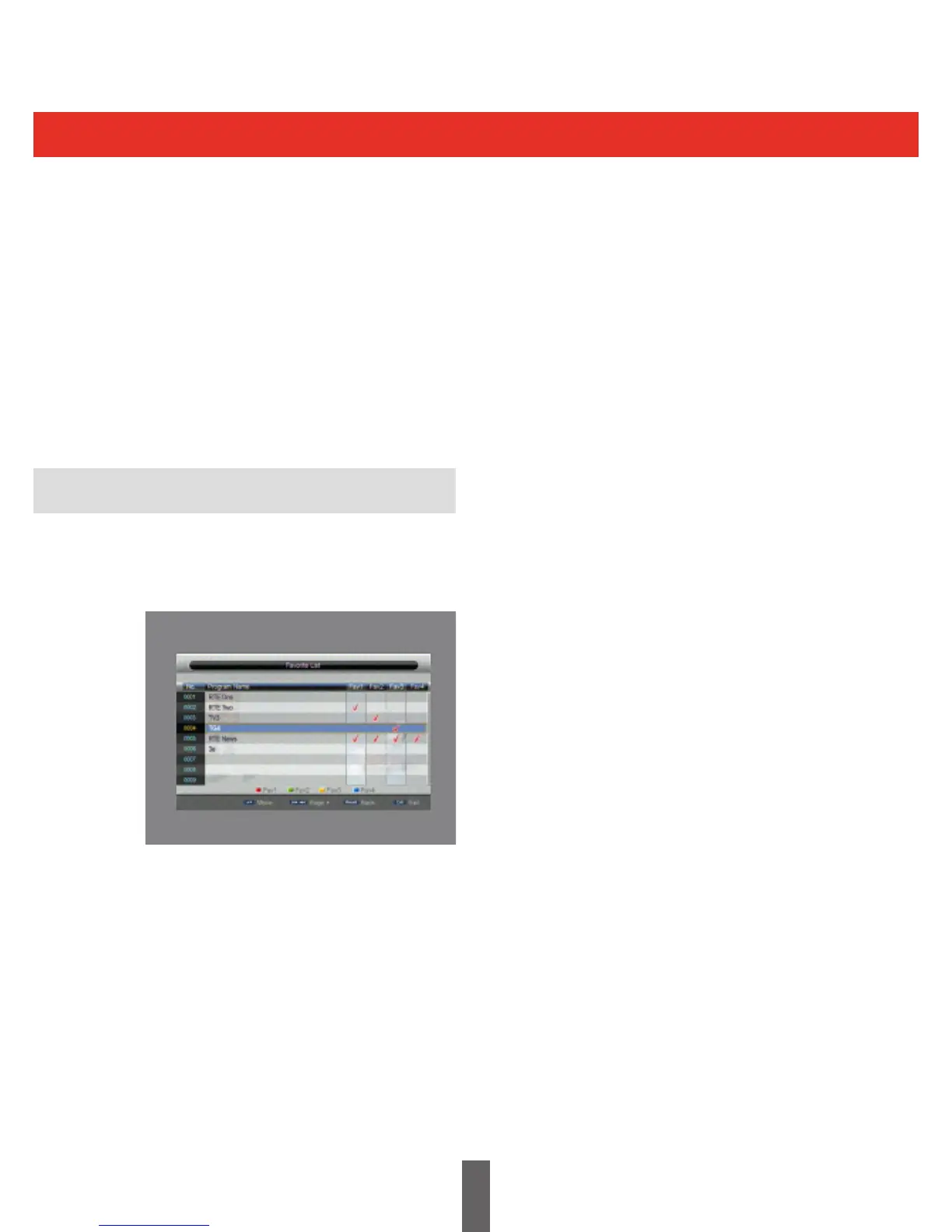
Enterthepageasshowninthegurebelowvia
“MainMenu>Channel>FavouriteList,orby
selecting the ‘FAV’ key on the remote control unit.
If there are no channels saved a dialogue box
prompting favourite channel not available will be
displayed and it will not Enter into the channel
grouping page.
Press UP/DOWN key to choose the channel to
be grouped, then press the coloured keys on the
remotecontroltosetdierentchannelgrouping.
Afterachannelisedited,theEXITkeyispressed
to exit from the menu, if any channels have been
edited, the system will carry out favourite list
update,displaying“DataSaving”messageonthe
screen.
Favourites List
When the Favourite Lists have been set up, they
are accessed by pressing the ‘OK’ key on the
Remote Control. Use the LEFT / RIGHT keys on
the remote control to select the desired favourite
channel list or ‘All Channels’.



 To Next Page