14
When a recording has been initialised, the LED on
the front panel display shows ‘REC’ showing the
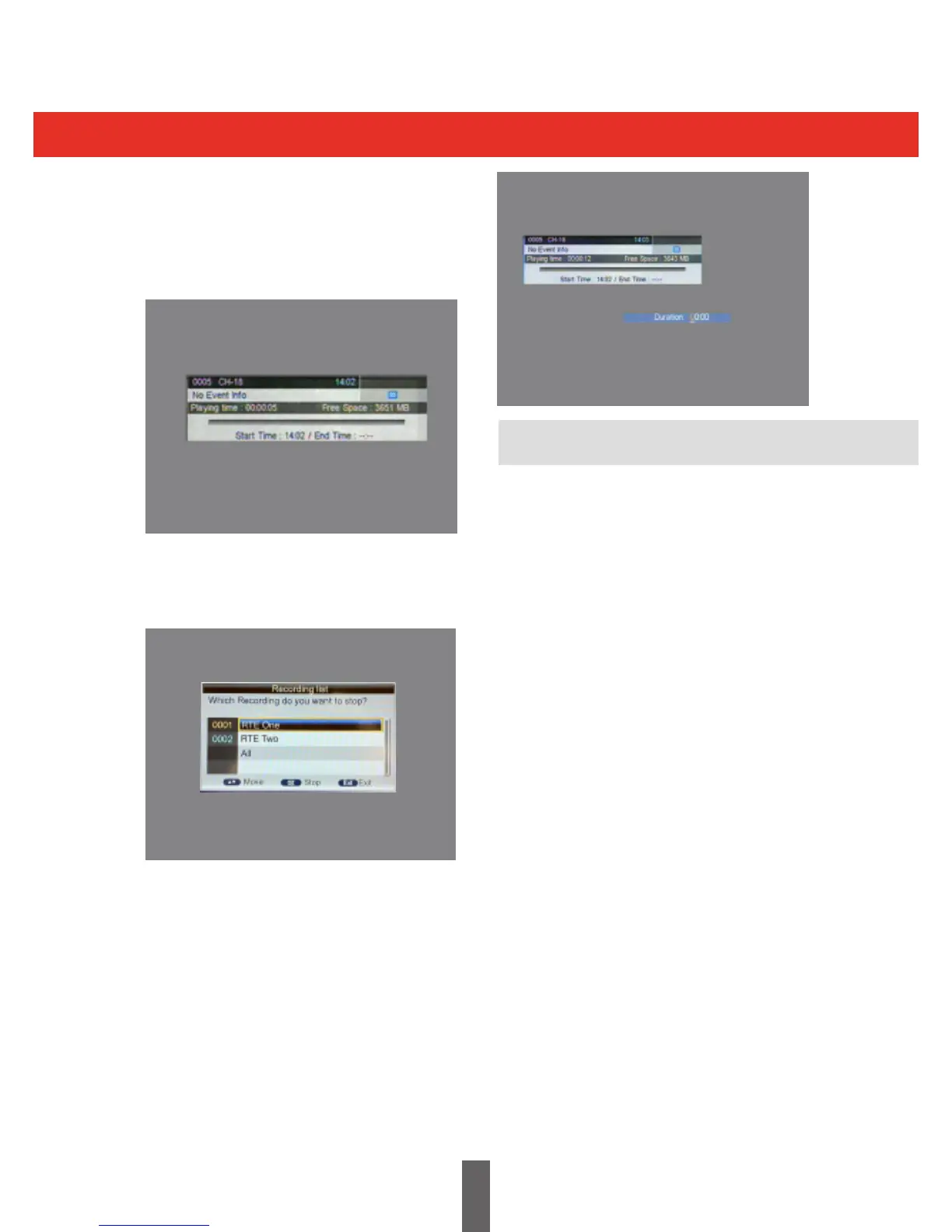
current programme is being recorded. Pressing
“info”displaystheinformationonthecurrent
recording.
Pressing the stop key while recording, will prompt
a‘ConrmStopRec’messageandresumenormal
viewing.
Whenrecording,youcanalsousethe“REC”key
tosetatimertostoprecording,pressing“REC”
again allows you to reset the timer.
Note: An ‘Instant Record’ must be manually
stopped by the viewer.
Press the ‘EPG’ key. Navigate the EPG screen
using the ‘LEFT’, ‘RIGHT’, ‘UP’, ‘DOWN’ keys to
select the programme you want to record.
Press the ‘Green’ key to select a programme to
record, (‘R’ is placed alongside the programme
name). Repeat for all programmes to be
recorded.
To cancel any scheduled recording, select
the recording to be cancelled within the EPG
and press the ‘Green’ key twice. The ‘R’ will
disappear when the recording is cancelled.
Note: A maximum of two recordings can be
scheduled for any given time period.
Toconrmscheduledrecordings:
When a recording is set from the EPG, a
recording timer is automatically set.
Toconrmtherecordingshavebeensaved,
press the ‘Timer’ key on the Remote Control Unit
and view the list of scheduled timers.
Ifthereisinsucientmemoryspacewhile
recording, the system will show a prompt
message, stop recording and resume normal
viewing mode.
If a recording fails due to memory storage
problems, the system will show a prompt
message and try again.
During recording, you can also operate the
Menu, EPG, Subtitle and so on, as if in normal
viewing mode.
Recording for EPG



 To Next Page