from turning on; if one of the interlocks is preventing operation, the specific interlock will be briefly
displayed after hitting Laser. By default, gimbals ship with two active interlocks:
1) GPS Speed. A minimum GPS speed must be observed to enable the laser.
2) Password. If the minimum GPS speed is observed, SkyLink will request a password to be
entered which is ‘laser’ by default.
For assistance in changing laser interlocks, contact Trillium support.
Focus/Auto Focus
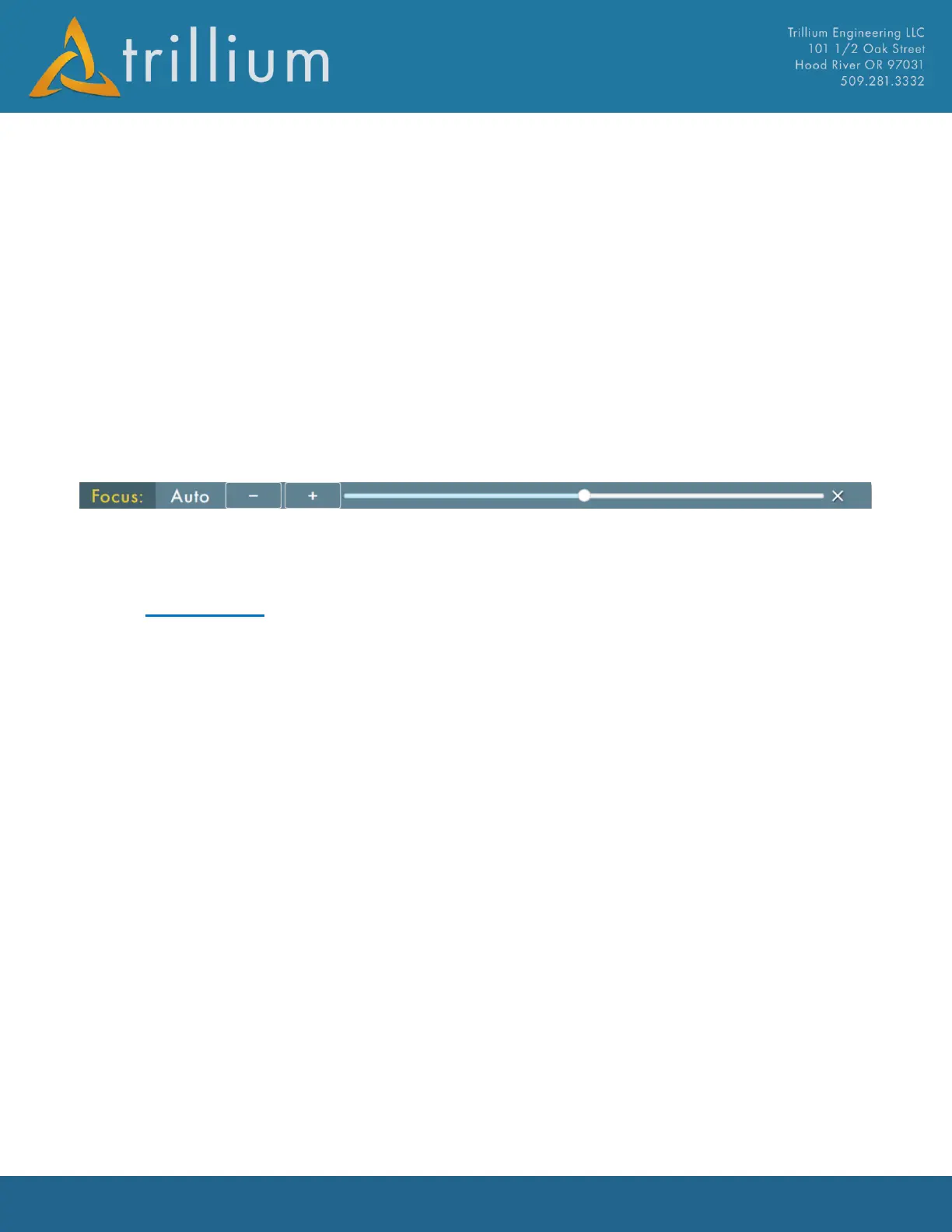
The Focus control allows for focus adjustment to be made to the active camera. The (+/-) buttons
on the left allow for fine-grain control while the slider allows more coarse control. Dragging the
slider above the bar will change the focus in smaller increments. Any manual inputs will exit
autofocus mode and keep the gimbal in a manual focus mode.
Auto Button will command the lens to Auto Focus and the gimbal will sweep the focus range to find
the sharpest image focus. Auto focus will perform a small fine sweep when zoom level is changed.
2.4 Telemetry
The Telemetry Menu displays detailed values of different parts of the Orion Gimbal system. Clicking
the “Telemetry” text on the left side of the window will show/hide the menu. It can be scrolled via a
“flick” gesture. Click on a category to view its telemetry, click the category's name at the top of a
sub-menu to get back to the main menu. Below are examples of the Telemetry windows displayed.



 To Next Page