Advanced – Snapshot
The Advanced Video Stream settings “Snapshot” format will have the gimbal send JPEG images at a
defined compression quality between 10-95%. Snapshot can be configured for modes below:
• Manual: Gimbal will stream a JPEG image when the user clicks the “Snapshot” button in the
top menu or types CTRL-S on the keyboard.
• Freerun: Gimbal will stream JPEG images as fast as possible
• Fixed Rate: Gimbal will stream JPEG images at fixed rate set by user.
None
The Video Stream setting “None” will not command any change to the gimbal’s video stream
whatsoever. In this mode SkyLink will not display any video from the gimbal.
2.3 Menu Bars
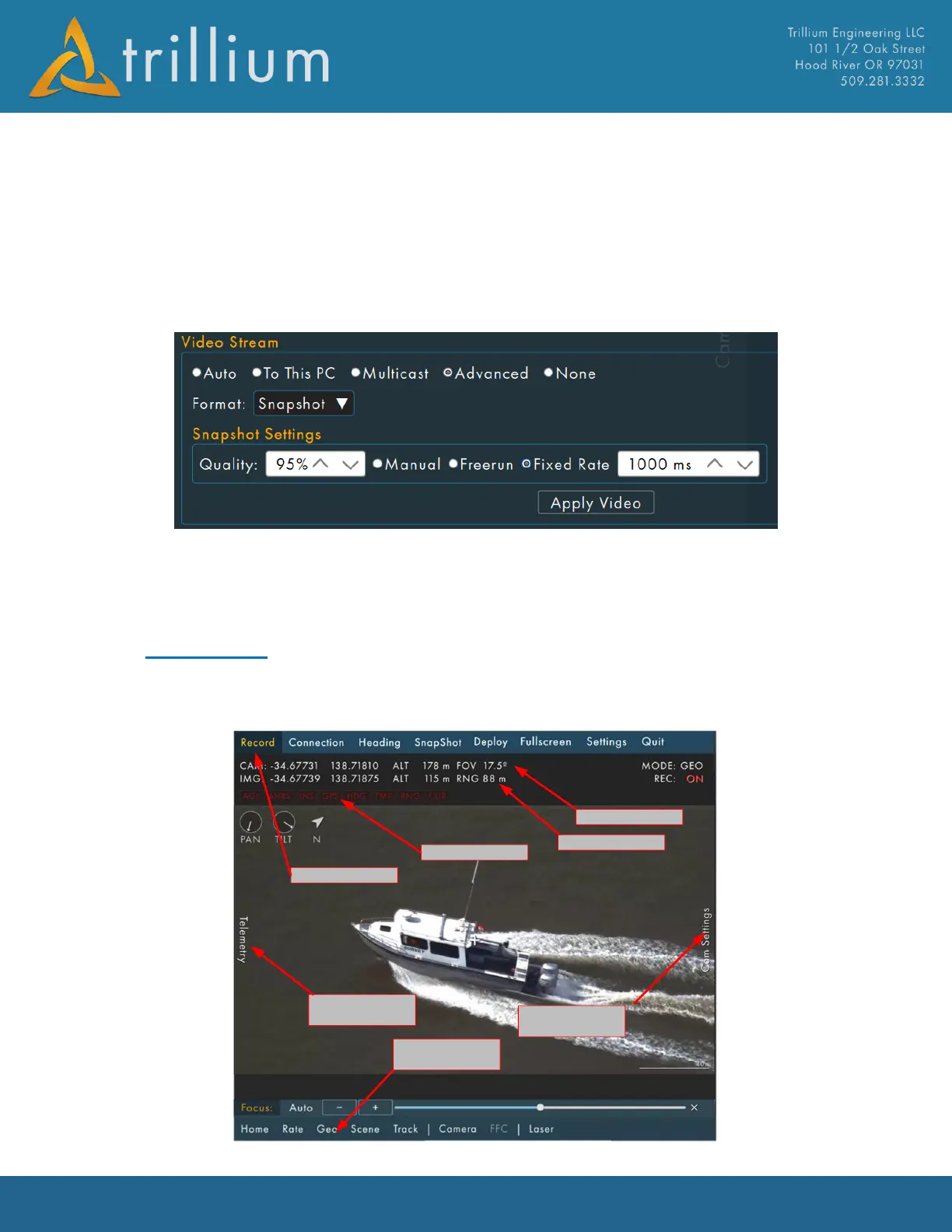
SkyLink has 4 primary menus on each edge of the screen (Default Mode is menus always visible).
The Telemetry and Camera Settings menus slide out from the left and right of the screen when they
are clicked on.



 To Next Page