3.7 External Heading Alignment
Trillium gimbals accept external heading observations from multiple sources including
magnetometers and Novatel Align (dual-antenna GPS heading). The heading is assumed to be
provided in the platform reference frame if platform rotations are active. For optimal geolocation
accuracy, the alignment between the gimbal and the heading source should be calibrated. The
calibration procedure entails commanding the gimbal to point at a known location, then adjusting
the Yaw from Platform to heading Obs setting until the gimbal is centered on the location. The
procedure is as follows:
1) Determine the location of a stationary target that can be clearly viewed from the gimbal. If
the target position is surveyed using a GPS, it should be at least 500m away. If satellite
imagery is used to determine position, it should be at least 1000m away.
2) Setup the aircraft outside, power up the gimbal, and connect using SkyLink.
3) Create a new geopoint with the LLA of the target location. Make sure the altitude entered is
in meters MSL. In the pop up window enter the target location from above and select
checkbox for “Display on video” then click okay.
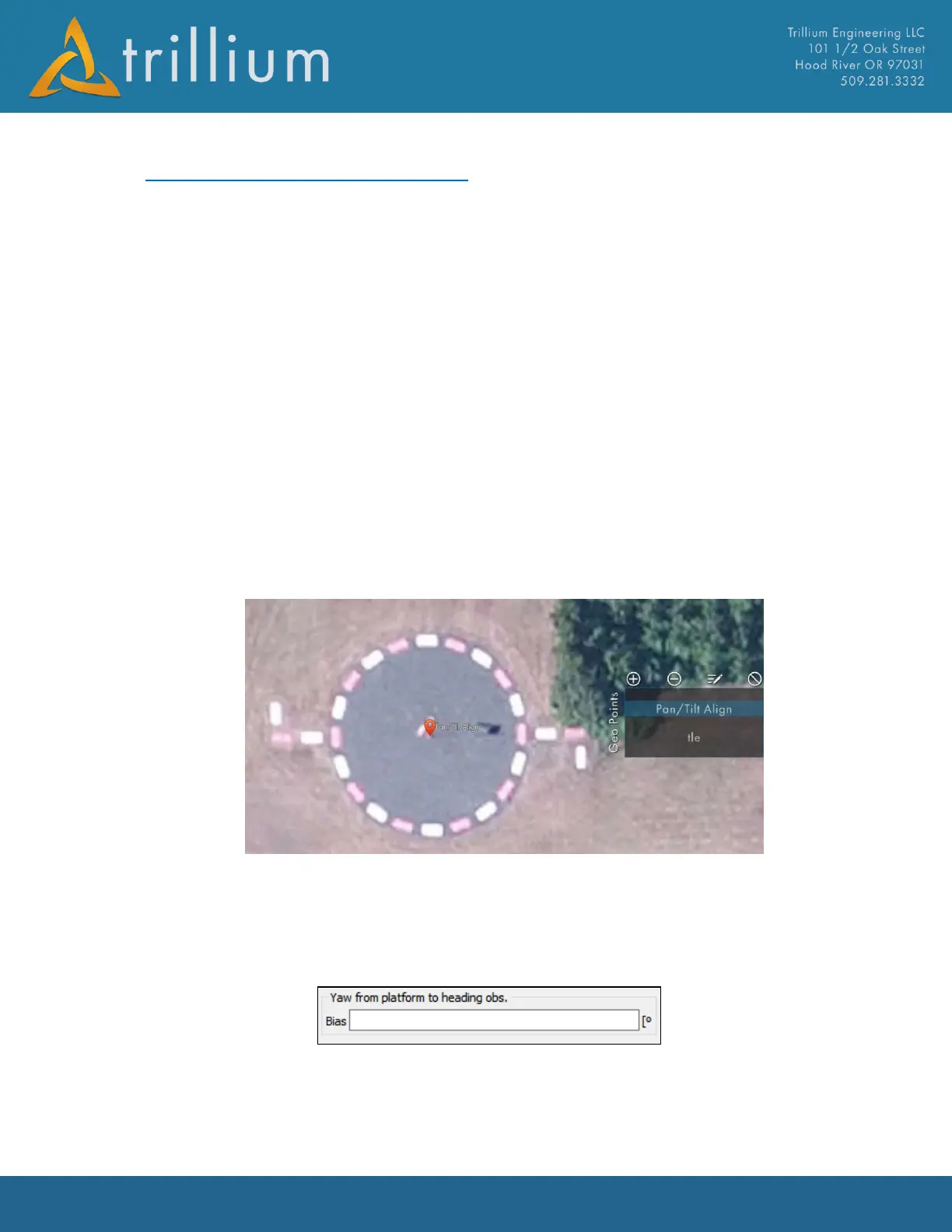
4) Navigate on the map to the geopoint and zoom in close to verify the point is located on the
surveyed target. Verify map imagery data in downloaded for this location, example here
shows target at base of the windsock.
5) Verify the gimbal has GPS, turn on the video crosshairs (Ctrl and +), then command it to look
at the target by double clicking the target geopoint.
6) Open OrionUI.exe application (C:\Program Files (x86)\Trillium\SkyLink)
7) Select > Users > Inertial Navigation System Settings during alignment adjustments will be
made under the “Yaw from Platform to heading obs.” option, see image below.
8) Adjust the “Yaw from platform to heading obs.” parameter until the center of the image is
aligned with the surveyed target. Give the system ~10-20sec. to settle with each adjustment.
Note: Yaw alignment will only align the target right to left in the video, do not worry



 To Next Page