Elevation
Check to allow SkyLink to use some select 3
rd
part elevation databases.
2.10.7 Software Updates
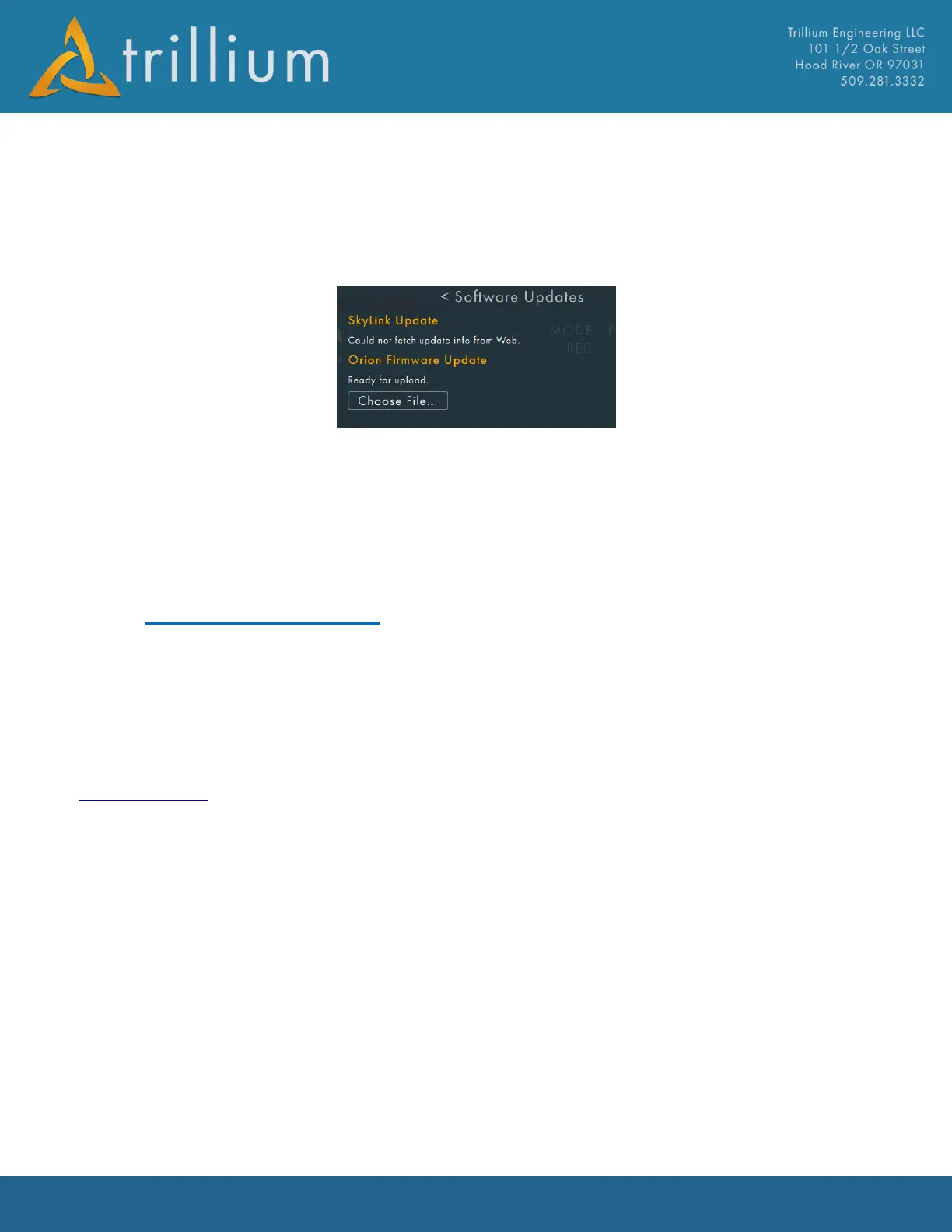
This dialog shows whether or not updates are available for SkyLink or the gimbal from the web. If
an update is available a button will be visible to allow an update to be performed. Also allows user
to select gimbal firmware file for update.
2.10.8 Tutorial
Runs through a brief tutorial mode to show the major features of SkyLink
2.11 Trillium Data Folder
Several directories are located under C:/Trillium/ to store data such as recorded video and map
imagery. This folder will NOT be deleted if SkyLink is uninstalled. To port data from one SkyLink
machine to another, copy the C:/Trillium/ folder and place it on the new machine in the same
directory.
2.11.1 GeoPoints.csv
Modify the contents of this file to define specific GeoPoints that can be commanded from SkyLink's
GeoPoints Menu. The file is a “comma-separated value” file that expects each line to have the
following format:
Latitude Degrees, Longitude Degrees, Altitude meters, (optional) Name, (optional) Group, Display
on video flag (1-ON, 0-OFF), Arrow on video flag (1-ON, 0-OFF)
Example of GeoPoint.csv is show below columns H-M values should all remain zero as they apply
only to mapping applications.



 To Next Page