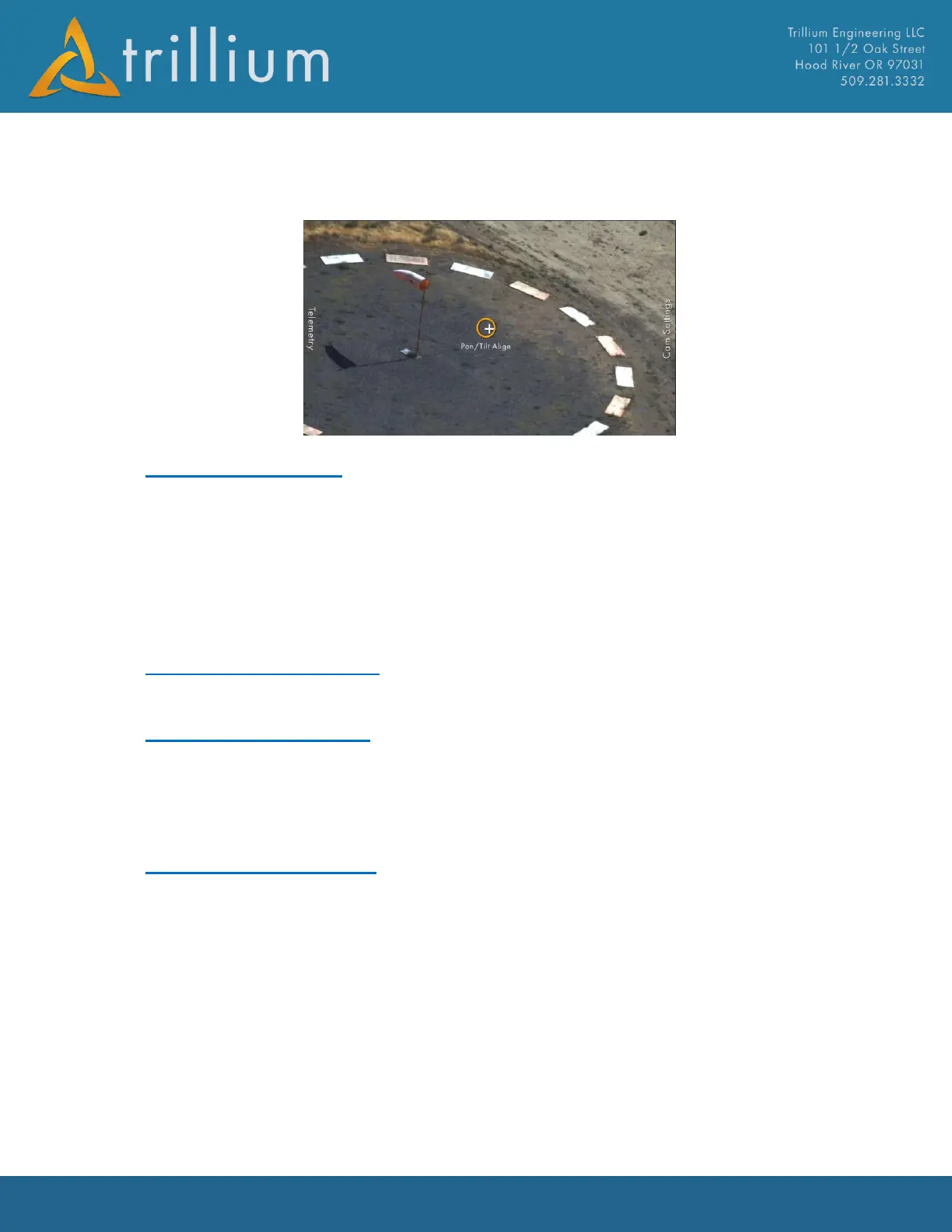
about vertical offsets. If needed zoom in the camera to enlarge the target and improve the
alignment. Once the unit is within 1° of the surveyed target alignment is within the system
limitations.
3.8 Network Settings
Most of the network settings are typically set from SkyLink with the following exceptions:
MTU Size
In bytes.
TCP Low Delay Mode
Used to disable Nagle's algorithm, use only if necessary.
3.9 Version Information
Displays the gimbal Firmware versions as well as board PN and On Time.
3.10 Crown Serial Config
Trillium gimbals have 5 front panel serial ports, 4 of which have configurable protocols and one of
which is always using Orion protocol. Virtually all gimbals have a payload IMU that uses Serial Port
3 for communication, so do not change settings on serial port 3. The unused serial ports can be
used for communicating with a variety of ancillary devices.
3.11 Motor Control Gains
In a given installation, optimum stabilization gains may be different than the standard gains due to
input vibration, platform dynamics, and vibration isolation. Gains should ideally be tuned in flight,
but tuning on the ground with the gimbal installed in the aircraft can resolve any soft mount
resonance resulting in gains sufficient for flight. Follow the steps below to tune gains:
1) Save a copy of the current gimbal settings as a backup by clicking the Save button.
2) Enter rate mode by pressing the Rate and Stabilize buttons.
3) Adjust the gains located under the User tab, Motor Control Gains subtab to minimize the
Velocity and Position errors shown in the bottom right. Each axis is tuned individually, but if
a resonance is present in one axis, start by tuning that axis to eliminate the resonance before
tuning the other axis. The following approach is typically successful:
a. Do not modify Pos Kp for mapping applications! Otherwise follow steps below.



 To Next Page