2.11.2 Configurations
Configuration folder is the default location where SkyLink and OrionUI application save gimbal
configurations settings files. Each configuration saves two files with gimbal SN and date, one is a
binary file with name “Orion_SN_YYYY.MM.DD.orionconfig” and second is a viewable text file with
name “Orion_SN_YYYY.MM.DD.orionconfig.txt”
2.11.3 CrashLogs
This folder contains logs when the SkyLink application crashes unexpectedly, these logs are useful
to help Trillium Support team troubleshoot problems.
2.11.4 ElevationData
Use this folder to add your own elevation data to the map. SkyLink will add one layer of elevation
data per sub-folder it finds in the ElevationData directory. SkyLink supports both SRTM and DTED
elevation formats. DTED and SRTM folders are created automatically for convenience.
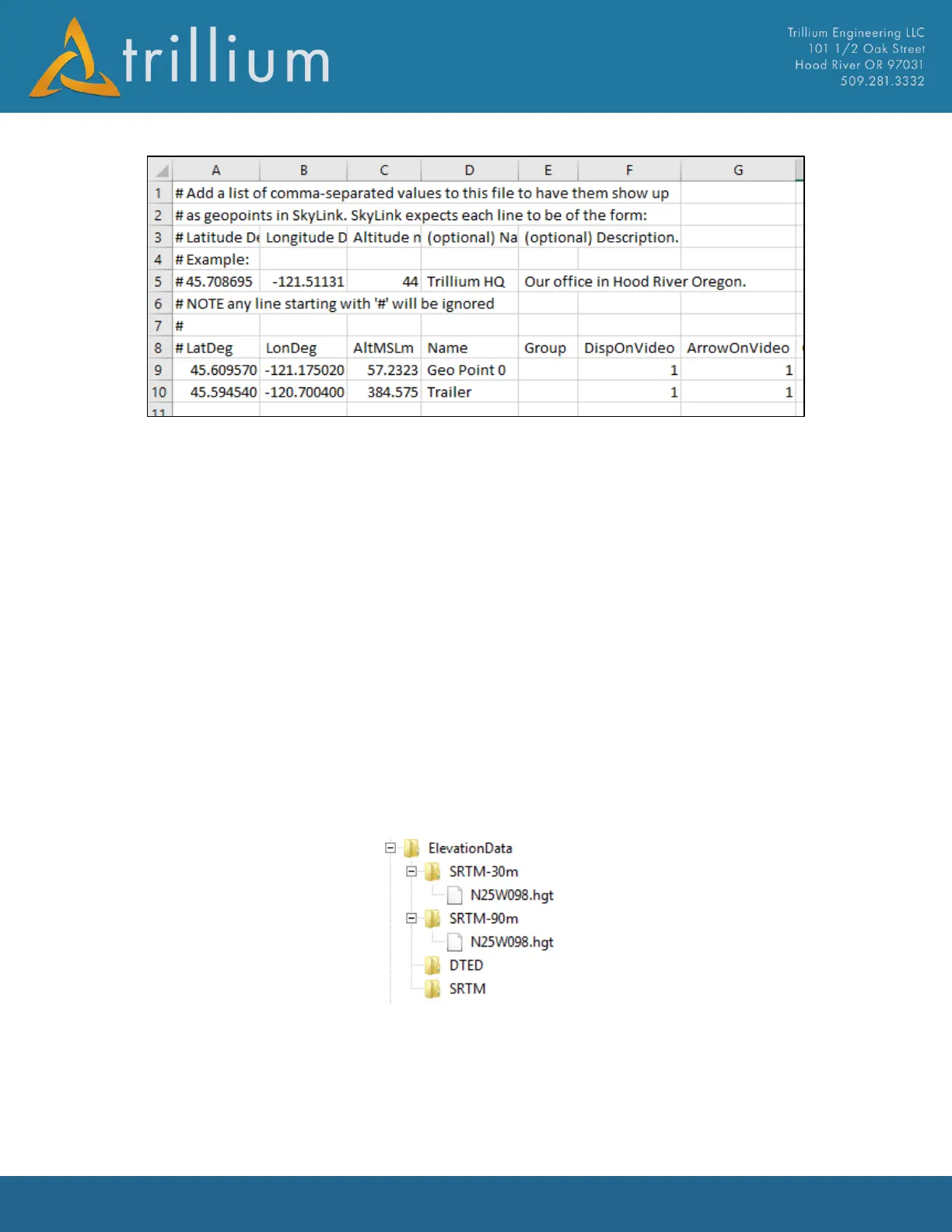
Note that if you have elevation data with differing resolutions should be placed in separate sub-
folders in the ElevationData directory (otherwise their values will be averaged). For instance, if you
had both 30m and 90m SRTM data is available, then the ElevationData directory structure should
look like this:
SkyLink will use the highest-resolution elevation data it has for any elevation lookups.
SkyLink will also download elevation data from the web to the TrilliumElevation subfolder.



 To Next Page