3.6.1 Gimbal Orientation
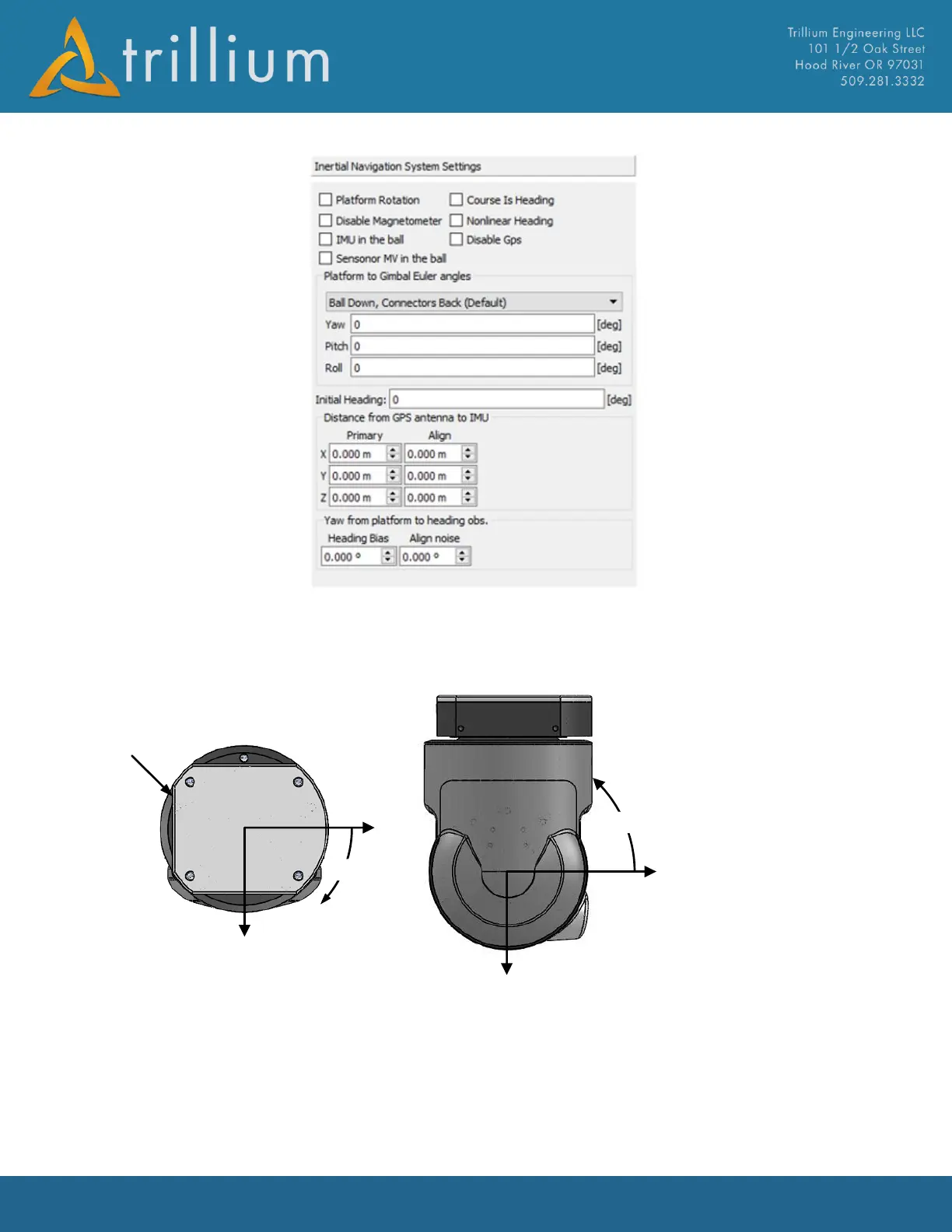
Knowledge of how the gimbal is oriented in the aircraft is critical for INS performance. The gimbal
coordinate system is shown below:
If the gimbal is mounted in any orientation other than ball down, connectors back, the rotations
from the platform to the gimbal reference frame must be specified. Orientation is specified by three
Euler angles in degrees from -180 to +180 for roll and yaw and -90 to +90 in pitch that rotates a
vector in the platform reference frame into the gimbal reference frame. To enable rotations, enter
the appropriate angles under the Platform to Gimbal Euler Section and check Platform Rotation,
then press Send. Common installations examples and the appropriate rotations are shown below:



 To Next Page