43
General Information
Trip Computer Reset
To reset either of the trip computers, select
and display the trip meter to be zeroed then
press and hold the SCROLL button, in either
direction, for 2 seconds. After 2 seconds, the
trip meter on display will reset to zero.
The following trip items will be reset:
•trip time;
• trip distance;
• average fuel consumption;
• fuel used;
• average speed.
Trip 2 can also be set to reset automatically
after an adjustable time delay of between
1 and 8 hours (see page 48).
Settings Menu
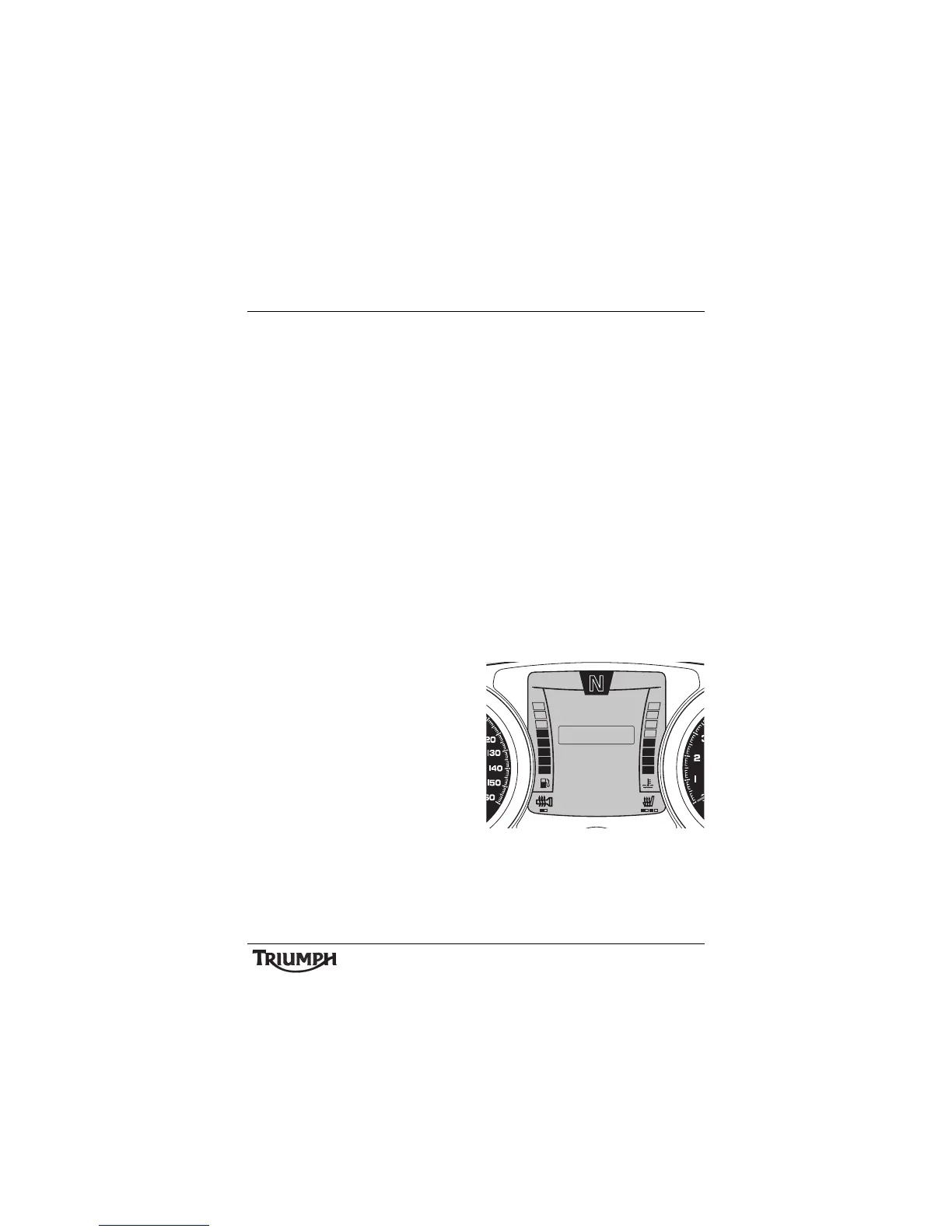
To access the settings menu; with the
motorcycle stationary and in neutral, press
and hold the SELECT button on the left hand
switch cube until SETTINGS is highlighted in
the display screen.
Press and release the SCROLL button until
the desired display is highlighted. Press the
SELECT button to enter the item.
The display will scroll through in the following
order when pressing down on the SCROLL
button (it will scroll through in the reverse
order if up on the button is pressed).
The settings menu display provides the
following information:
•EXIT;
• PROFILE 1 and 2 (see page 47);
• ADJUSTMENT (see page 48);
• TRIP SETUP (see page 47);
• BIKE SETUP (see page 48).
Settings Menu
Selecting EXIT will return to the previously
selected trip screen.
10:08
N
22°C
PROFILE 2
EXIT
ADJUSTMENT
PROFILE 1
SETTINGS
TRIP SETUP
BIKE SETUP








 To Next Page