44
General Information
Profile 1 and 2
It is possible to create two user profiles, which
will store personal settings for:
• Triumph Electronic Suspension (TES)
MODE (damping) settings - Trophy SE
models only.
See page 58 for a full description of TES
MODE.
• Triumph Electronic Suspension (TES)
LOADING (rear pre-load) settings -
Trophy SE models only.
See page 58 for a full description of TES
MODE.
• Triumph Traction Control (TTC) MODE
setting.
See page 55 for a full description of TTC
MODE.
• HEADLIGHT setting.
See page 46 for a full description of
HEADLIGHT.
Profiles can be used to store settings for
different riders’ individual preferences,
different riding styles or different loading
conditions.
Profile Menu
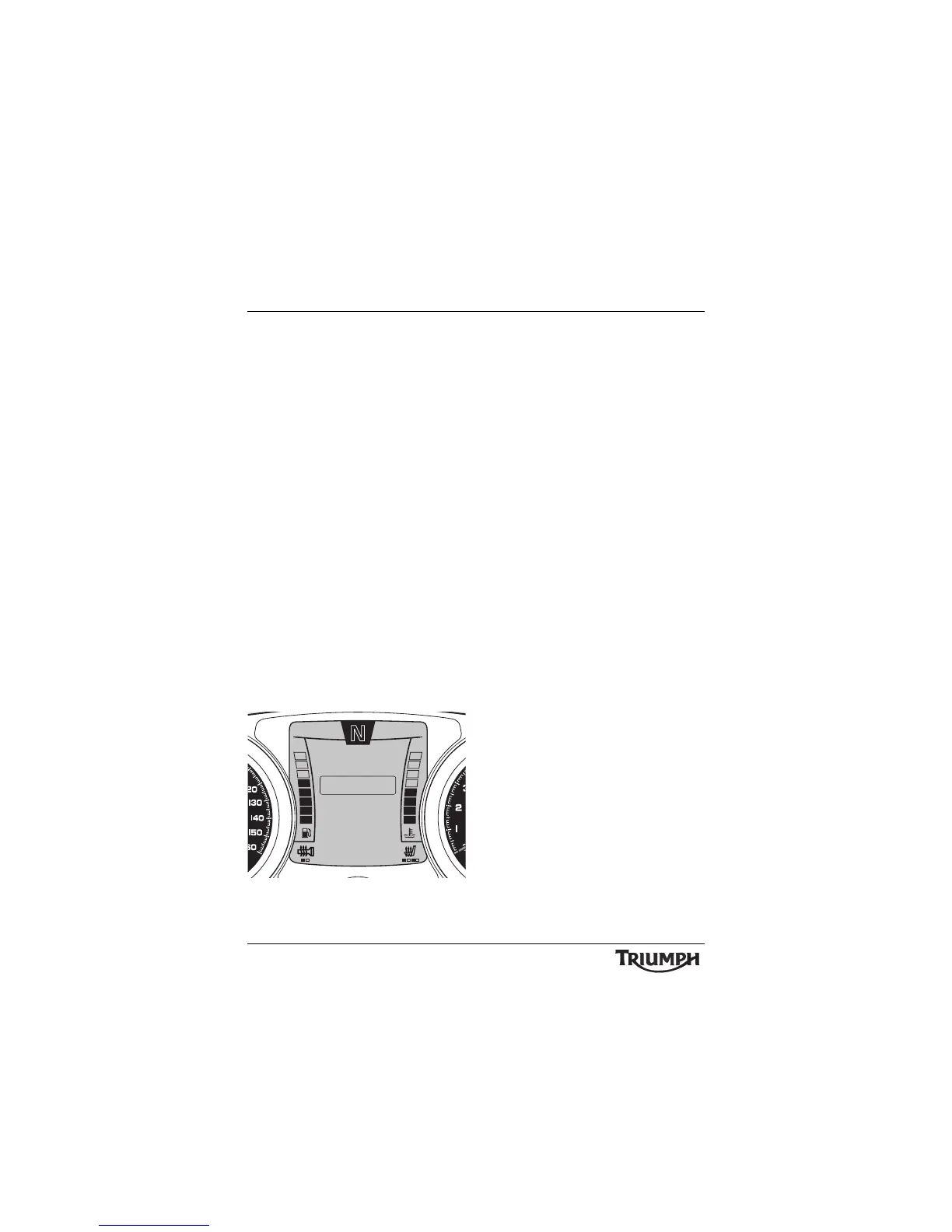
After entering either profile, press and release
the SCROLL button until the desired display
is highlighted. The display will scroll through
in the following order when pressing down
on the SCROLL button (it will scroll through
in the reverse order if up on the button is
pressed):
• LOAD - pressing the SELECT button will
load the selected profile and exit.
• EDIT - pressing the SELECT button
allows the current profile to be edited.
The profile is not loaded automatically
after it has been edited. It must be
loaded (see above) after it has been
saved.
The profile will be saved automatically
after editing.
• CANCEL - exits without loading or
editing the current profile.
10:08
N
22°C
TES LOADING
EXIT
TTC MODE
TES MODE
PROFILE 1
HEADLIGHT








 To Next Page