48
General Information
• TRIP 2 RESET - pressing SELECT resets
the TRIP 2 data immediately.
Note:
• The AUTO RESET function applies to
TRIP 2 only. TRIP 1 must be reset
manually using the TRIP 1 RESET
opposite, or the method described
on page 43.
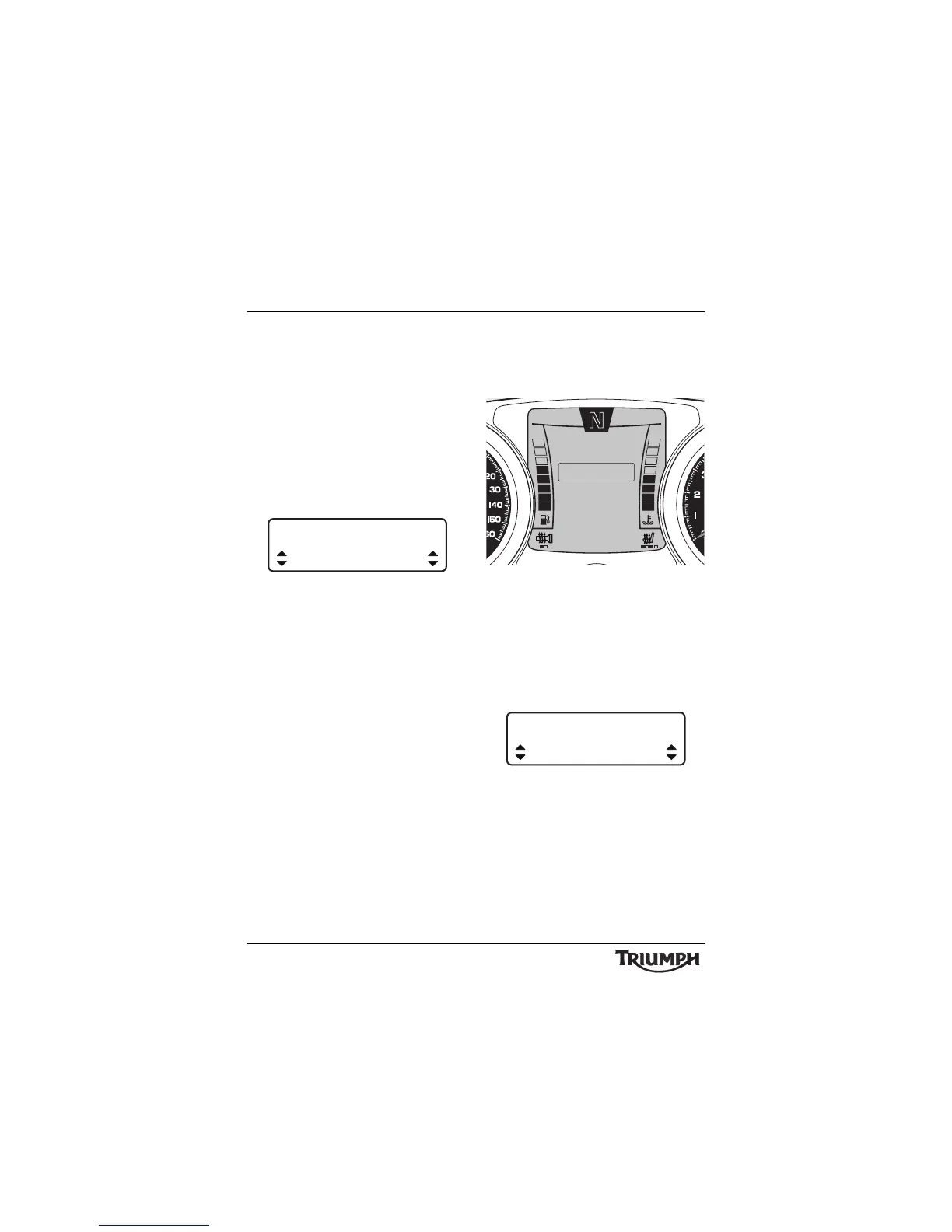
• AUTO RESET - pressing the SELECT
button enters the AUTO RESET setup
screen.
Auto Reset
• Press the SCROLL button to select either
OFF, 1HR, 2HRS, 4HRS and 8HRs.
Press the SELECT button to save the
selection and exit.
After the set time has elapsed, Trip 2 will be
reset to zero.
The following trip items will be reset:
•trip time;
• trip distance;
• average fuel consumption;
• fuel used;
• average speed.
Bike Setup
After entering the BIKE SETUP screen, press
and release the SCROLL button until the
desired display is highlighted.
Trip Setup Screen
The display will scroll through in the following
order when pressing down on the SCROLL
button (it will scroll through in the reverse
order if up on the button is pressed):
• LANGUAGE - pressing the SELECT
button enters the LANGUAGE setup
screen.
Language Select
• Press the SCROLL button to select either
ENGLISH, FRENCH, ITALIAN,
GERMAN, SPANISH, SWEDISH,
DUTCH OR PORTUGUESE. Press the
SELECT button to save the selection and
exit.
AUTO RESET
4 HRS
10:08
N
22°C
INDICATORS
EXIT
SET CLOCK
LANGUAGE
BIKE SETUP
SET UNITS








 To Next Page