49
General Information
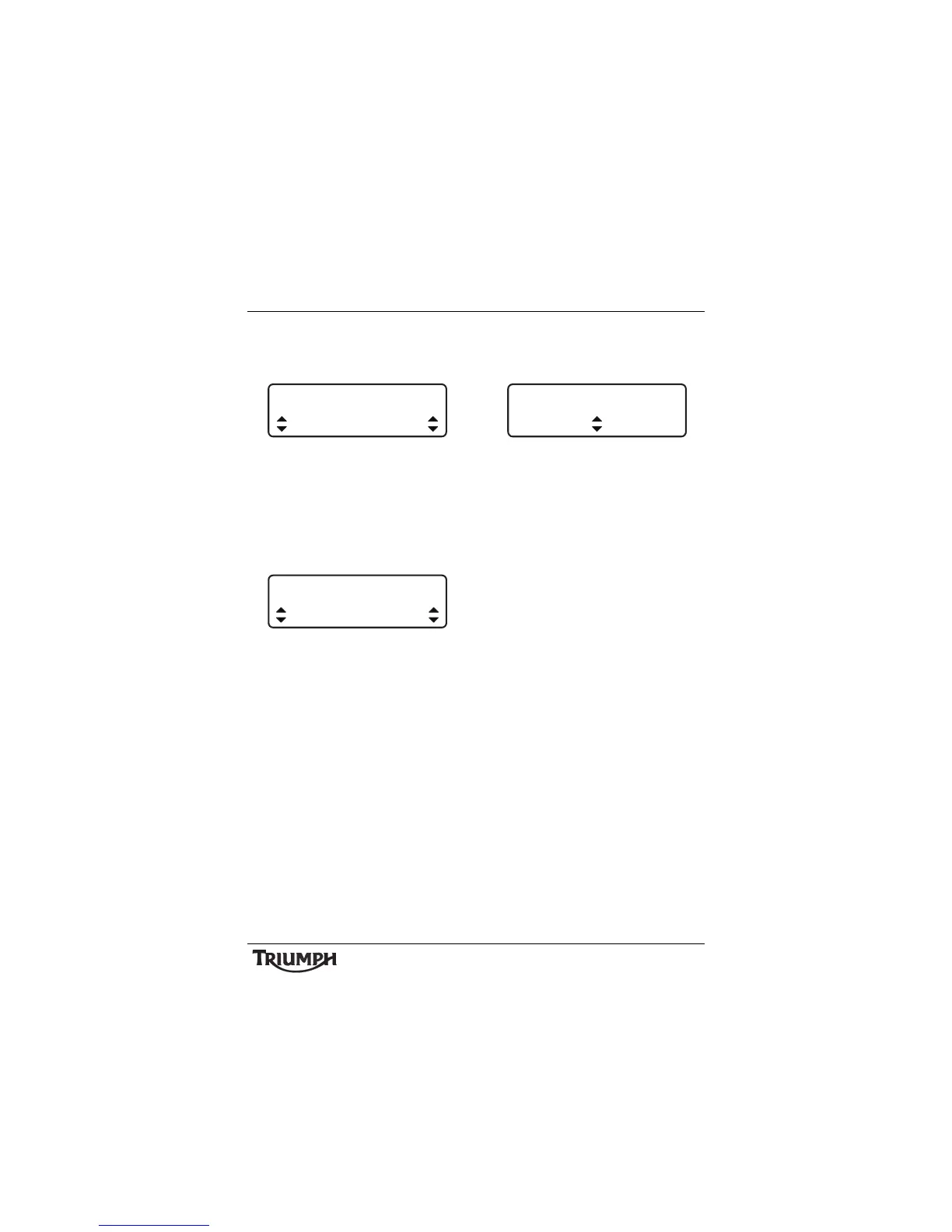
• INDICATORS - pressing the SELECT
button enters the Indicators setup screen
(see page 52).
Indicator Self Cancelling Select
• Press the SCROLL button to select either
AUTO or MANUAL. Press the SELECT
button to save the selection and exit.
• CLOCK - pressing the SELECT button
enters the SET CLOCK setup screen and
prompts for 12HR or 24HR.
Clock Set - 24 hour Shown
• Press the SCROLL button to select the
desired clock display and press SELECT.
The instruments will now prompt SET
HOUR. Use the SCROLL button to
select the desired clock display and press
SELECT.
The instruments will now prompt SET
MINUTE. Use the SCROLL button to
select the desired clock display and press
SELECT to save and exit.
• UNITS - pressing the SELECT button
enters the UNITS setup screen and
prompts for MILE or KM.
Units Select
• Press the SCROLL button to select the
desired unit and press SELECT.
The instruments will now prompt
ECONOMY. If MILE is selected the
options available will be MPG (UK) or
MPG (US). If KM is selected the options
available will be KM/L or L/100 KM. Use
the SCROLL button to select the desired
unit and press SELECT.
Note:
• If MILE is selected above, the
instruments will now prompt TEMP
(temperature). If KM is selected, °C
will be set by default.
• Use the SCROLL button to select either
°F or °C and press SELECT.
• If TPMS is fitted, the instruments will
now prompt PRESSURE. Use the
SCROLL button to select either PSI or
BAR and press SELECT to save and exit.
INDICATORS
AUTO
SET CLOCK
24 HR








 To Next Page