45
General Information
Adjustment Menu
Note:
• The ADJUSTMENT screen can be
accessed when the motorcycle is
stationary or moving, however for
motorcycles fitted with TES it is only
possible to adjust TES Loading when
stationary.
Adjustment Menu
After entering the ADJUSTMENT screen,
press and release the SCROLL button until
the desired display is highlighted. The display
will scroll through in the following order
when pressing down on the SCROLL button
(it will scroll through in the reverse order if up
on the button is pressed):
• TES Mode (Trophy SE models only) -
press the SCROLL button to select either
SPORT, NORMAL or COMFORT
modes. Press the SELECT button to save
the selection and exit.
See page 58 for a full description of TES
Mode.
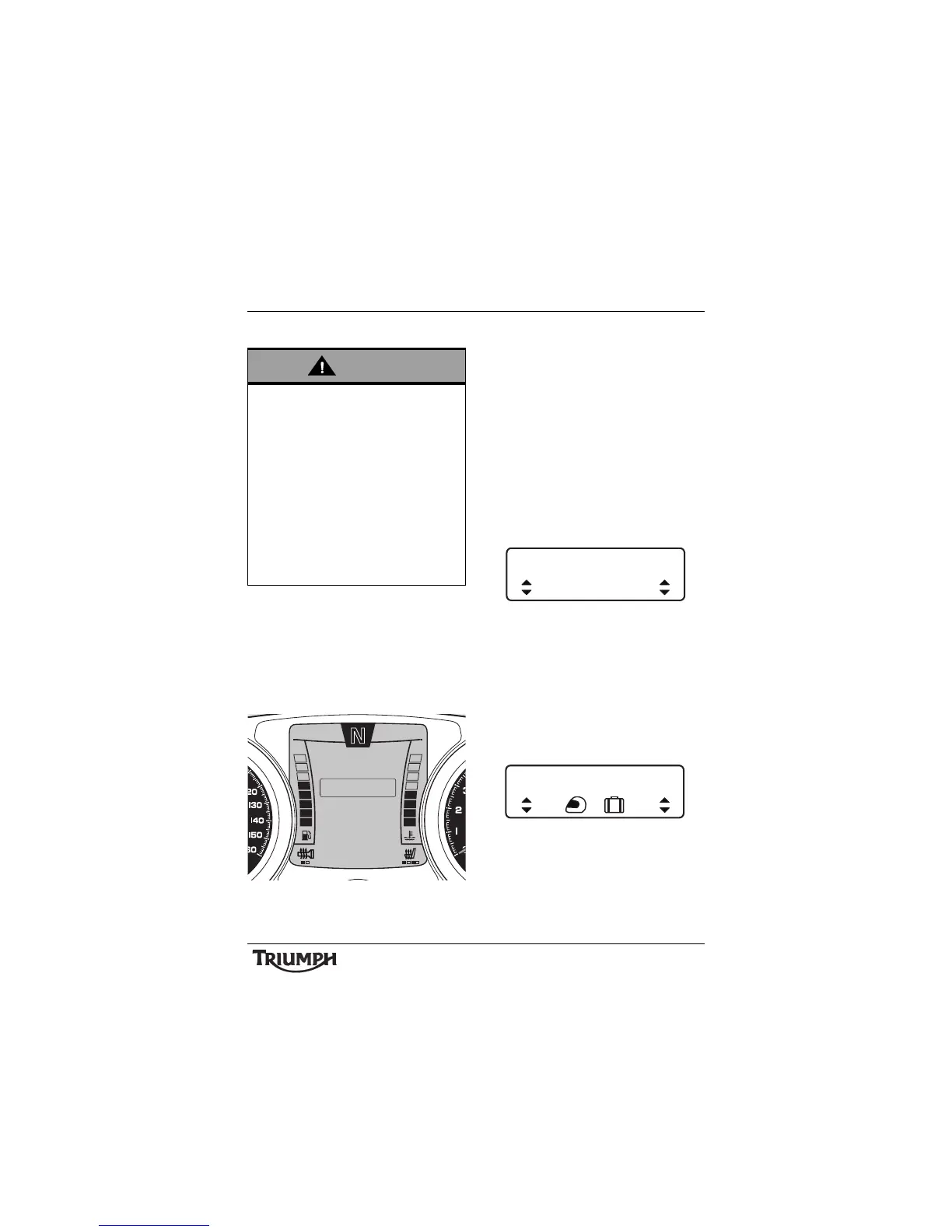
TES Mode Adjustment -
Comfort Shown
• TES LOADING (Trophy SE models
only) - press the SCROLL button to
select either 1 UP, 1 UP + LUGGAGE or
2 UP modes. Press the SELECT button to
save the selection and exit.
See page 58 for a full description of TES
LOADING.
TES LOADING Adjustment -
1 UP + LUGGAGE Shown
Any adjustments made to the motorcycle
when it is moving must be carried out only
when it is safe to do so.
After making adjustments it is
recommended to operate the motorcycle
in a safe area free from traffic to gain
familiarity with any new handling
characteristics.
Making adjustments to motorcycle settings
while travelling at high speed, during
cornering or braking, or in heavy traffic or
poor visibility, may result is loss of
motorcycle control and an accident.








 To Next Page