46
General Information
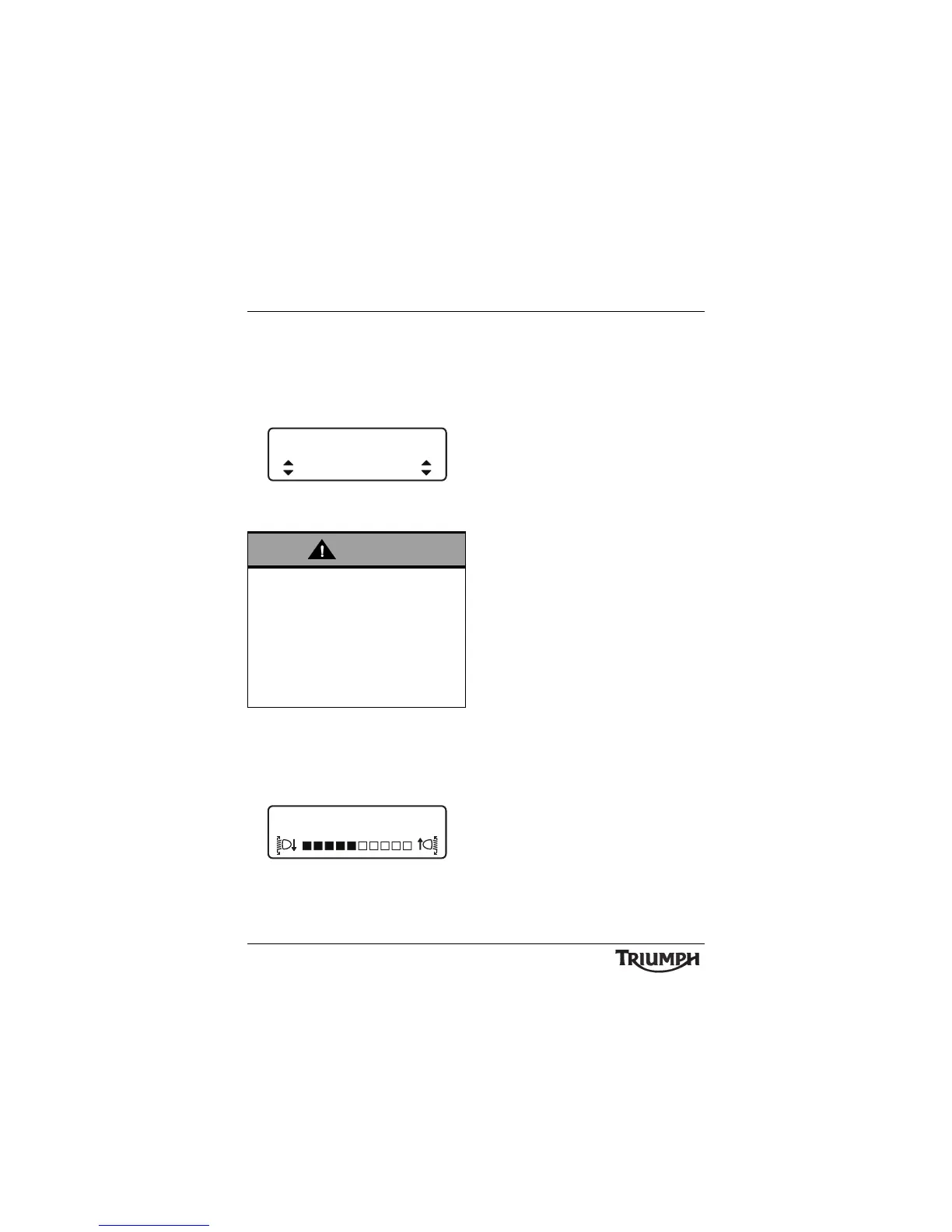
• TTC MODE - press the SCROLL button
to select either ON or OFF. Press the
SELECT button to save the selection and
exit.
See page 55 for a full description of TTC
MODE.
TTC Mode Adjustment -
On Shown
• HEADLIGHT - press the SCROLL button
to adjust the headlight using the
adjustment slider between levels 1
(lowest) to 10 (highest). Press the SELECT
button to save the selection and exit.
Headlight Adjust
Changes made to the TES MODE, TES
LOADING, TTC or HEADLIGHT settings via
the ADJUSTMENT screen are stored in a
'current' profile, separately from the two
saved profiles.
This allows temporary changes to be made to
a profile without editing a saved profile,
however these changes will be lost when a
saved profile is loaded.
To load a saved profile see page 47.
Adjust road speed to suit the visibility and
weather conditions in which the motorcycle
is being operated.
Ensure that the headlight beams are
adjusted to illuminate the road surface
sufficiently far ahead without blinding
oncoming traffic. An incorrectly adjusted
headlight may impair visibility causing an
accident.
TTC MODE
ON








 To Next Page