47
General Information
Trip Setup
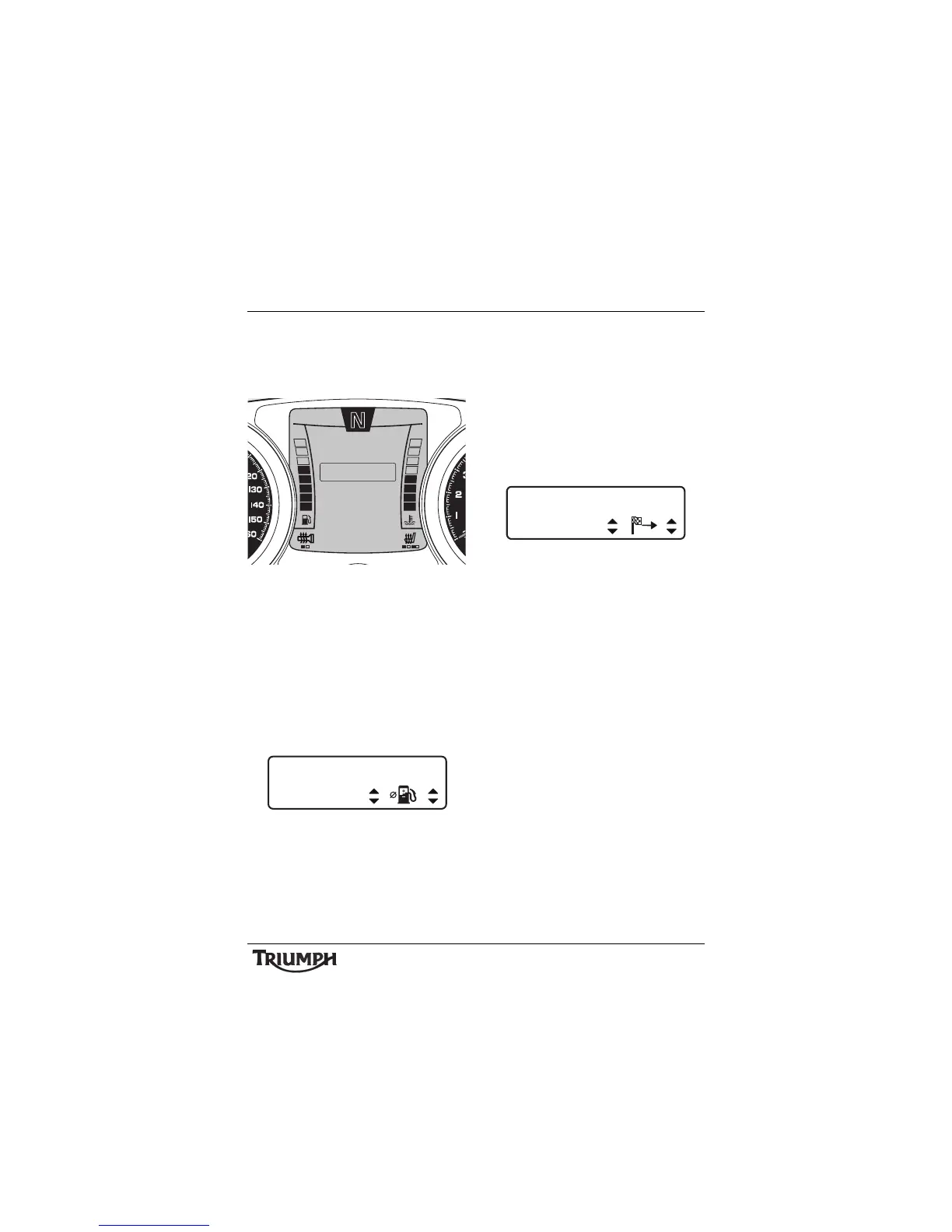
After entering the TRIP SETUP screen, press
and release the SCROLL button until the
desired display is highlighted.
Trip Setup Screen
The display will scroll through in the following
order when pressing down on the SCROLL
button (it will scroll through in the reverse
order if up on the button is pressed):
• TRIP 1 ITEMS - pressing the SELECT
button enters the TRIP 1 setup screen
and prompts for the item to be set on
the upper display line (ITEM 1). Use the
SCROLL button to select an option (see
page 41 ) and press SELECT.
Trip 1 Items - Upper Display Line
• The instruments will now prompt for the
item to be set on the lower display line
(ITEM 2). Use the SCROLL button to
select an option (see page 41 ) and press
SELECT to exit.
Note:
• The same trip item cannot be
displayed in the UPPER and LOWER
position at the same time.
Trip 1 Items - Lower Display Line
• TRIP 1 RESET - pressing SELECT resets
TRIP 1 data immediately.
• TRIP 2 ITEMS pressing the SELECT
button enters the TRIP 2 setup screen
and prompts for the item to be set on
the upper display line (UPPER). Use the
SCROLL button to select an option (see
page 41 ) and press SELECT.
The instruments will now prompt for the
item to be set on the lower display line
(LOWER). Use the SCROLL button to
select an option (see page 41 ) and press
SELECT to exit.
Note:
• The same trip item cannot be
displayed in the UPPER and LOWER
position at the same time.
10:08
N
22°C
TRIP 1 RESET
EXIT
TRIP 2 ITEMS
TRIP 1 ITEMS
TRIP SETUP
TRIP 2 RESET
AUTO RESET
TRIP 1 ITEMS
UPPER











 To Next Page