LASER ENGRAVING&CUTTING CONTROLLER AWC608
、
39
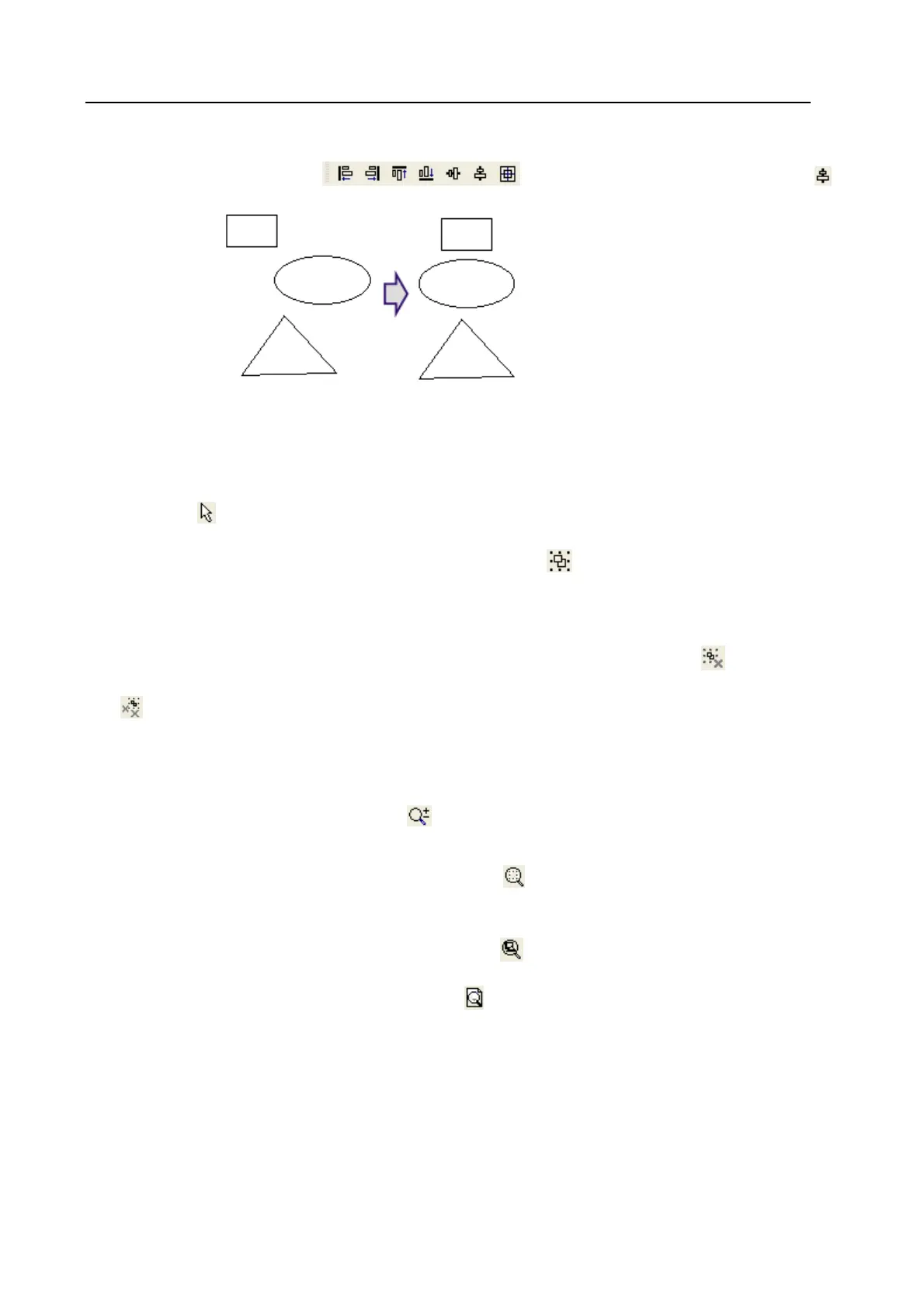
3.10 Object Aligning
Select several objects and click .Rendering shown as below when using
3.11 Objects Group
Use “Group” command can join objects together, to operate and edit as one whole unit.
Group operation is very simple.
(1)Click
and select operated objects.
(2)Click [Group] in [Edit] menu (Hotkey: Ctrl+G);or click
,then operation is done.
(3)Grouped objects will operate as whole unit, when moving one object, other objects in group will
also be moved.
As a whole unit, grouped objects could be grouped again with other objects. Click
(Ungroup)and
(All ungroup) can get rid group relation of selected objects.
3.12 Zoom
◆ Click [Edit]/ [Zoom]/ [Zoom], or click on tool bar, then click left mouse button too zoom in, or
click right mouse button to zoom out.
◆ Click [Edit]/ [Zoom]/ [Zoom to selected], or click
on tool bar, allow a full view of selected
object.
◆ Click [Edit]/ [Zoom]/ [Zoom to all objects], or click
on tool bar, allow a full view of all objects.
◆ Click [Edit]/ [Zoom]/ [Zoom to page], or click
on tool bar, allow a full view of page.
3.13 Tool
Below tools are used frequently in software processing. The using of these tools will make the current
image better well-organized and faster for outputting.


 To Next Page