LASER ENGRAVING&CUTTING CONTROLLER AWC608
、
63
7.
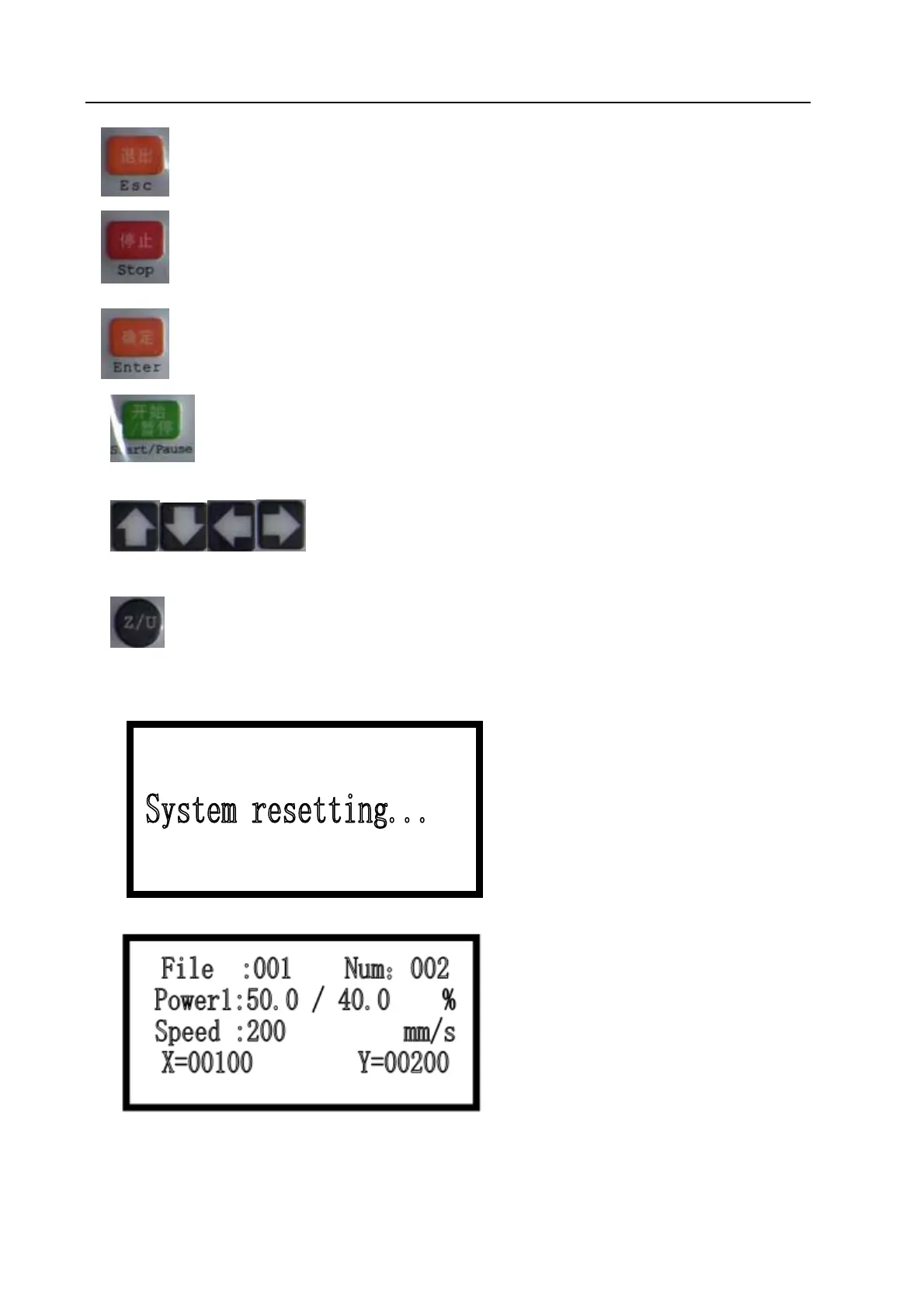
Esc” Key: definition key to be applied to cancel operation and go back to last interface.
8.
“Stop” Key: Stop running machine.
9.
“Enter” Key: definition key to agree current operation.
10.
“Start/Pause” Key: Start to operate current file, it can realize stopping and continuing of
running machine.
11.
Key: It can be applied to move motion axis, move cursor in current view,
and also alter the number value in view.
12.
“Z/U” Key: Autofocus and Z/U-axis moving, Z-key is lifting axis, U-key is feeding axis.
7.2 Interface of starting computer
Interface of starting computer shown as below:
After initialization, it enters into main interface shown as below:
【file】:show serial number of files.
【Num】:show times of current diagram after adding one by one.
【Power 1】:Machining graphic, set the percentage of laser power; front number is maximum


 To Next Page