LASER ENGRAVING&CUTTING CONTROLLER AWC608
、
75
【U axis reset】; U-axis starts to move to reset. U-axis can’t reset when U-axis is feeding
axis (Regarding the function and configuration of U-axis, please refer to 3.3.2.4 Function
and configuration)
【U axis orgin:3.0mm】:the mobile distance of U-axis in opposition direction after reaching limit.
Press
or to move cursor, and then press to do operation and setting
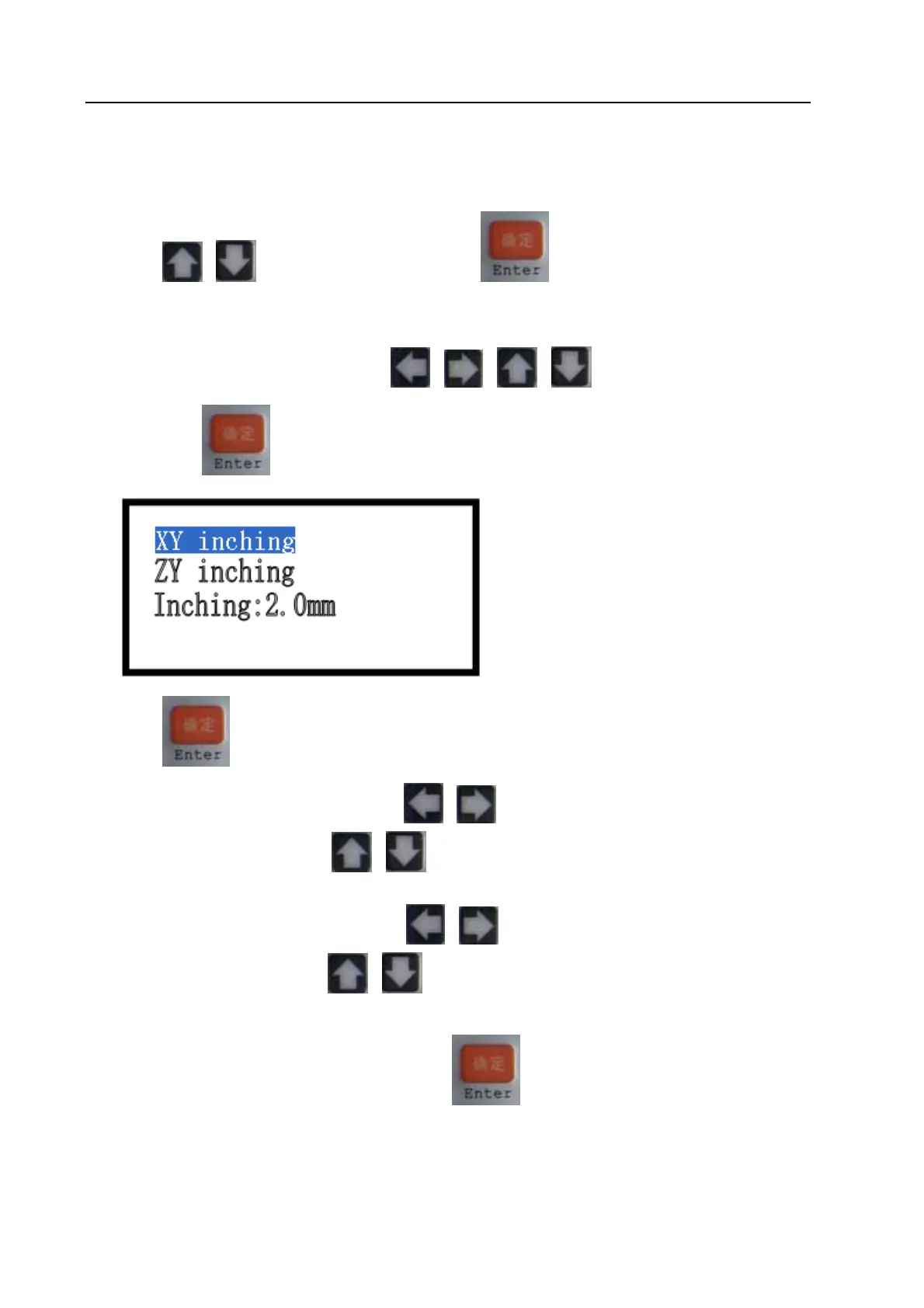
7.4.8 Inching control (refer to view 7-4)
Under the main menu interface, press
or or or to move cursor onto item【Inching
control】, press
to enter into 【Inching control】interface:
Press
to move cursor to select one item
When select item【XY inching】, press
or to move laser head with the length of 【inching
distance】in the X direction, press
or to move laser head with the length of 【inching distance】
in the Y direction.
When select item【Z/U inching】, press
or to move laser head with the length of【inching
distance】in the U direction, press
or to move laser head with the length of 【inching distance】
in the Z direction.
When select item【inching distance】, press
to enter into sub interface to set【inching
distance】.


 To Next Page