LASER ENGRAVING&CUTTING CONTROLLER AWC608
、
82
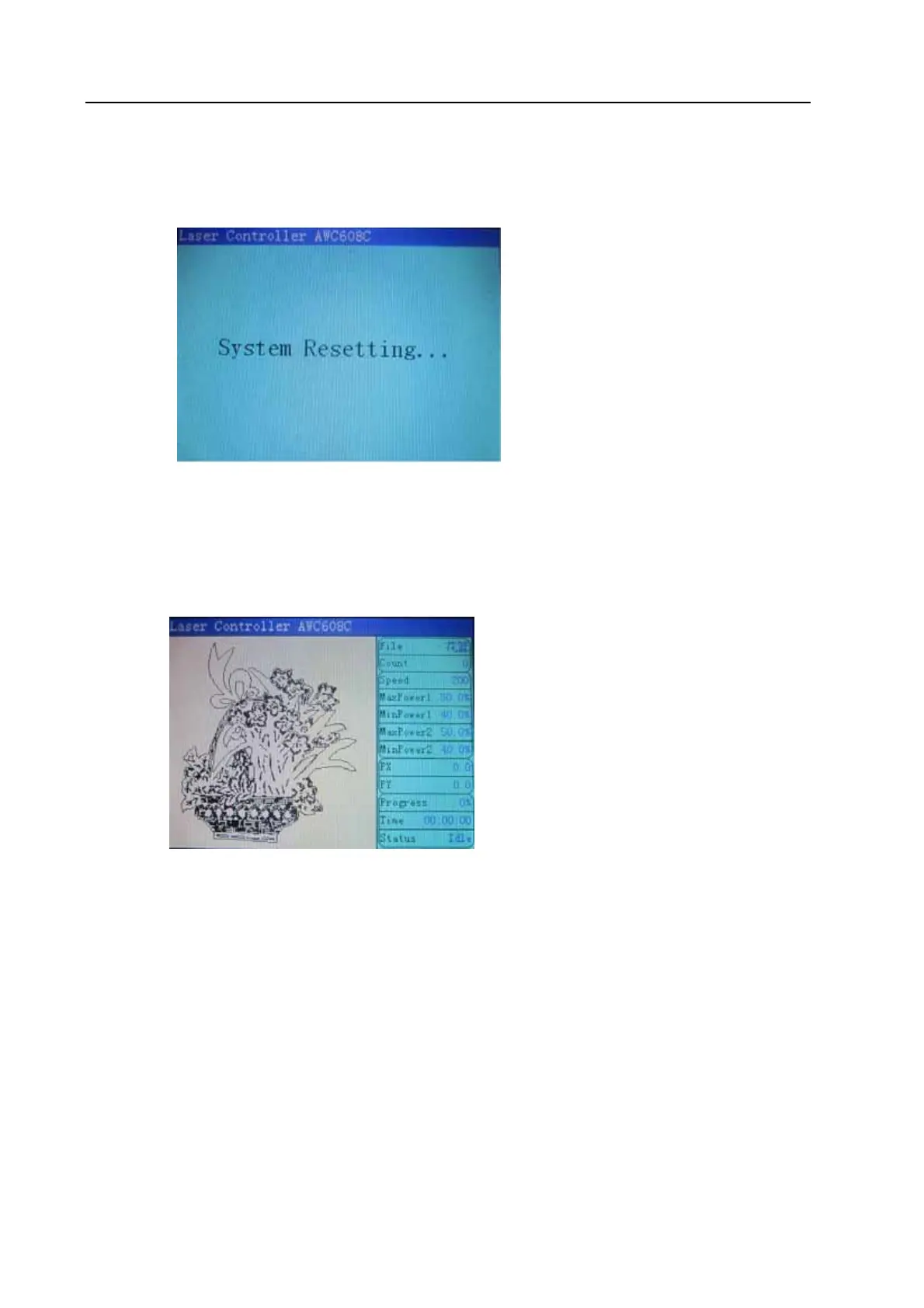
8.2 Interface of starting computer
Interface of starting computer shown as below:
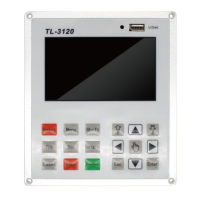
After initialization, it enters into main interface shown as below:
【File】:show the file name. the left to display graphics
【Count】:show times of current diagram after adding one by one.
【Speed】:Speed value set during machining graphic
【MaxPower 1】:Machining graphic, showing the maximum of laser power; idle laser power of
1, the corresponding fixed fire.
【Minpower 1】It is minimum power(power when turn around)
【Maxpower 2】 shown as below:
【Minpower 2】 shown as below:
【PX】:show X-axis value of laser head with machine
【PY】:show Y-axis value of laser head with machine
【Progress】:show the progress of the work
【Time】: show machine processing time
【Status】:: Currently in a state or idle state.


 To Next Page