LASER ENGRAVING&CUTTING CONTROLLER AWC608
、
85
8.3.1.3 Layer Params Settings
Press
, The main interface appears the cursor,then press or to move
cursor onto item 【File】: View 8-3-1
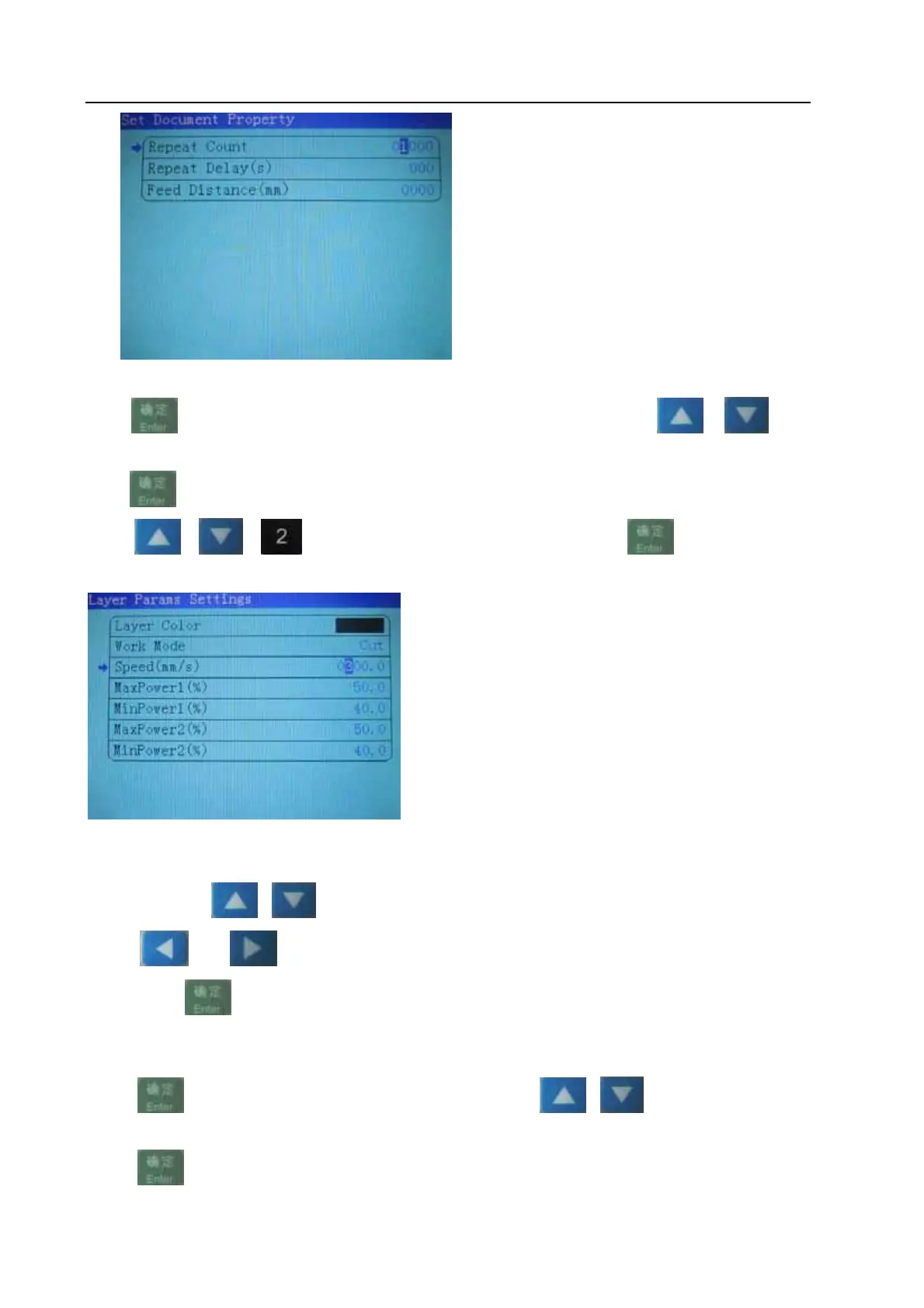
Press
to enter into properties sub interface of file: View 8-3-2
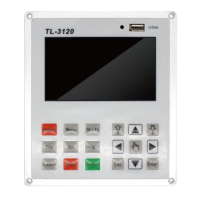
Press or or select 【layer Params settings】,Press to enter into layer
Params settings
view 8-3-4
8.3.1.4 Alter the properties of current file
Take altering the【Speed】 of file for example, to explain how to alter the properties of files. Refer to
view 8-3-4,press
or or “the number keys” to move cursor onto item【Speed】 and then
press
or to move cursor onto “the number”,select “the number
keys”,press
,Changes to complete the 【Speed】
8.3.2 Clear total working times of file (refer to view 8-3-1)
Press
, cursor appears on main interface, then press or to move cursor onto item
【Count】:
Press
,


 To Next Page