16
4.5 TAKING CROSS SECTION PHOTOS
After the terminal returns to its home position, open
the safety cover.
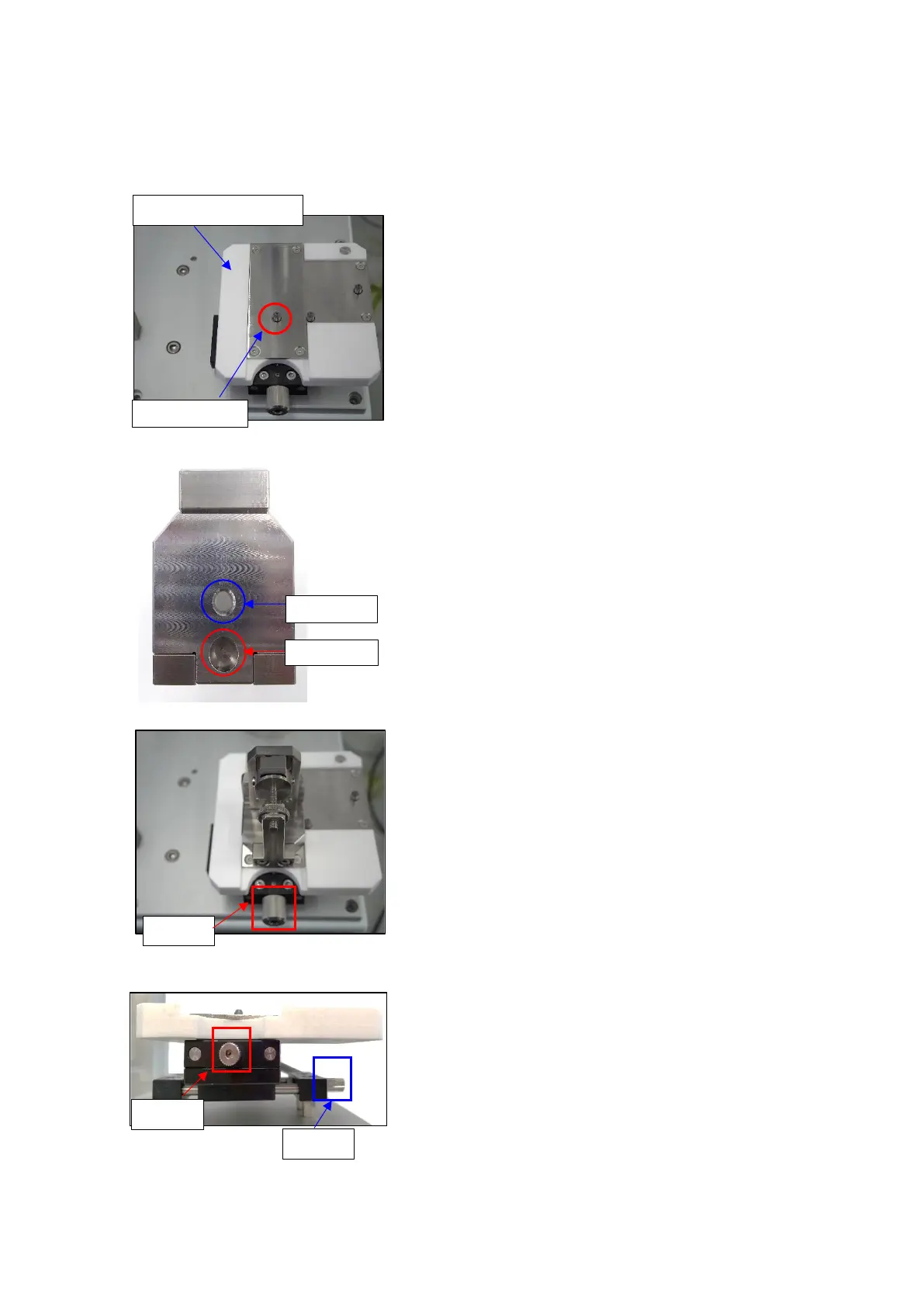
1. Take the clamp out.
2. Place it on the clamp holding stand.
Align the clamp fitting hole with the cylindrical pin
※Each type of clamp is designed to have 2 holes on
its body:
● Fixing hole: Used when placing the clamp on the
transfer unit.
● Fitting hole: Used when placing the clamp on the
clamp holding stand.
3. Adjust X and Y knobs so that the terminal cross
section is at the center of the image.
● X knob: Move left and right
● Y knob: Move up and down
Adjustment range for X and Y knobs: ±7.5mm.
4. Adjust the camera focus.
5. Start etching the surface.
6. Take a cross section photo.



 To Next Page