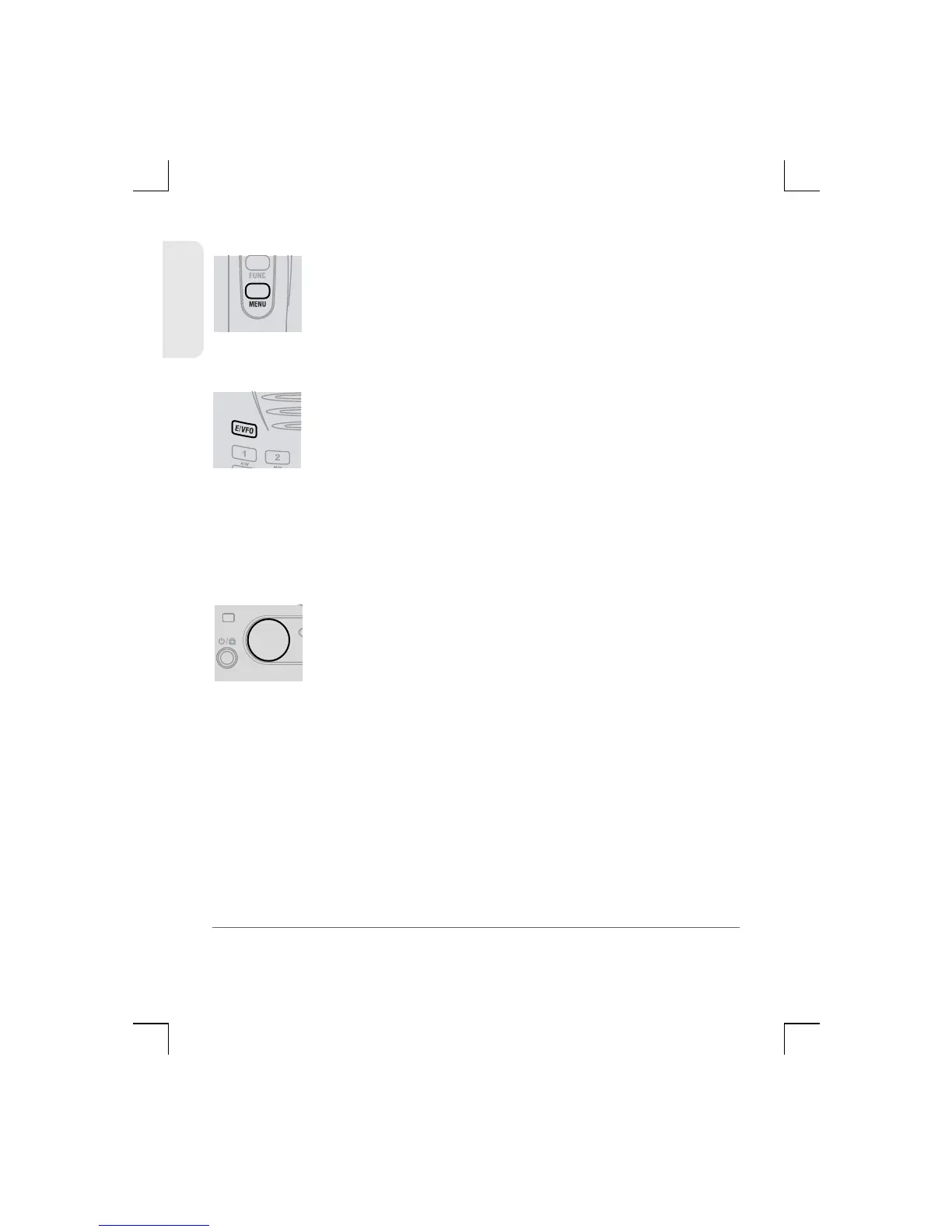
Menu Key
The Menu key provides access to the radios
settings. The settings menus will vary depending on
which mode the receiver is in.
E/VFO Key [Enter/VFO]
Note: The receiver always selects the VFO mode each time it
turned on.
Press the E/VFO key to select the VFO mode.
Frequencies can now be entered directly from the
Keyboard. Press the E/VFO key to Enter (accept) the
selected frequency.
Control Knob
The Control knob is used to change the current
display option.
In VFO mode, rotate the Control knob to change the
displayed frequency at the selected frequency steps.
Rotate lockwise to increase the frequency and
counter clockwise to decrease the frequency.
In Menu mode, rotate the Control knob to change
the selected setting.
In Channel memory mode, rotate the Control knob
to step up or down through the memories.
17
TSC-3000R
ENGLISH


 To Next Page