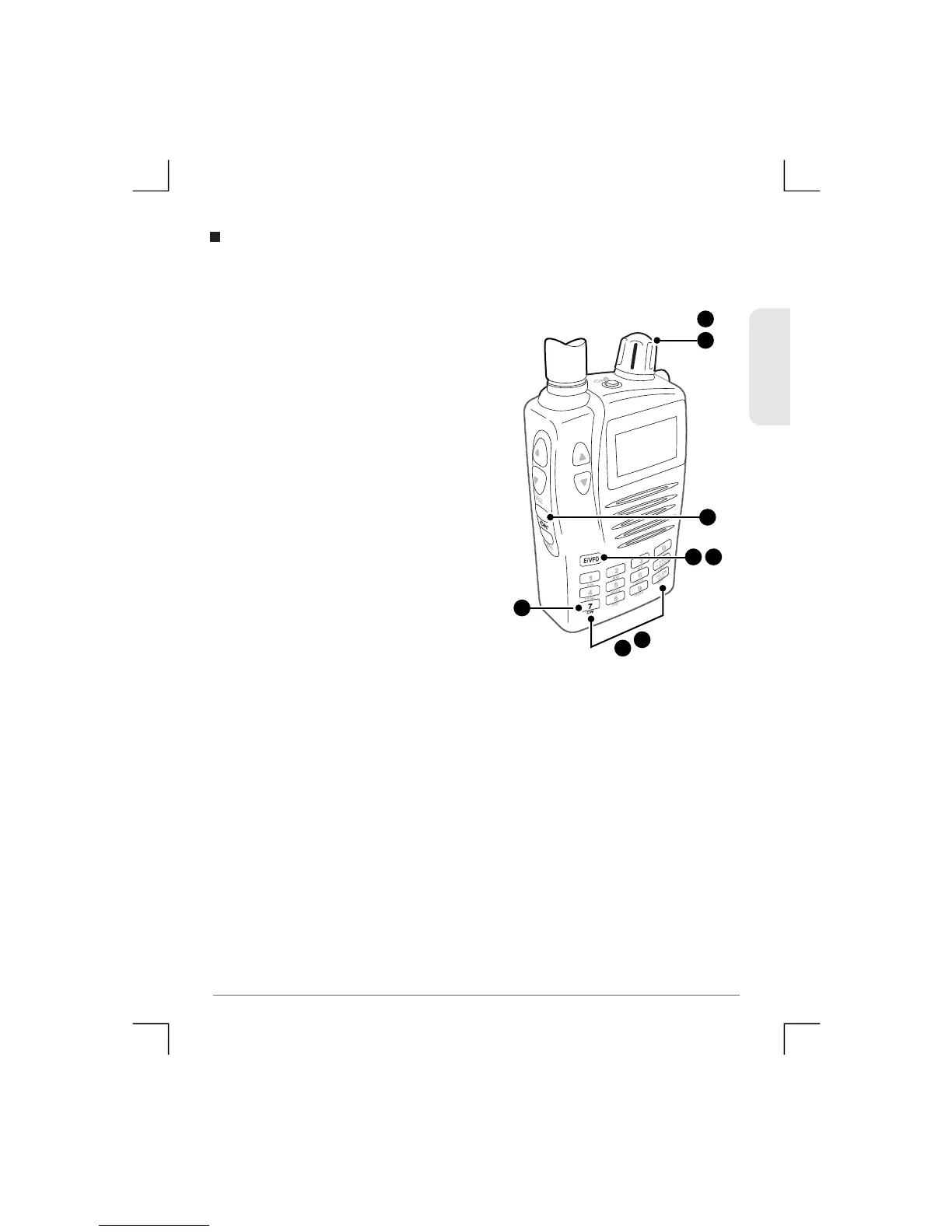
The Dual Watch function lets you constantly monitor two
frequencies for activity.
To set the Dual Wa tch function:
1 ) E n t e r o n e o f t h e r e q u i r e d
frequencies using the Control
kn ob o r K eyp ad t h en pr ess
E/VFO.
2) Adjust the squelch so that the
receiver is muted.
3) Press Func DW.
4) Enter the second frequency using
the Control knob or the Keypad
then pres s E/VFO.
5 ) T h e D u a l w a t c h b e g i n s
automatically. If a signal is
received, the receiver will remain
on the active frequency for the
duration of the ‘Busy Timer’
setting in the Menu setup. If the
‘Busy timer’ is set to Busy the
receiver will stay on the active
To stay on an active frequency indefinitely or to stop the Dual
Watch function press Func DW again. The receiver will exit the
Dual Watch function.
Dual Watch
3
4
1
3
or
4
1
1 4
ENGLISH
30
TSC-3000R


 To Next Page