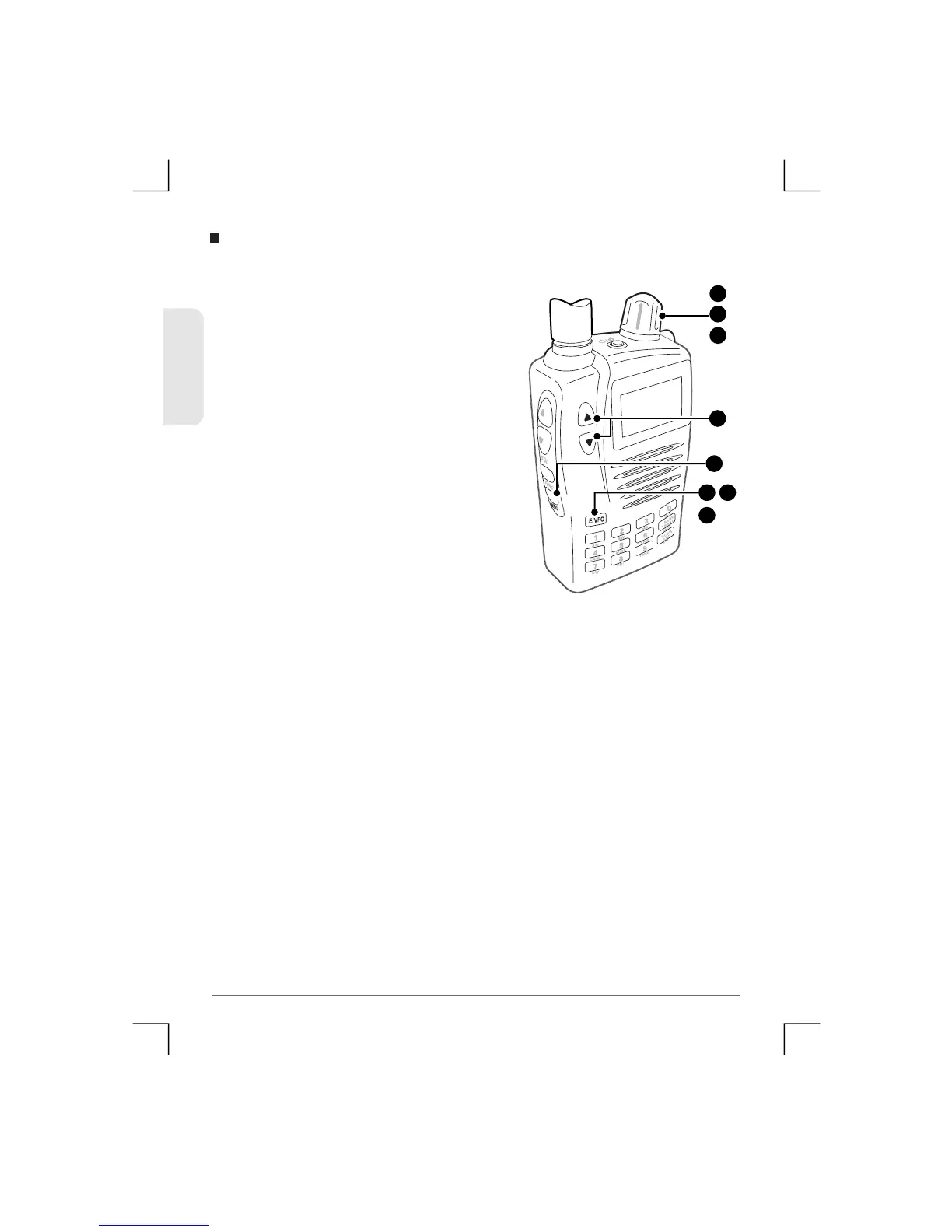
To erase a channel from the memory
1) Select a channel within the Bank
that yo u wish to erase.
2) Press Menu, then use the Control
Knob or the volume keys to
select ‘bA CLR’.
3) Press E/VFO. ‘dEF yES’ will be
displayed.
4) To continue with the Bank Clear,
press E/VFO again.
5) To cancel the Bank Clear, use the
Control knob to select ‘dEF NO’
then press E/VFO.
Bank Clear
2
1
5
3
5
4
2
or
2
53
TSC-3000R
ENGLISH


 To Next Page