By default, the receiver automatically
selects the modulation Mode most
commonly used for each band (see the
Frequency Band chart for the default
modes for ea ch band)
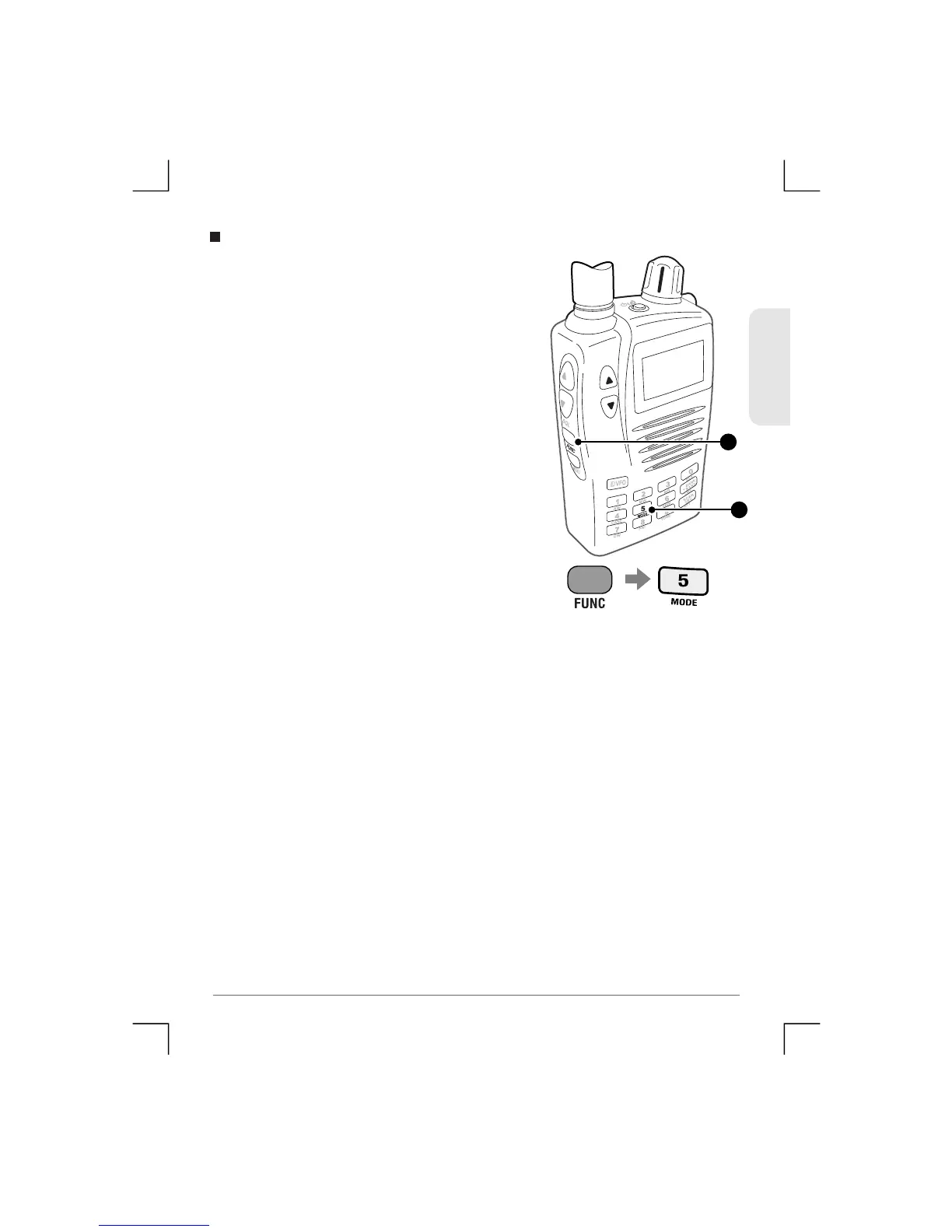
To manually select a different Mode,
press Fun c fo llowed by the MODE key.
Each press will step through the Mode
settings in the following order:
AM - FM - WFM (Wideband FM) - Auto
To automatically have the receiv er select the mode for the ba n d
you are on, select the Auto Mode.
Mode Selection
1
2
ENGLISH
20
TSC-3000R


 To Next Page