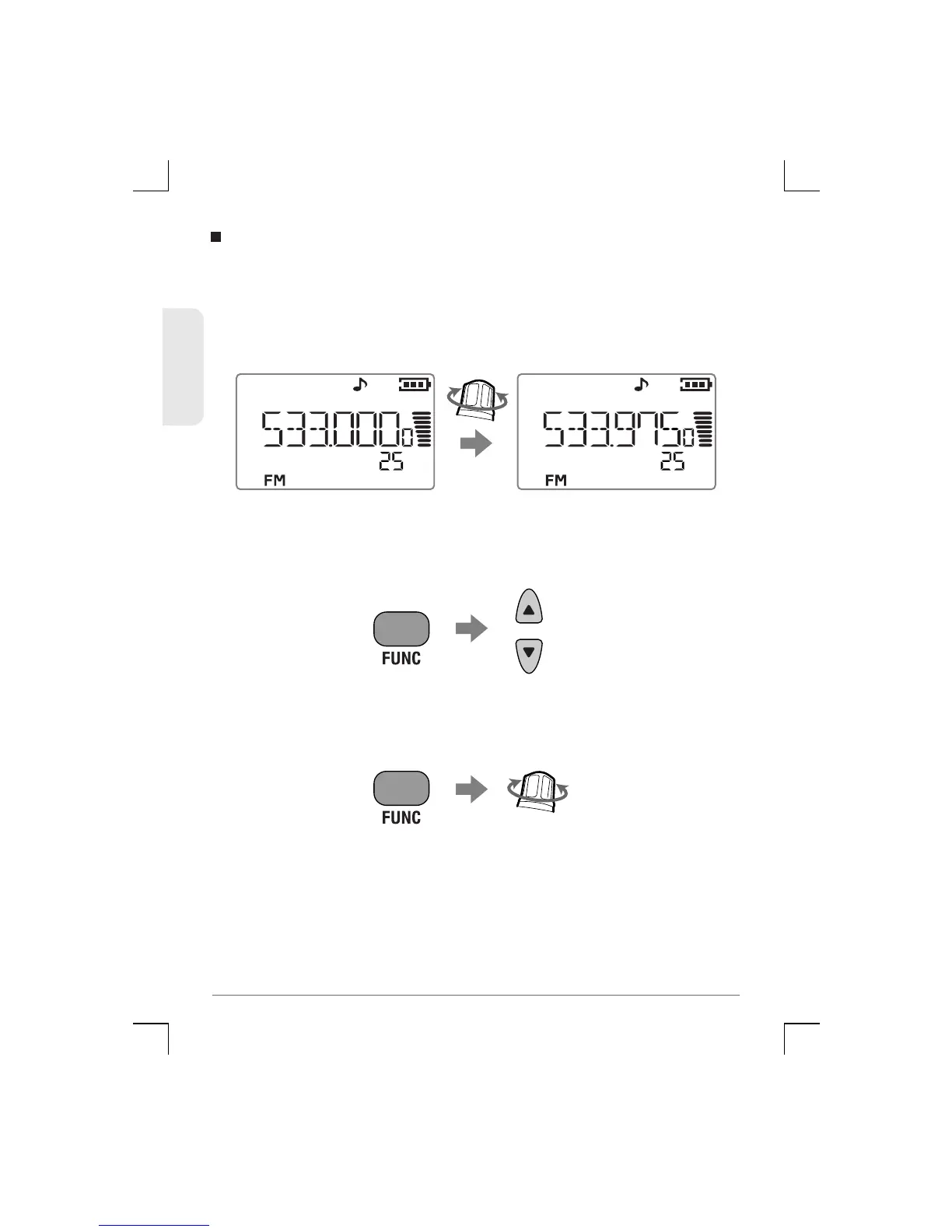
First select the required starting frequency using the Direct
Frequency Input method, then rotate the Control knob to step up or
down in frequency from the starting point. The frequency will
change in the selected frequency step.
Note : The Func mode clears a few seconds after the last key
press or control knob change.
Using the Control Knob
• To change frequency in 1 MHz steps, press the Func key,
then press the 5 or 6 keys to change the frequency. (F is
displayed while the Func mode is active).
• To change frequency in 10 MHz steps, press the Func key,
then rotate the Control knob to change the frequency. (F is
displayed while the Func mode is active).
19
TSC-3000R
ENGLISH


 To Next Page