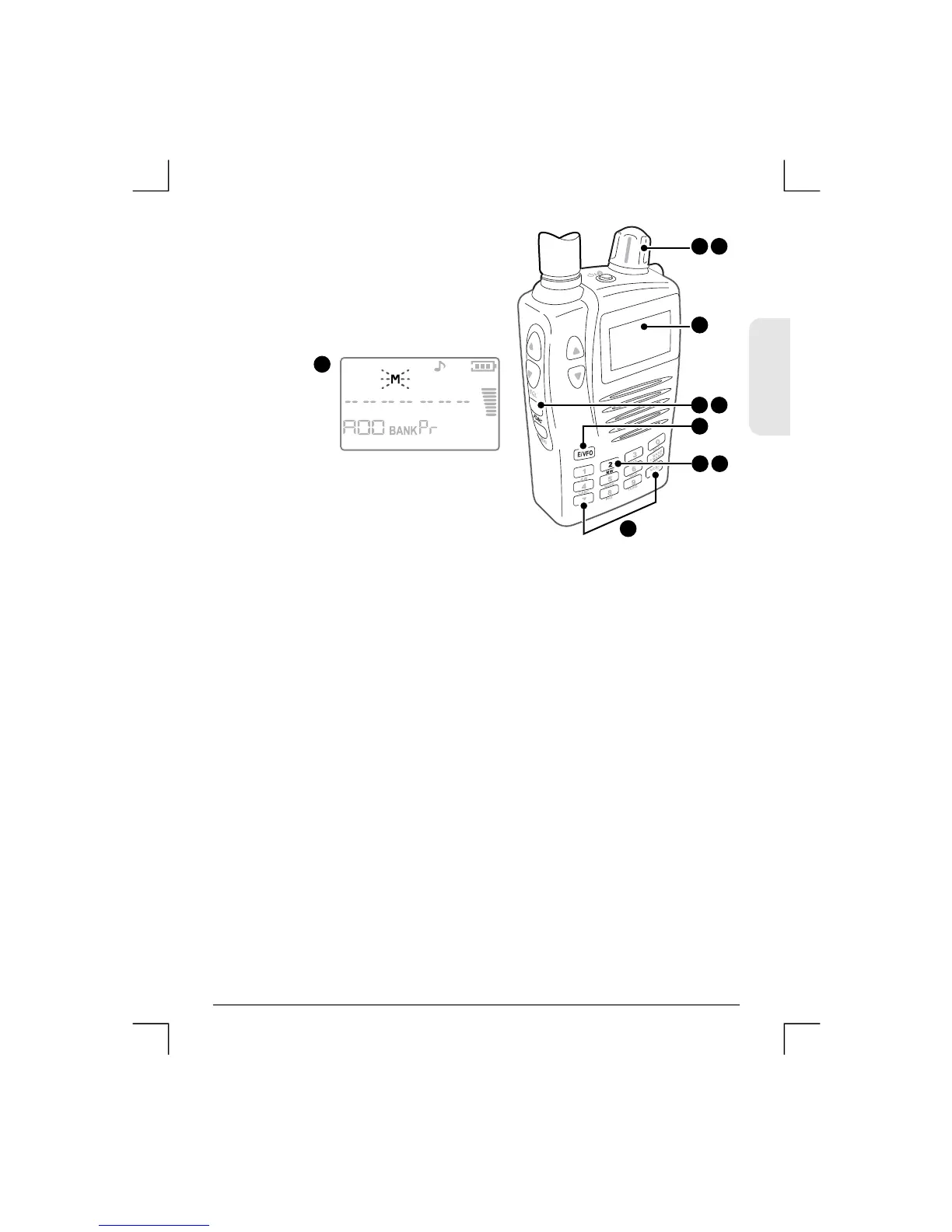
6) Enter the second frequency limit
then press E/VFO to accept it.
7) Now press Func MW. The rec e iver
enters the Memory Write mode
and selects the Pr memory bank.
8) Use the control knob to select an empty channel to store the
frequency p ai r.
9) Press Func MW aga in to store the frequencies.
The selected frequencies limits will be stored as a pair of
channels in locations Axx and bxx where xx is the channel
number yo u selected in step 8
7
6 8
6
7 9
7 9
7
ENGLISH
38
TSC-3000R
6


 To Next Page