28
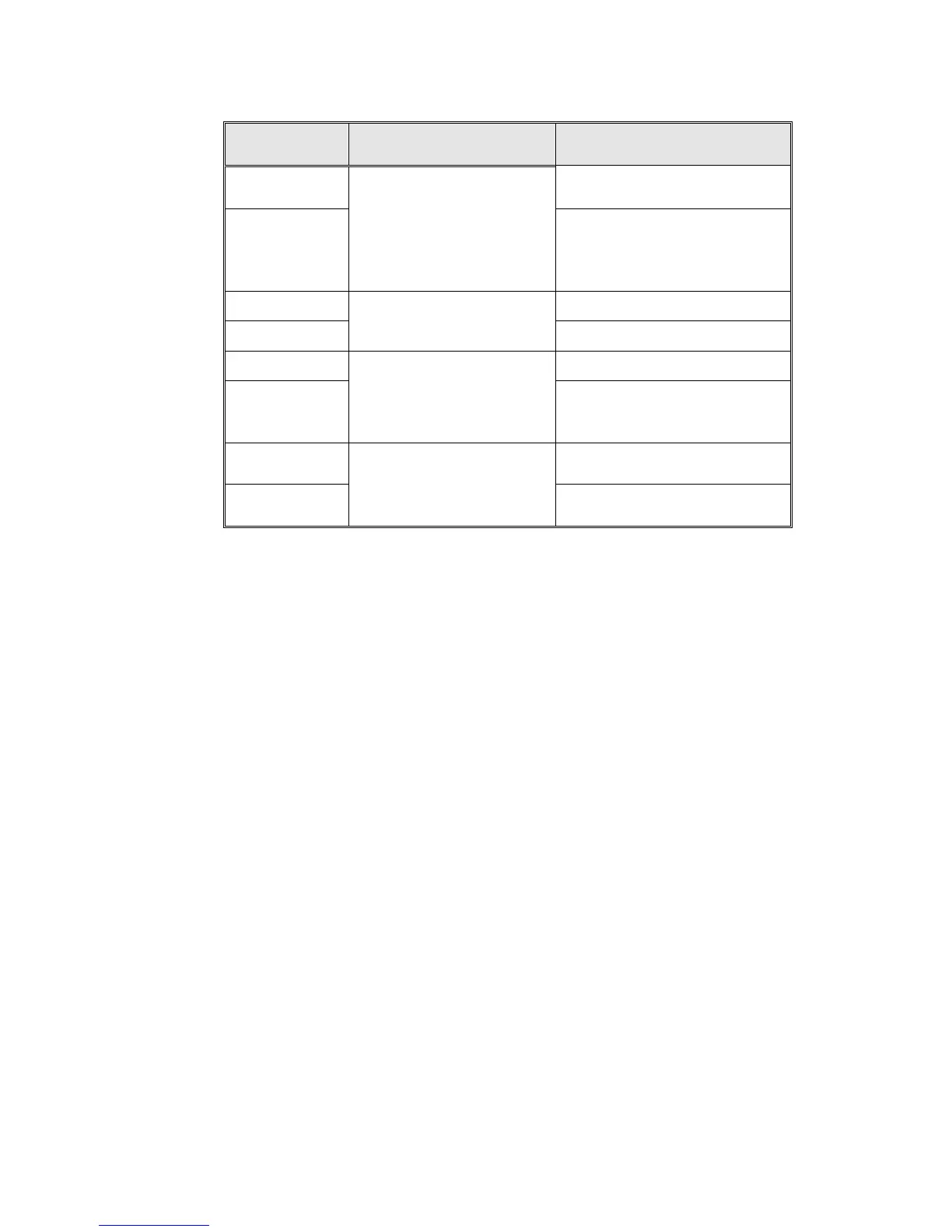
DISPLAYED
NOTICE
ITEM ACTIVATED REMARKS
Electrd –l 0
Electrode senses water above
minimum level in the jacket
Electrd –l 255
Low water level electrode
Electrode does sense water
above minimum level in the
jacket and disconnects heating
elements
Door Sw “0” Door switch activated
Door Sw “1”
Door switch
Door switch not activated
Float -l “0” Float switch senses water
Float -l “1”
Lower mineral free float
switch. (move the float
switch and verify that it
operates)
Float switch does not sense
water and stops operation of
water pump
Float –H “0”
Float switch senses water and
closes valve 21
Float –H “1”
Upper mineral free float
switch. (move the float
switch and verify that it
operates)
Float switch does not sense
water and opens valve 21
6.3 Resetting the Autoclave:
Whenever it becomes necessary to restore the system to normal
operation, the system must be reset. This will remove corrupted data
from memory and restore a healthy program. On occasion other
situations require that a reset be preformed, they are as follows:
— When the machine is operated for the first time
— If the machine has been sitting unused for a long period of time.
— When the cycle has not been completed, as a result of a power
failure or manual stop
To reset the system; proceed as follows:
Turn power off using the green power button at the bottom of the front
panel, press and hold the Sel. Cycle button on the keypad, turn power
on, continue to hold the Sel. Cycle button until program wait appears
on the screen then release.
After resetting, the autoclave will be in the stand-by
mode



 To Next Page