44
8.2.17 Atmos. Press
–
Atmospheric
Pressure
This parameter tells the unit the atmospheric pressure of the
location in which it is installed. The pressure entered must be
with in 5% of the actual atmospheric pressure for that location.
Unlike the other parameters you only need to enter this
parameter once in any one cycle and all cycles will be updated.
This value can easily be calculated by knowing the altitude of
your location. The atmospheric pressure at Sea Level is 14.5
psia. For every 100m above sea level, the atmospheric pressure
drops 0.14 psia, and for every 100m below sea level, the
atmospheric pressure increases 0.14 psia.
Changes in pressure do to weather will not affect the accuracy
of this unit.
Access Code - 13
Resolution - 0.1 psi
Minimum Value - 8 psia (for +4500m)
Maximum Value - 15.7 psia (for –800m)
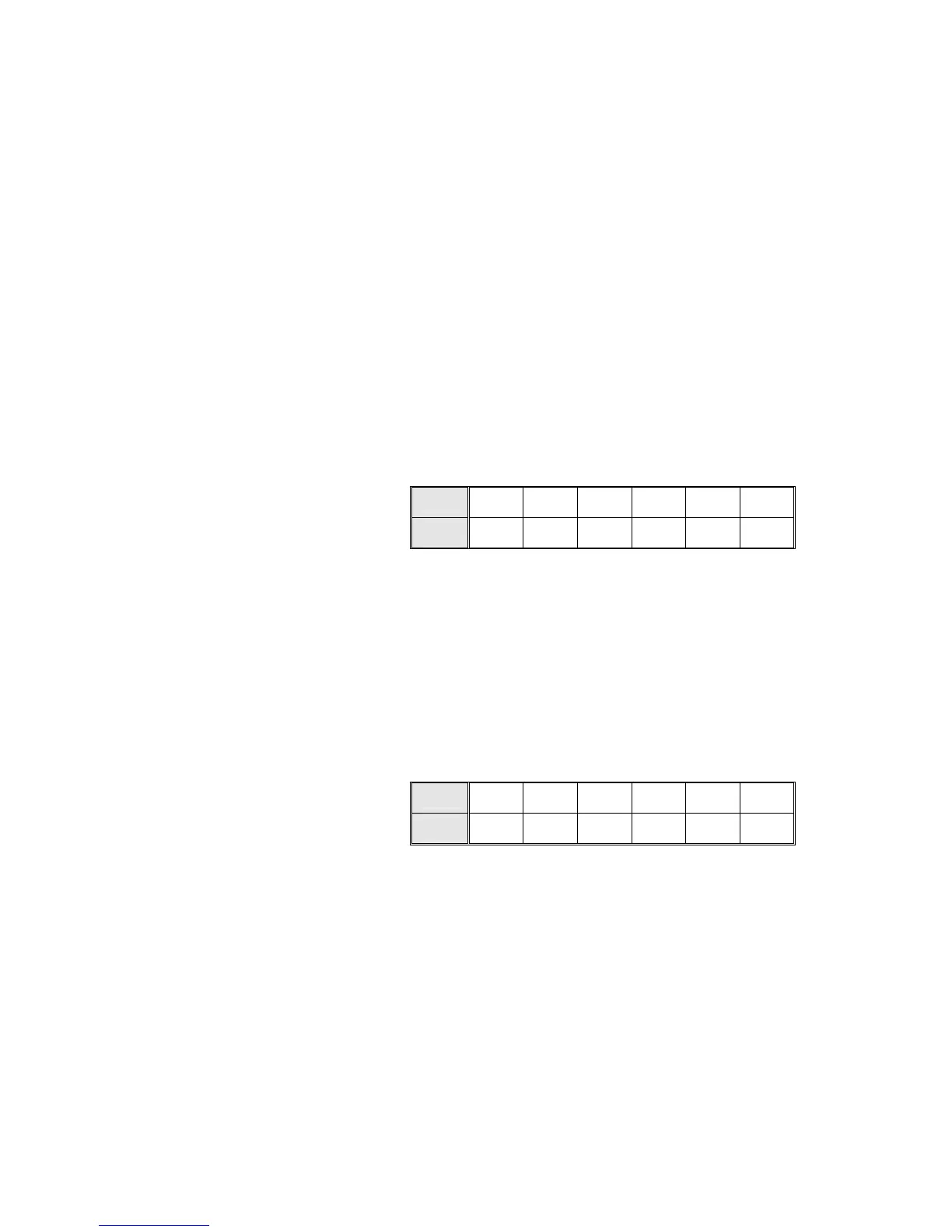
Cycle
1 2 3 4 5 6
Default
Values
Value
14.5 14.5 14.5 14.5 14.5 14.5
8.2.18 PulsPress – pulse pressure during pre-vacuum stage.
This parameter is used to set the maximum pressure in each
pulse of the pre-vacuum stage. This parameter is expressed in
psia. During St.By (Stand By) and while running a cycle the
display shows pressure in psig. (Psig + 14.5 equals psia).
Access Code – 13
Resolution – 1 psi
Minimum Value – 7 psia
Maximum Value – 30 psia
Cycle
1 2 3 4 5 6
Default
Values
Value
22 23.5 23.5 23.5 23.5 23.5



 To Next Page