94
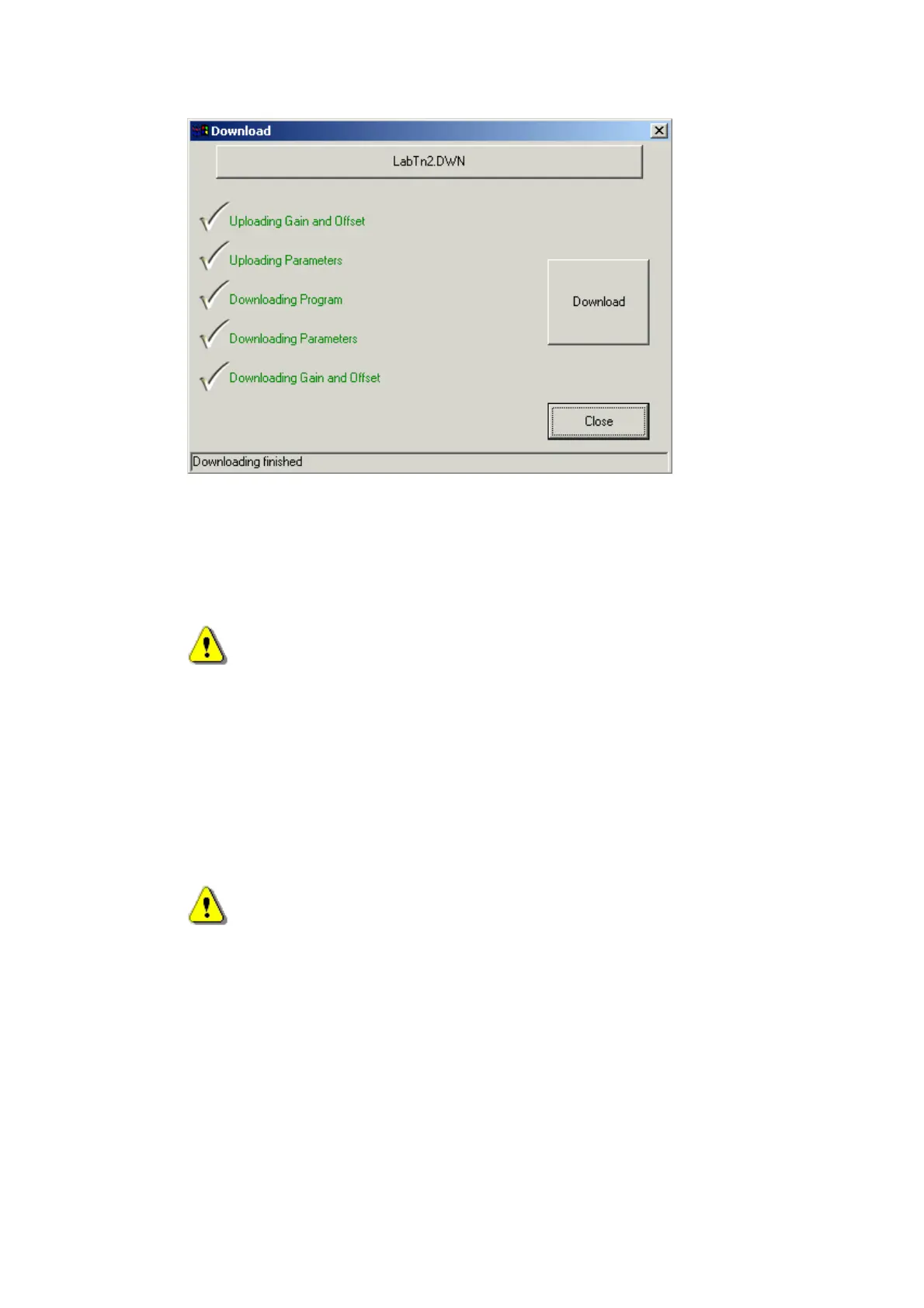
Note: Upload and Download green messages of the Parameters and Gain &
Offset tasks displayed only if the relevant options were selected in the
'Options' window.
Expectable errors list
Can not upload Gain and Offset!
Description: This message may be displayed during download process, when
program trying to upload Gain and Offset values.
Reason: Probably the communication between PCS Target and PC fail.
Tips: Check if communication RS232 cable connected. If it is a modem
connection, check if Modem cable connected, in this case it can be a remote
modem cable disconnected or RS232 cable between remote modem and target
platform are disconnected.
Can not upload Parameters!
Description: This message may be displayed during download process, when
program trying to upload Parameters.
Reason: Probably the communication between PCS Target and PC fail.
Tips: Check if communication RS232 cable connected. If it is a modem
connection, check if Modem cable connected, in this case it can be a remote
modem cable disconnected or RS232 cable between remote modem and target
platform are disconnected.


 To Next Page