93
Download Tasks
♦ Check if PCS Target connected. Status message: "Looking for
machine..."
♦ If 'Get and Set Gain & Offset' option in 'Options' window are selected,
the program will upload values of all analog inputs gain and offset.
Status message: "Uploading Gain and Offset..."
♦ If 'Get and Set Parameters' option in 'Options' window are selected, and
downloaded file type is ADMC compatible, the program will upload all
parameters of the current selected program (foe example: 1-instruments).
Status message: "Uploading Parameters..."
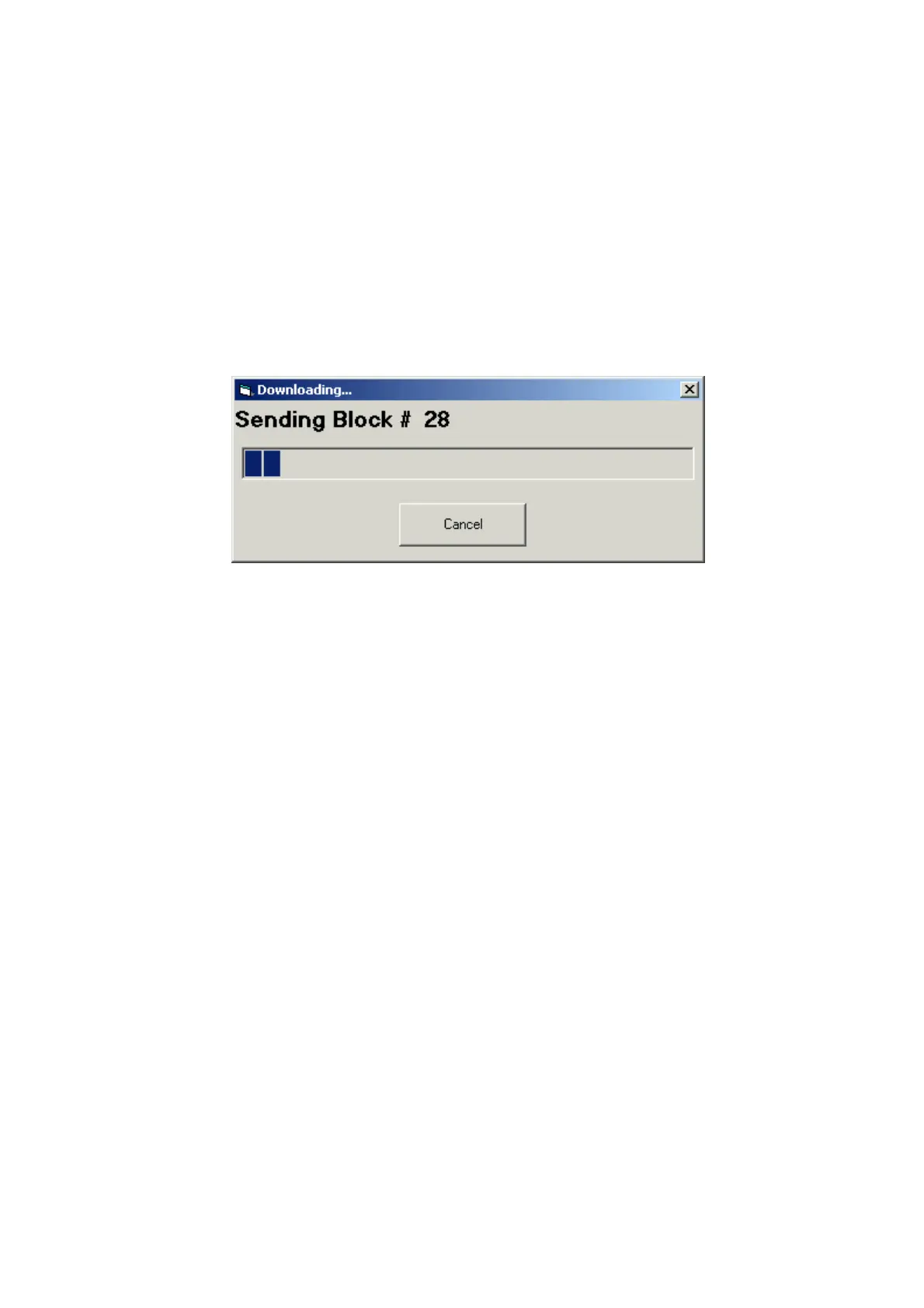
♦ Download file. The program will display 'Downloading…' dialog
window with progress bar and counter of the downloaded packets:
♦ Wait for target platform startup. After downloading of the file complete,
the PCS Target platform restarts. It takes several seconds to target start
running with new code and before downloading parameters and
gain/offset, we must wait to target will start again communicate with the
PC. Status message: "Waiting for machine startup..."
♦ If 'Get and Set Parameters' option in 'Options' window is selected, and
downloaded file type is ADMC compatible, the program will download
all parameters of the current selected program (for example: 1-
instruments). Status message: "Downloading Parameters..."
♦ If 'Get and Set Gain & Offset' option in 'Options' window is selected, the
program will download values of all analog inputs gain and offset. Status
message: "Downloading Gain and Offset..."
When download process finished, status bar displaying: "Download Finished"
Note: If error occurs during download process, relevant error massage will
be displayed. The message box with 'Retry' option will happen.
At the end of the download process, the window looks like in the picture:


 To Next Page